
AI product photos and promotions for business owners
Prepare listing images from existing product photos. Learn how to replace a background, preserve markings, and check the outline, color, and finish before export.
Guides and examples
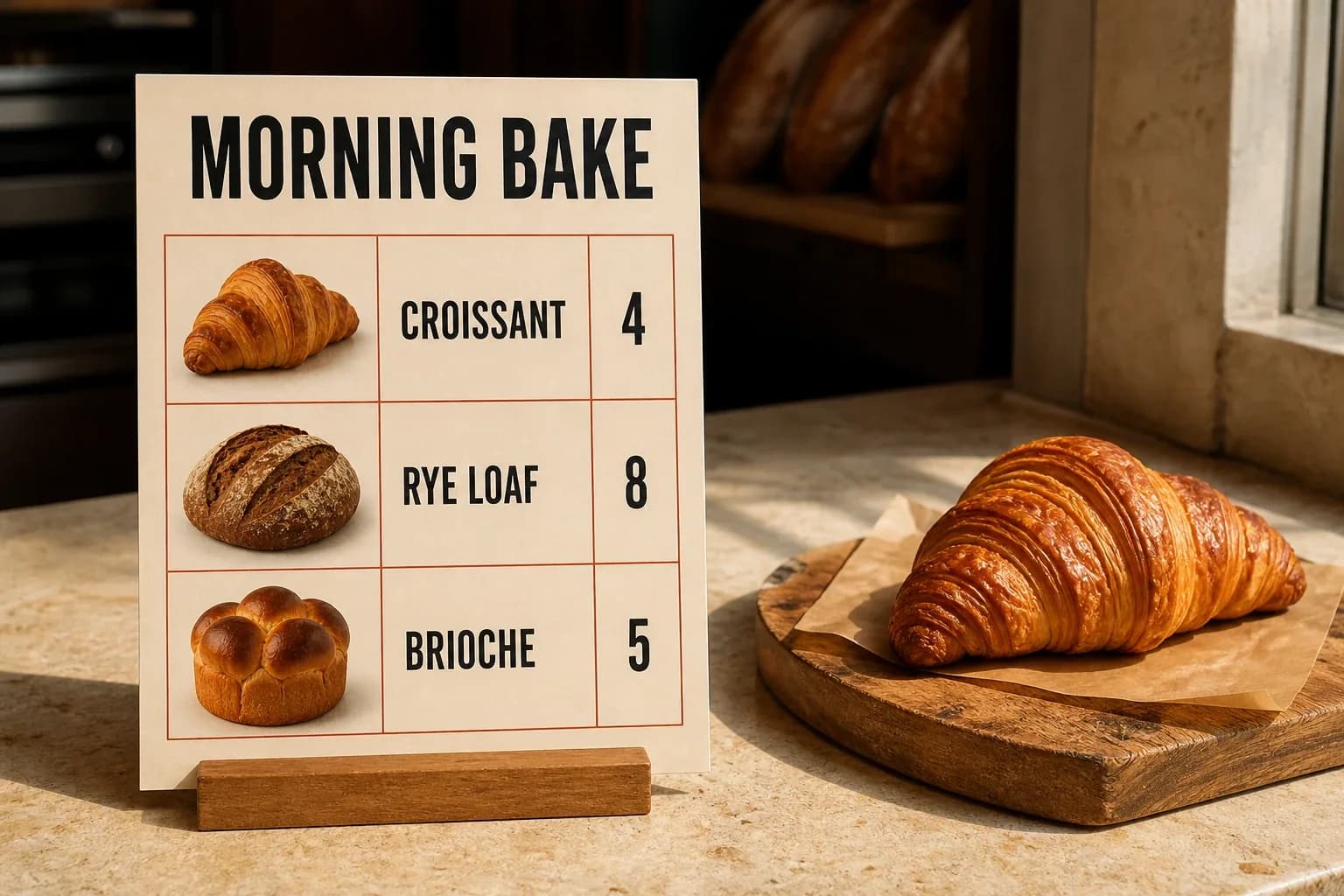
How to design a bakery counter menu with readable prices
Build a three-item counter menu from real product names, units, prices and photos. Arrange the artwork on the Haivis canvas and check a printed proof from the customer's ordering position.
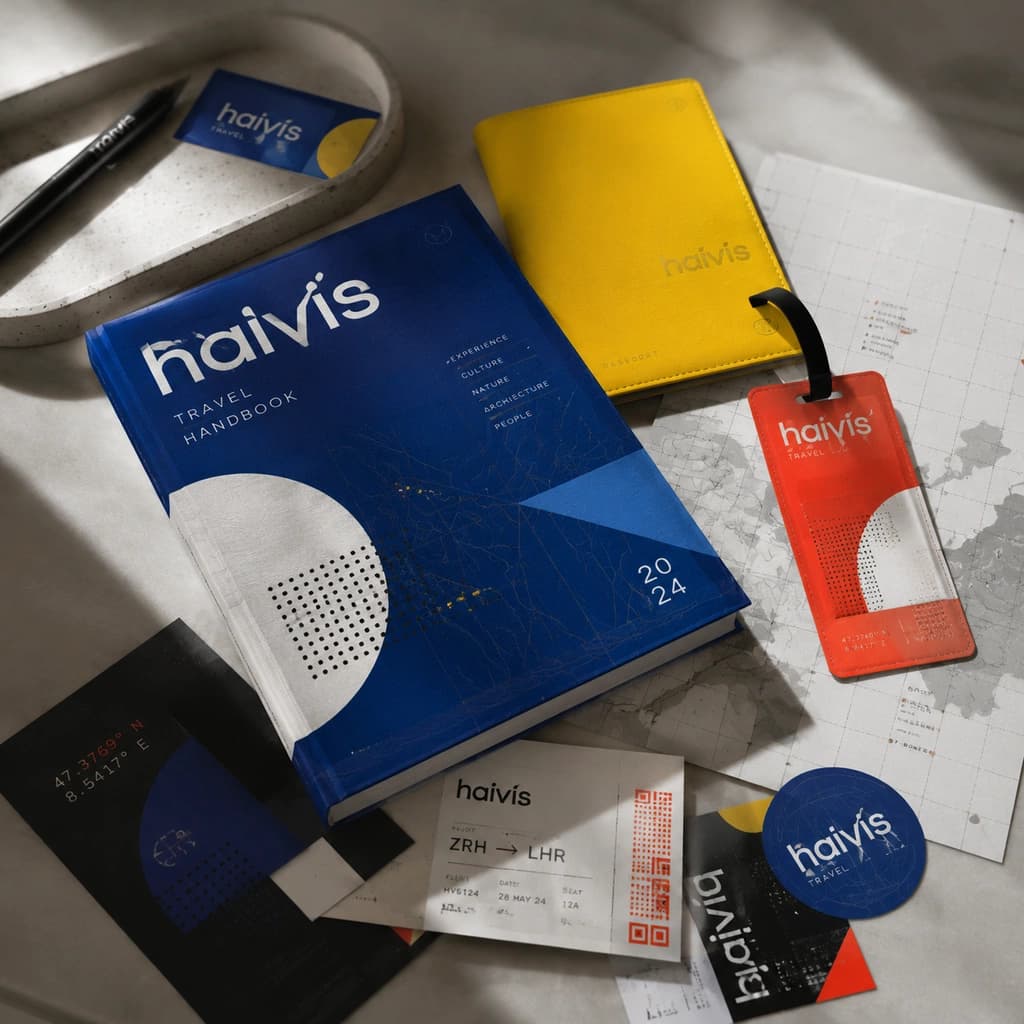
How to make a corporate gift-box mockup for supplier review
Create a closed-box view for the cover and an open view for the contents. Pair the Haivis proposal with a checklist of dimensions, colors and packing details for the supplier.
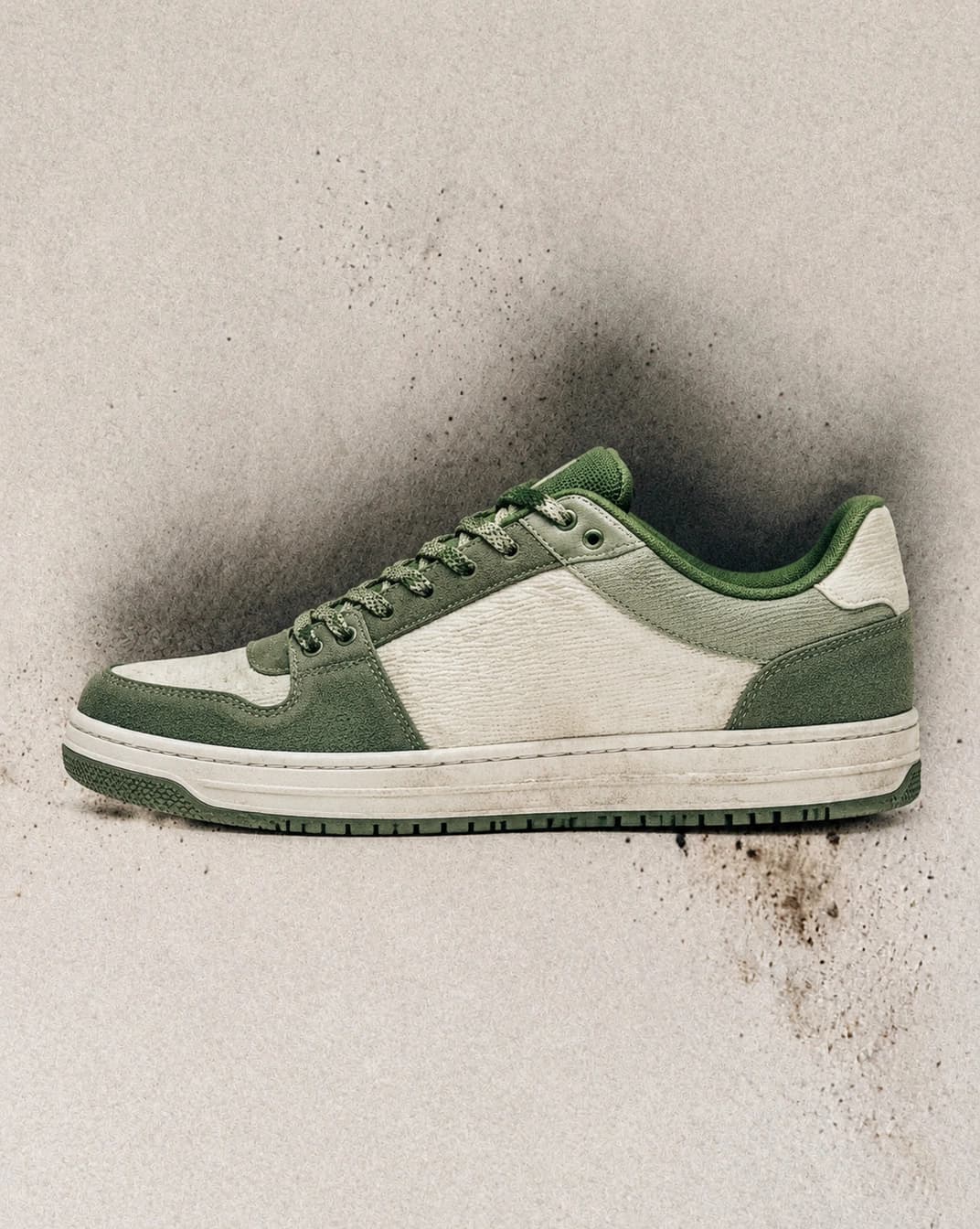
Which photos belong on a sneaker product detail page?
Give shape, tread, material and on-foot scale their own images. Use Haivis to unify the setting and retain the actual eyelets, seams and outsole of the listed shoe.
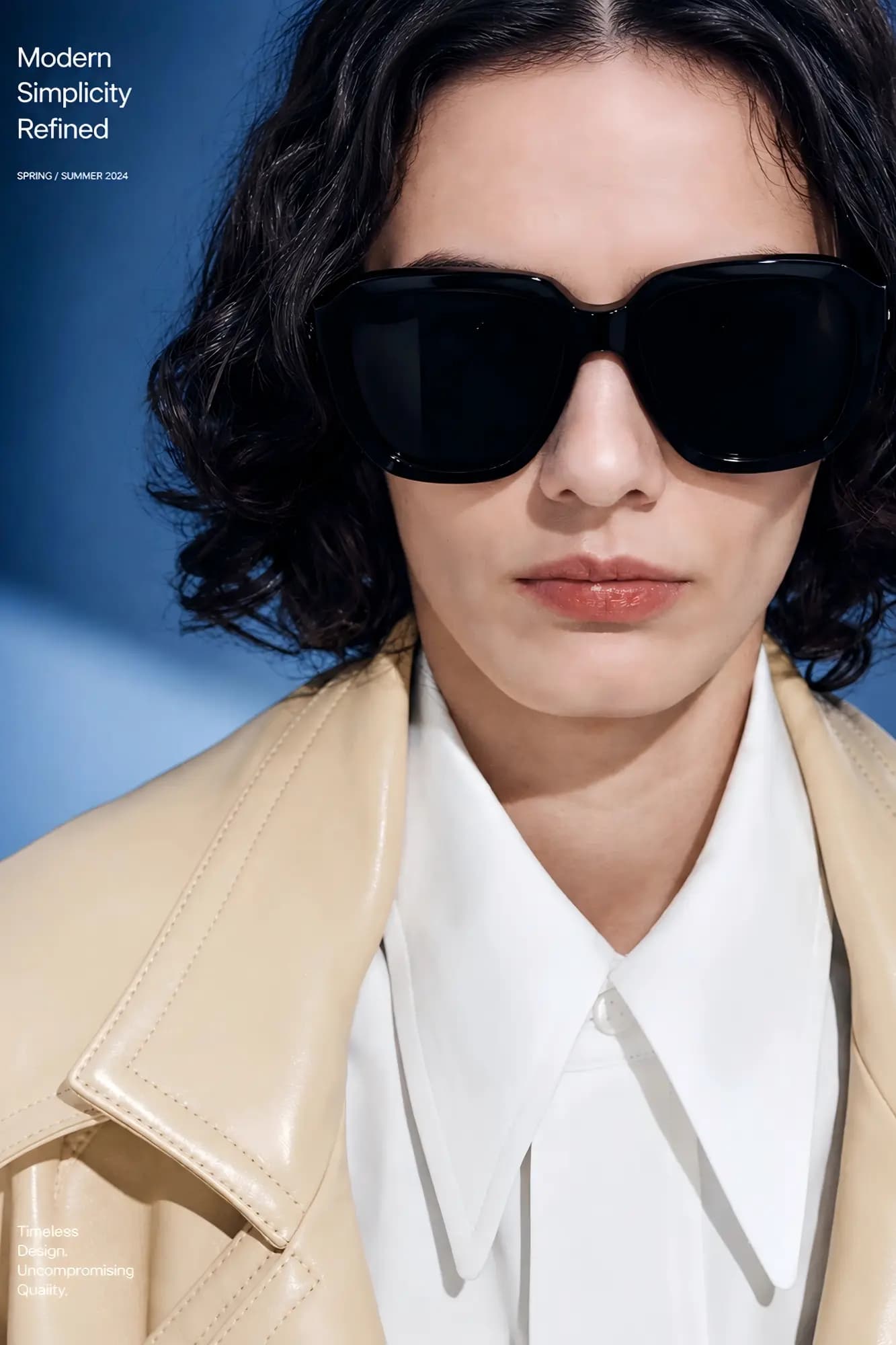
How to prepare an on-model sunglasses image for a listing
Match a front view of the frame, a temple detail and a portrait to show the glasses on a face. Supply measured frame dimensions separately when shoppers need sizing.
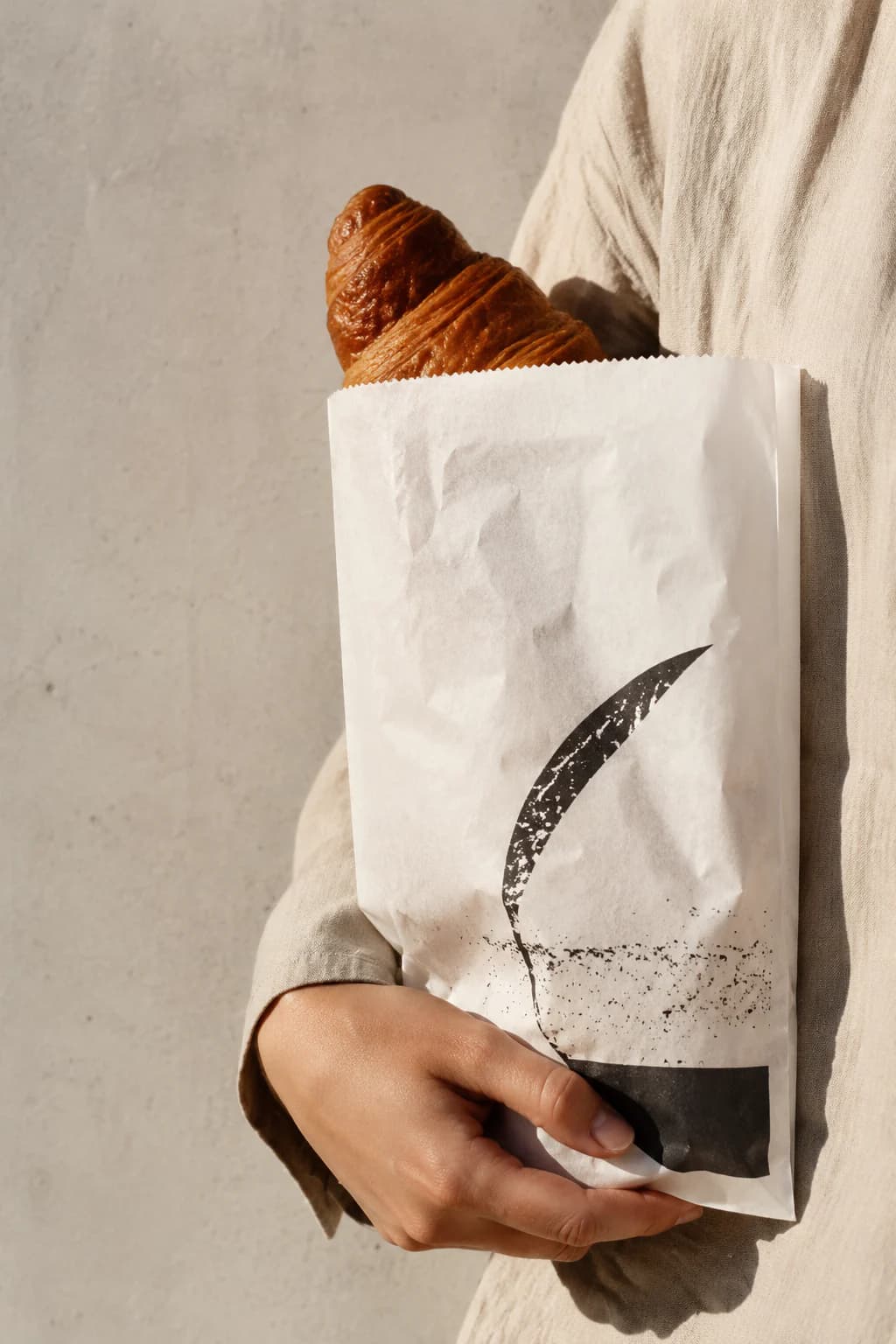
Designing a bakery bag seal that keeps the shop name visible
Use the actual fold and label size to position the name on a bread bag. Review placement in Haivis, then fold a paper proof around the largest loaf you sell.
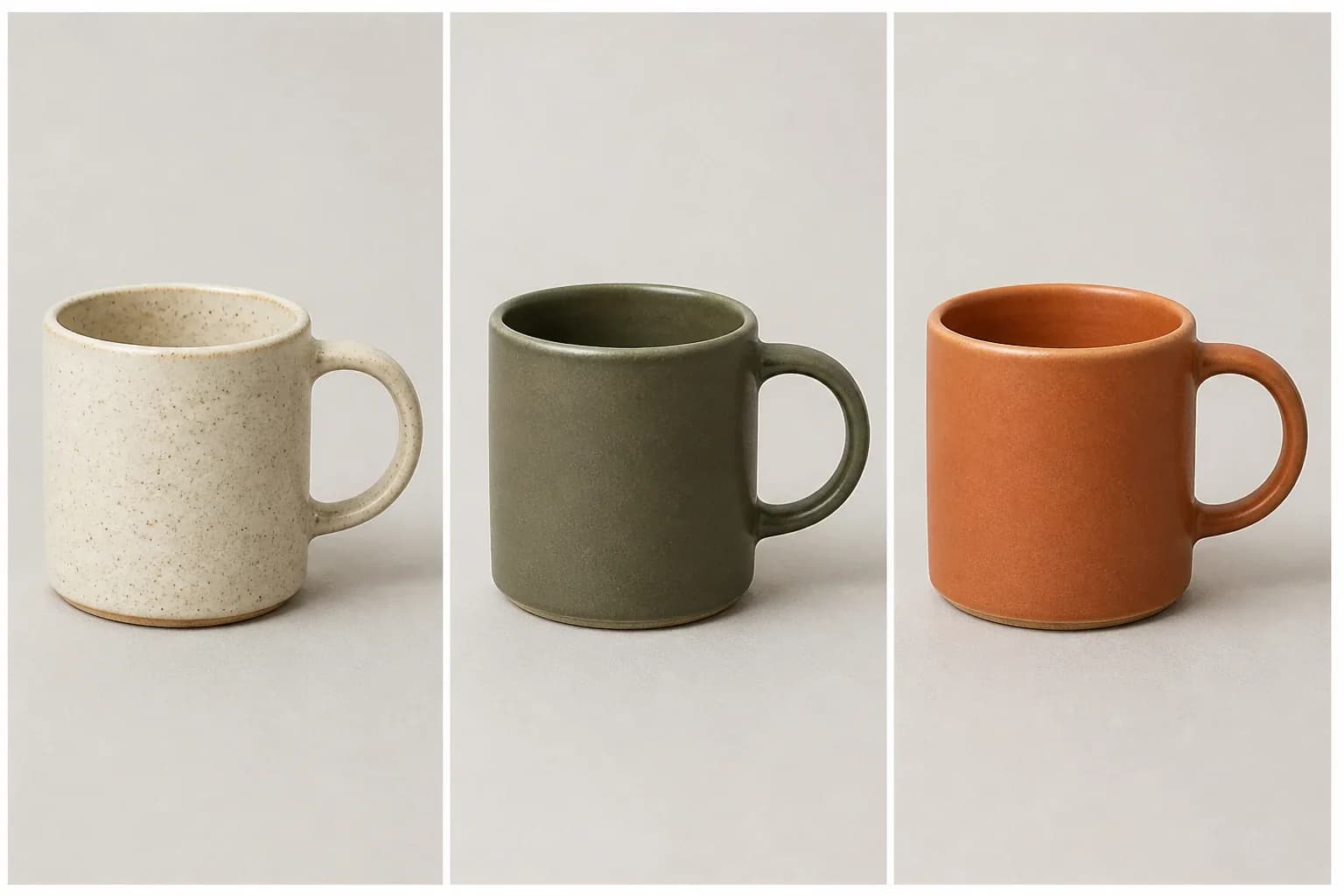
How to match ceramic mug color photos to the correct SKU
Photograph each glaze under the same light, camera position and white balance. Standardize the setting in Haivis, then test the main and additional images from the actual color selector.
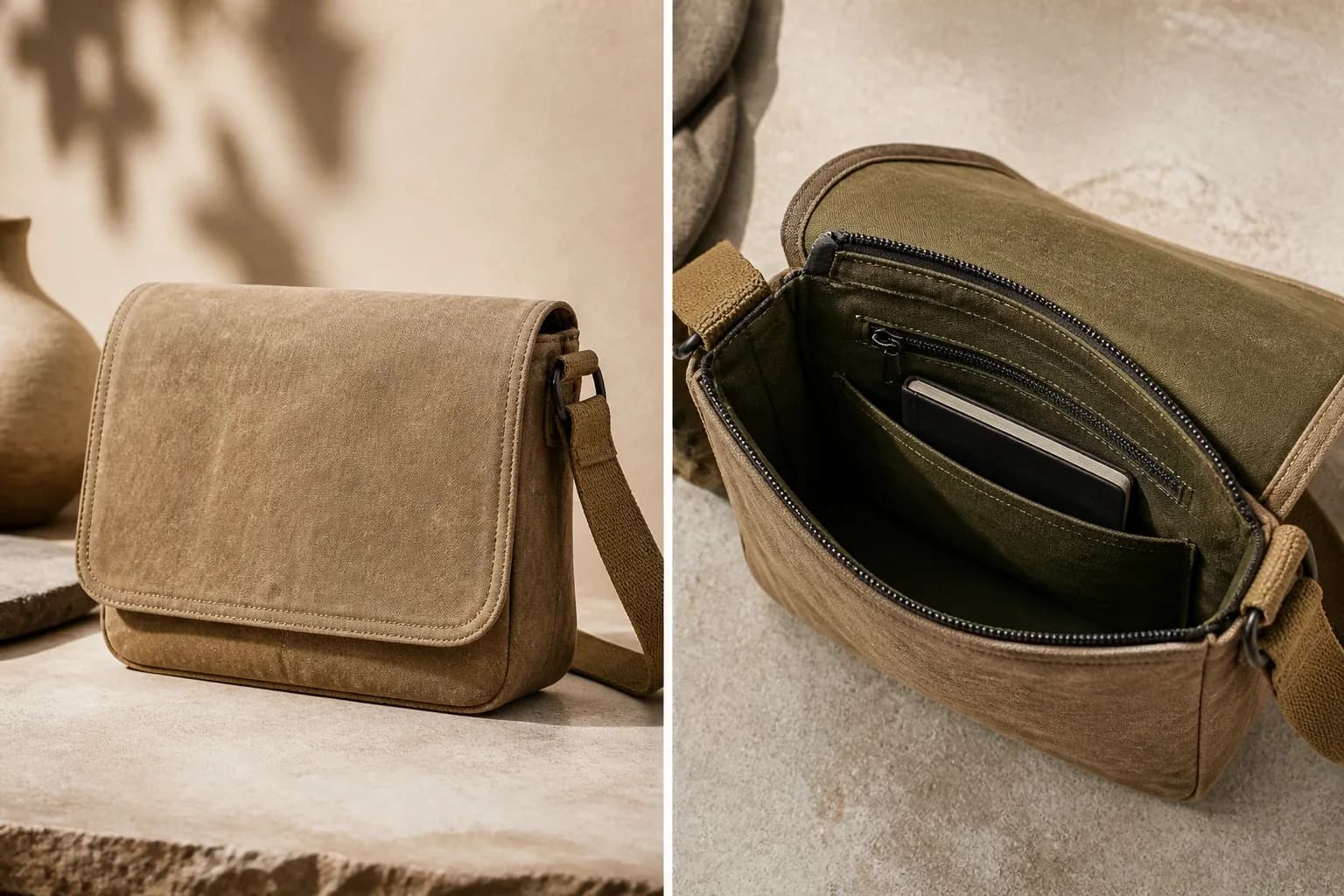
Photograph a bag's interior pockets, zipper and usable space
Use a closed front view for shape and an open overhead view for pocket access. Measure the opening and inside width before demonstrating capacity with an object of known size.
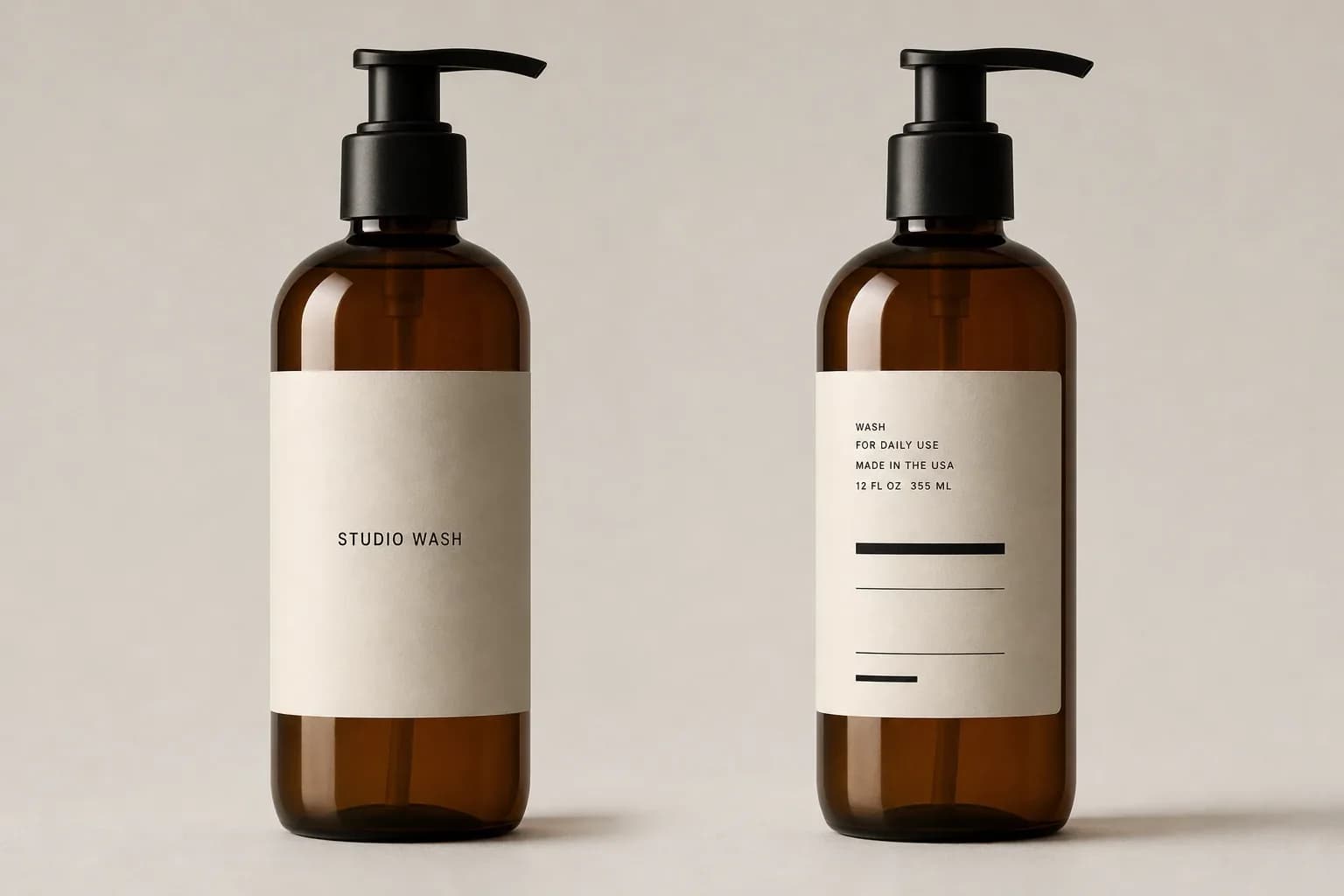
How to photograph the front and back labels of a curved cosmetic bottle
Light the bottle edges and face the camera squarely toward each label. Check the name, size and product text against the actual packaging, and add close-ups or selectable copy where needed.
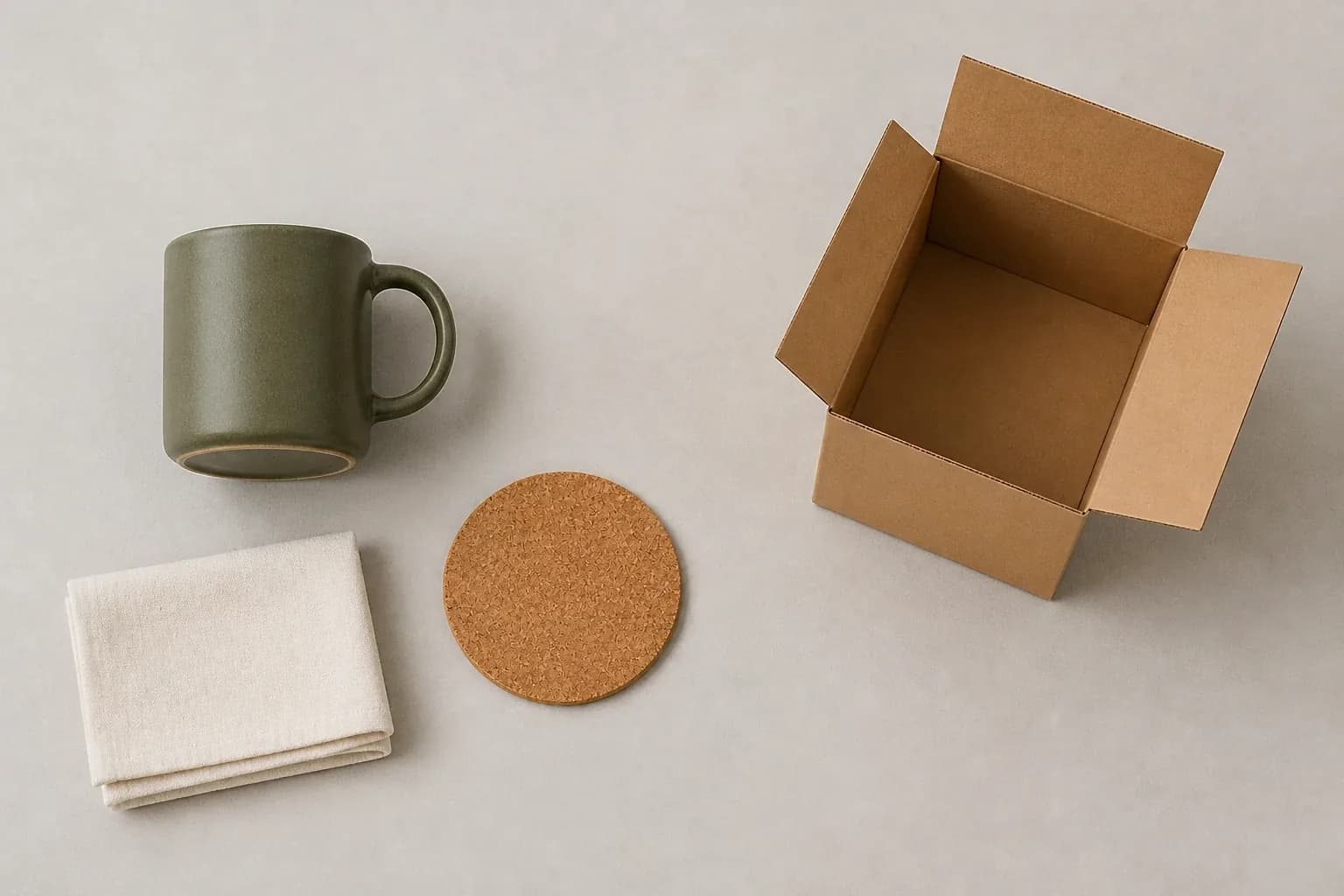
Make a clear 'what's in the box' photo for a product bundle
Lay each included item apart, move the shipping carton to one side and pair the image with a counted packing list. Buyers should be able to tell exactly what the order includes.
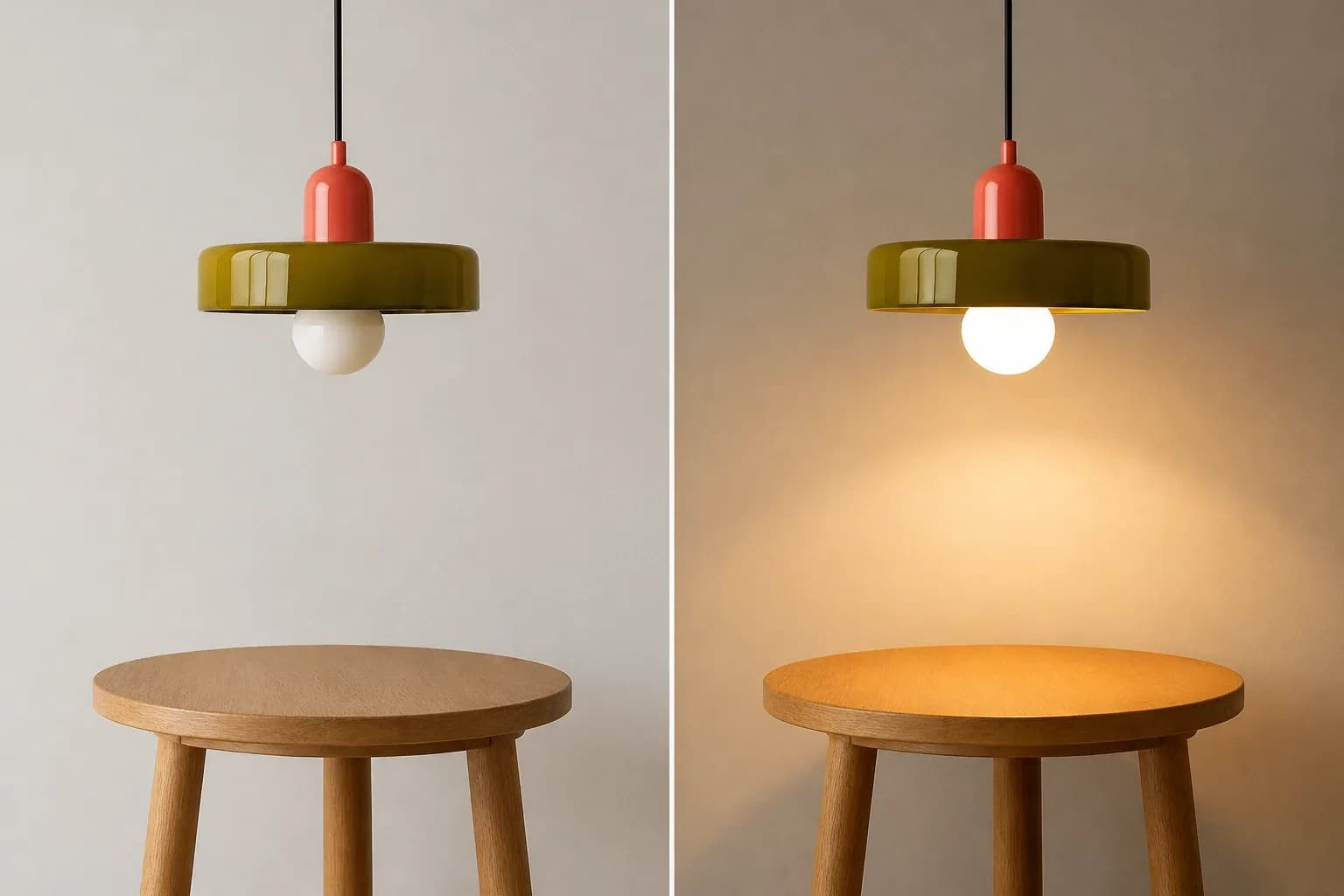
Show a pendant lamp switched off and on in a product gallery
Photograph the same fixture twice from a fixed camera. The unlit frame explains the shade and installation. The lit frame shows where light falls on the table and wall. Supply specifications separately.
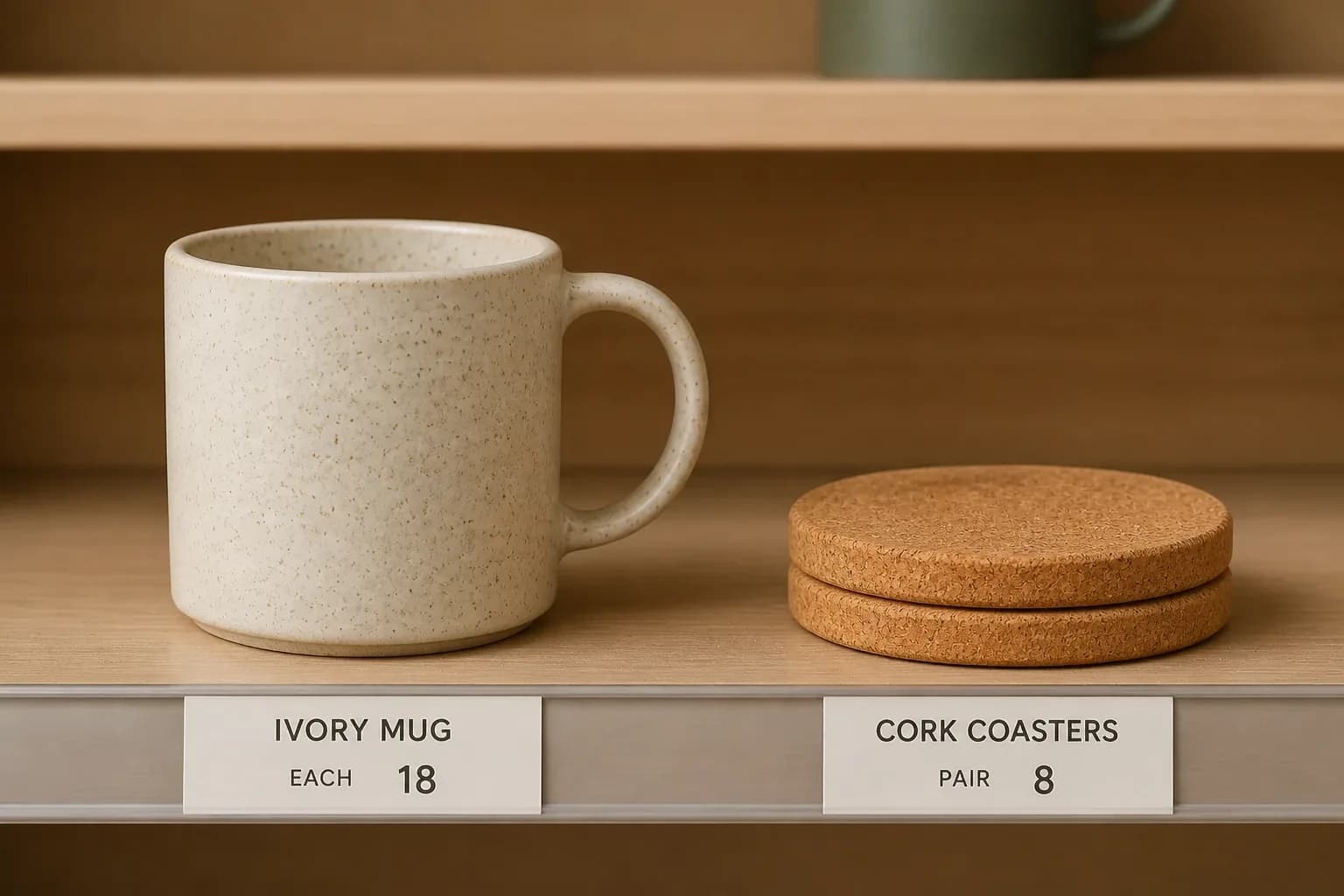
Design shelf-edge price labels that distinguish each from a pair
Align a ticket with its item and keep name, price and selling unit together. Print a row at final size and check the relationship from a shopper's position.
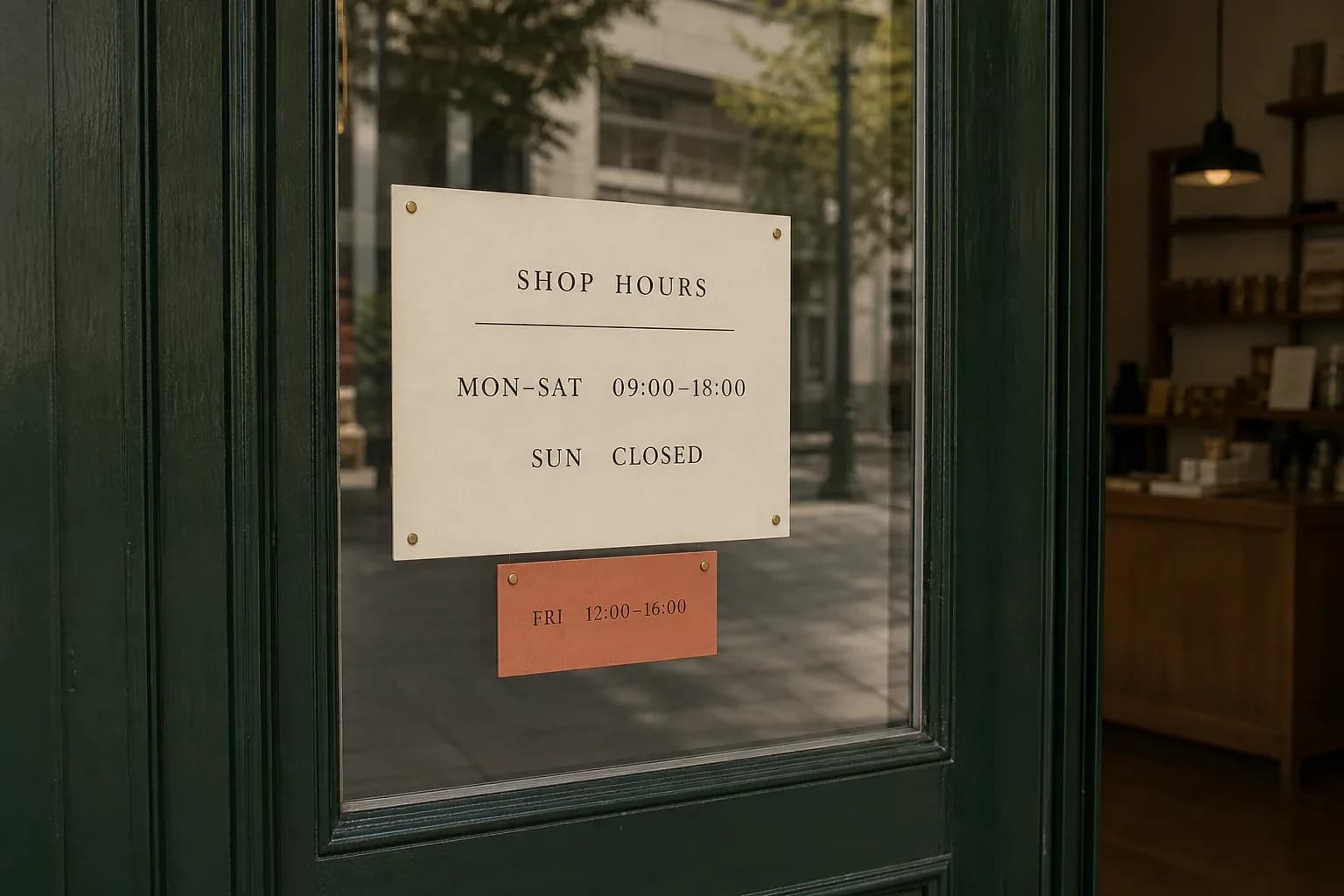
Design a storefront hours sign with replaceable date exceptions
Put regular weekly hours on a fixed sign and temporary changes on a removable card. From outside, customers should be able to tell when the shop is open today and when to return.
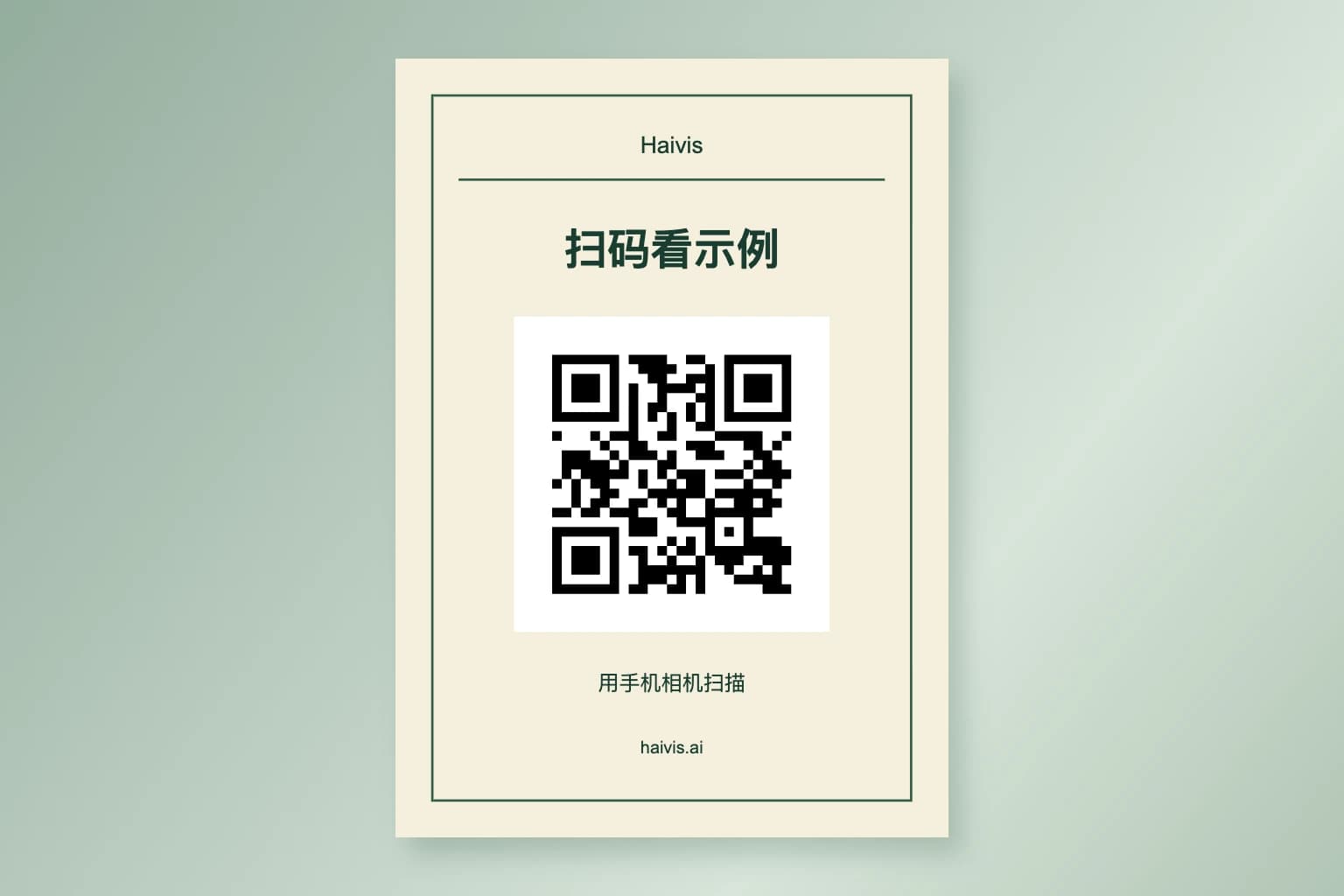
Make a restaurant QR menu table card that scans after printing
Open the shop's menu on a phone as a guest, then place the supplied menu code on the card with its margins intact. Test a final-size proof at the actual table.
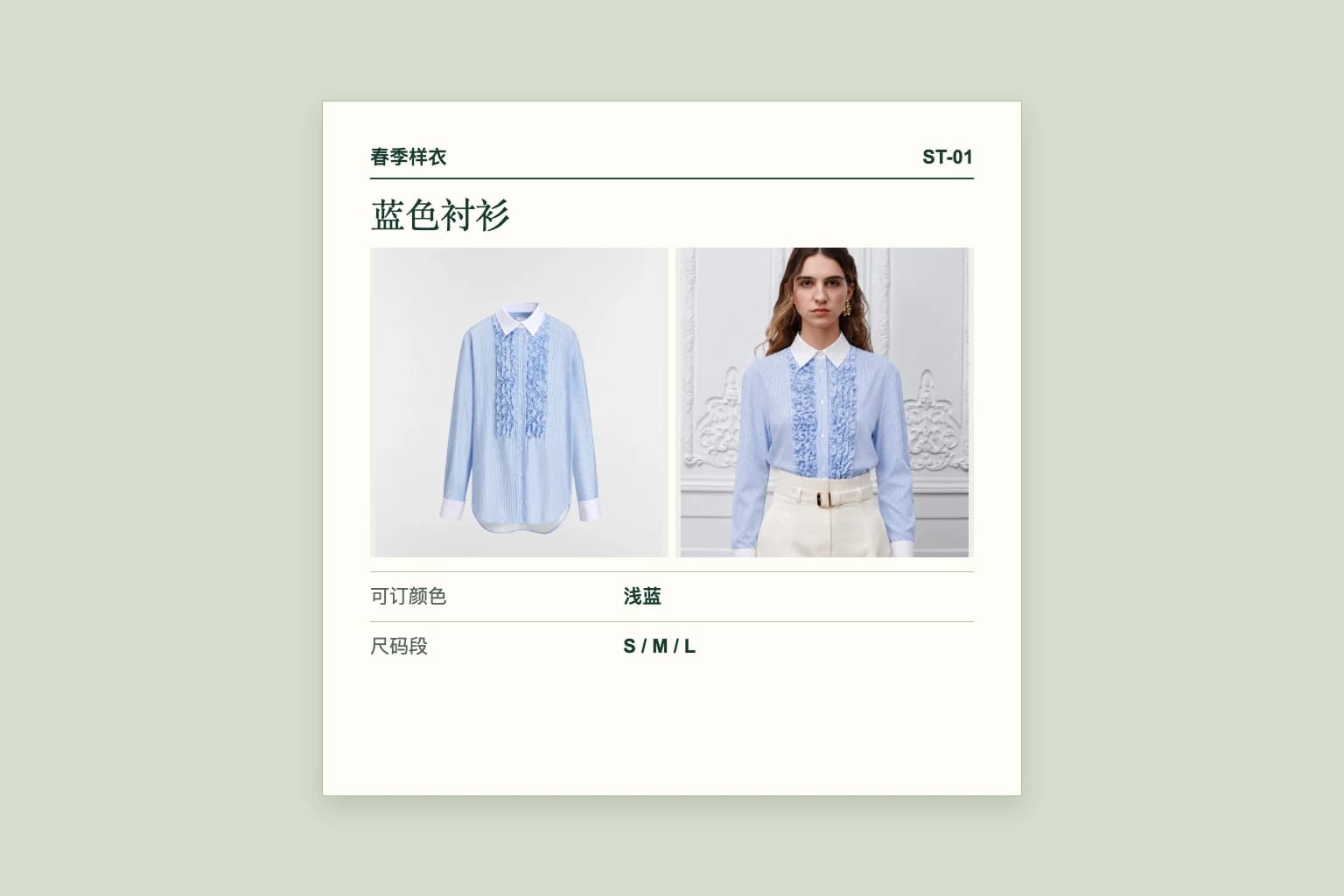
Create a one-style A4 wholesale line sheet for fashion buyers
Help the buyer identify the style, then confirm its code, orderable colors, size run and approved terms. Use a flat lay for identification and a worn or detail view for one additional buying question.
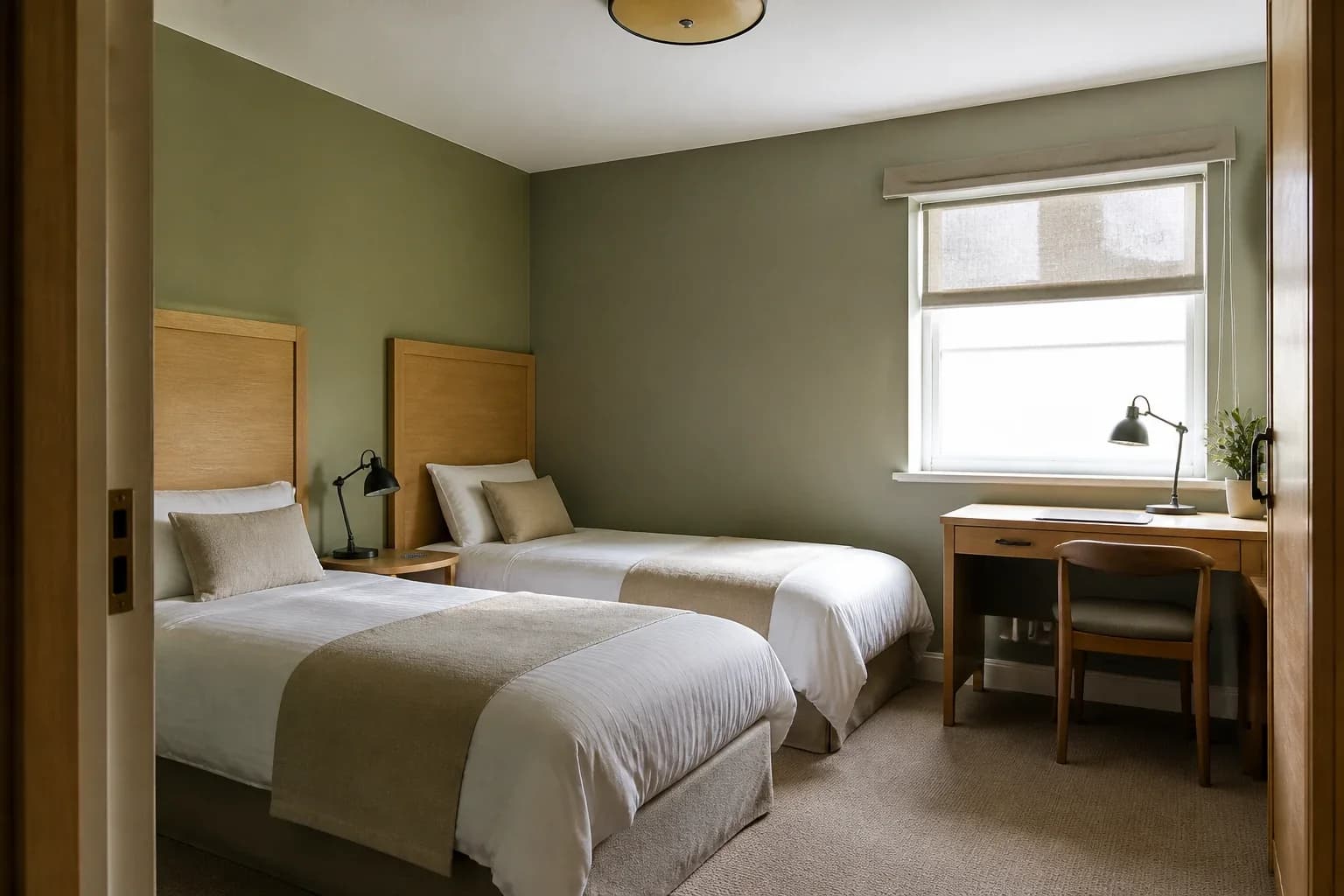
Sequence hotel room photos so guests can identify beds, layout and amenities
Start with the real bed configuration and room relationships, then show the window area, work surface and actual amenities. Map every published photograph to the correct bookable room type.
From brief to finished visual
Starting materials
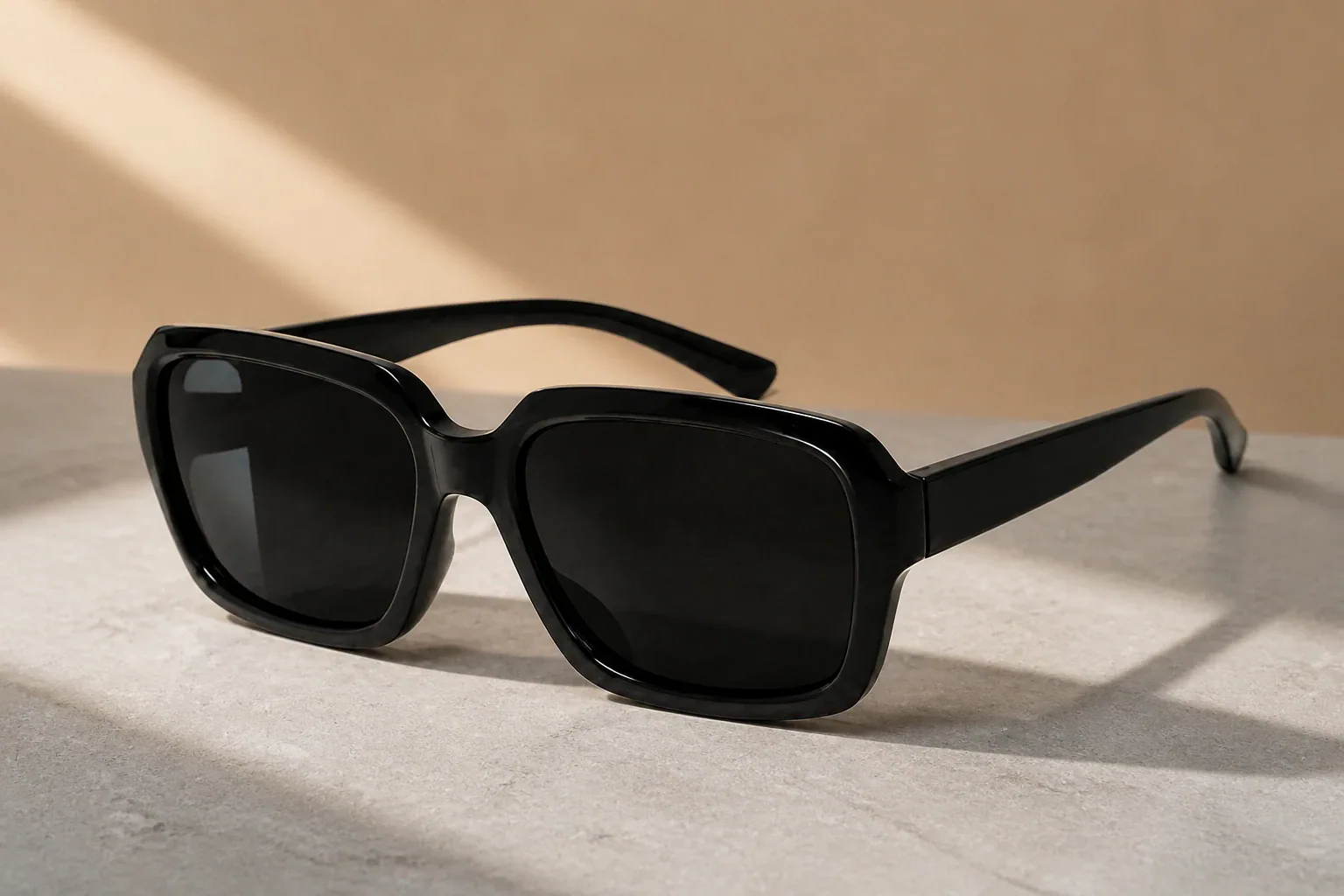
Start with one white-background sunglasses photo. Use it to retain the frame shape, lens color, and camera angle in the listing image.
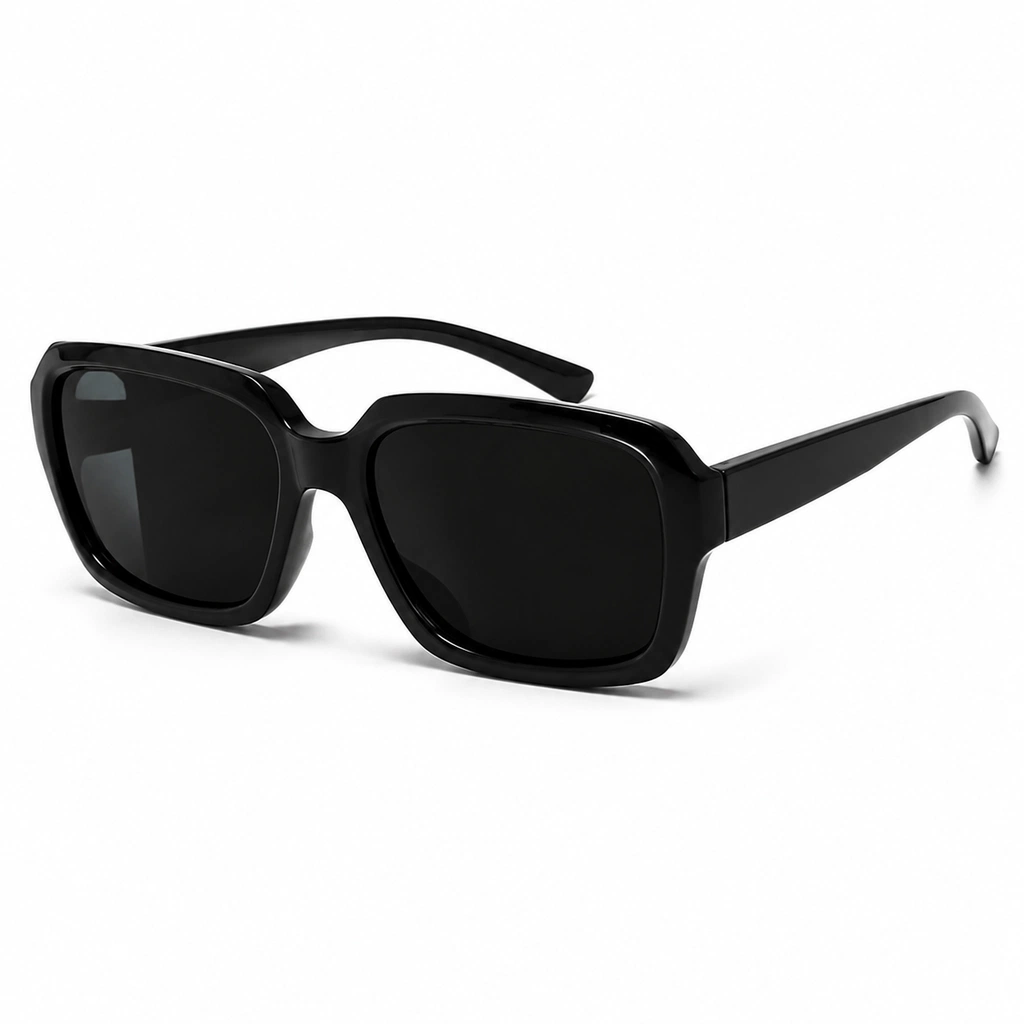
Example prompt
Place the sunglasses on a matte light-gray stone surface with a warm apricot backdrop. Light the scene from the upper left. Preserve the black frame shape, lens color, and arms, and keep the entire product in view.
What to check
Place the source and result side by side on the canvas. Inspect the bridge, arms, and contact shadow at full size.
From product listing to shop promotion
Change a product backdrop
Select the surface or wall and describe the new material and light direction. Keep the original product photo for comparison.
Remove props from a product photo
Brush over the unwanted prop, then zoom in where the repaired background meets the product edge.
Design a shop promotion poster
Pair the product visual with the offer and store address. Adapt the layout for the shop window and a phone screen.
Frequently asked questions
How do I make a lifestyle image from one white-background photo?
Place the original on the Haivis canvas, select the background, and describe the new setting. Keep the selection close to the product outline. Check fine edges, transparent details, and the contact shadow in the result.
What should I check before publishing a listing image?
Compare the result with the source photo. Check the color, model markings, included accessories, and packaging text. Use the actual product specifications for dimensions and materials.
Related design articles
Design blog- Room photo, floor plan or measured dimension: which answers the question?
- Wholesale line sheet or lookbook: which file does a buyer need?
- Match product variant images to id, item_group_id and additional images
- Box contents, packaging mockup or lifestyle photo: which does a buyer need?
- Show product scale with a prop, a dimension line or a size table?
- Shelf-edge label or promotional wobbler: what belongs on each?
- Why a menu QR code scans on screen but fails on a printed table card
- Keep a holiday hours notice and Google Business Profile in sync
- Prepare a product image for Google Merchant Center
- What should stand out first on a café menu: photo, name or price?
- When should a product listing use a white background, a lifestyle photo, or a detail shot?
- A footwear photography shot list built around buyer questions
- Packaging mockup or print artwork: which file should a supplier approve?
- Moodboard review questions that lead to a usable shoot brief
- Haivis or Lovart for a product launch? Three images, one pump bottle
- Haivis or Canva for a bakery menu? Two updates, two ways to work
- Photoroom or Haivis for product photo backgrounds? Check the glass rim