
Why a menu QR code scans on screen but fails on a printed table card
Test the original file, paper proof and installed holder in order. Keep detection problems separate from print scaling, reflections and whether the destination is accessible.
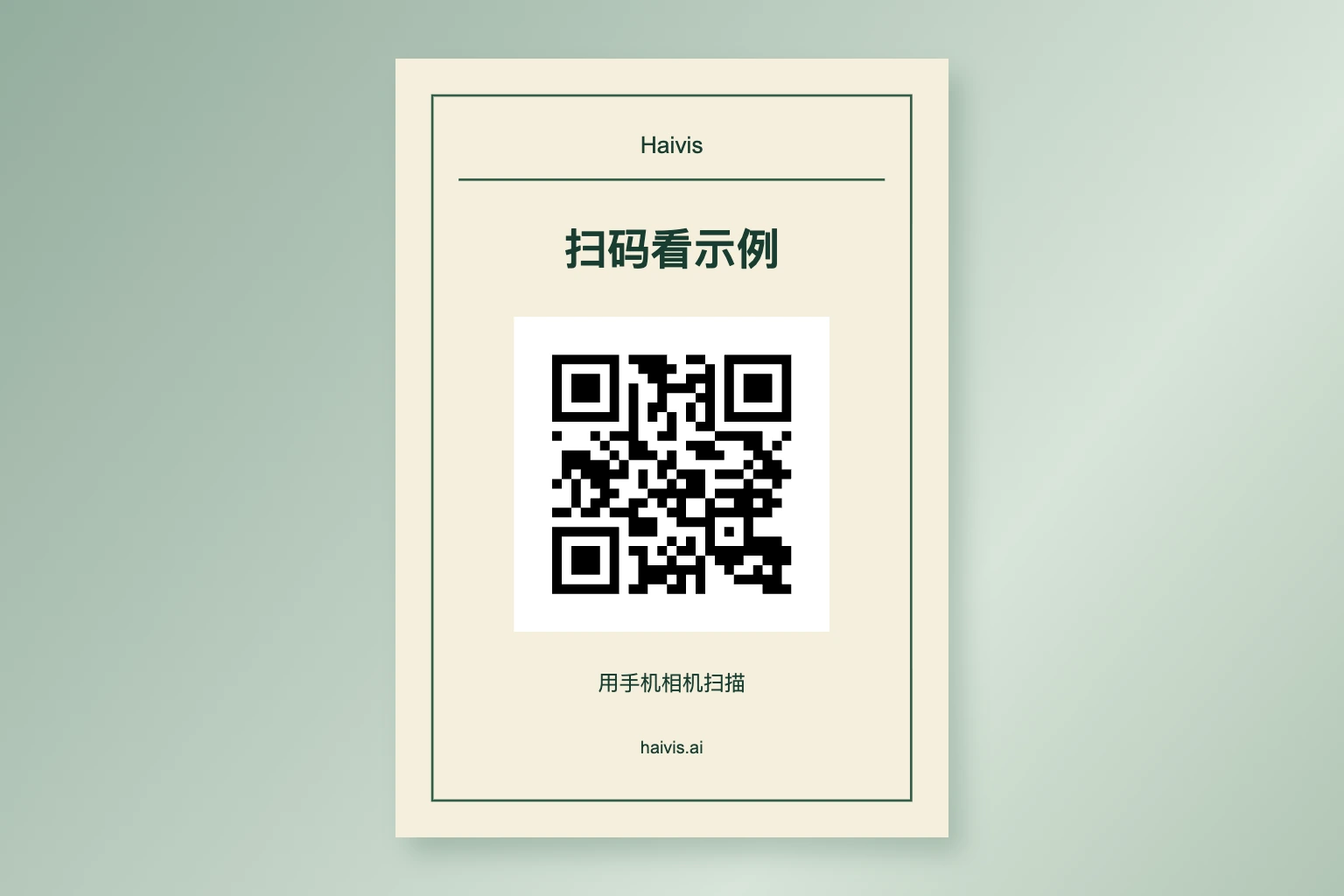
Measure the quiet zone in modules
A standard QR Code needs a clear margin at least four modules wide on each side. A module is one small square of the pattern. Measure from the actual symbol boundary and keep nearby type, texture and transparent imagery out of this area. DENSO WAVE quiet-zone example
Scan three checkpoints
| Scan this | If the next step fails, inspect |
|---|---|
| Exported SVG on screen | Print scaling and ink spread |
| Unmounted paper proof | Glare from lamination or the holder |
| Finished card from the seat | Distance, angle, obstructions and network access |
A 60 mm area containing 33 modules including margins gives roughly 1.82 mm per module. This is a worked example. A different encoded URL can change the module count.
When the code reads but the menu does not open
Compare the decoded target with the approved URL. Open it in a guest session and check for old menus, staff-only screens and the wrong branch. If the encoded address changes, export a new card and remove the old one.