
Prepare listing images for each backpack variant
Match each SKU to its own photos and product record. Choose a hero image for each colour, then add harness and zip details. Switch variants in the listing preview to catch mismatched images.
Open Haivis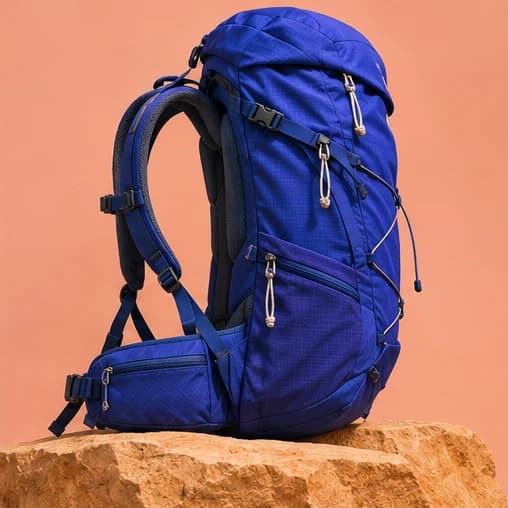
Working in Haivis
Extract the real product
Remove the background from a clear side view and test it on light and dark surfaces. Inspect strap ends, zip pulls and the gaps in the harness.
Make a transparent product PNGBuild the listing scene
Select the background around the pack and describe a sandstone plinth, side light and contact shadow. Compare colour, branding and strap placement with the real item.
Change a product backgroundSupply detail views
Choose an original close-up of a zip or webbing and an available upscale size for the listing. Verify the texture, dimensions and accessories against the actual product.
Enlarge a product detail