
Box contents, packaging mockup or lifestyle photo: which does a buyer need?
HaivisUpdated
The three frames answer what arrives, how it opens and how it is used. Identify the role of every visible item before photographing so a styling prop does not look like a free gift.
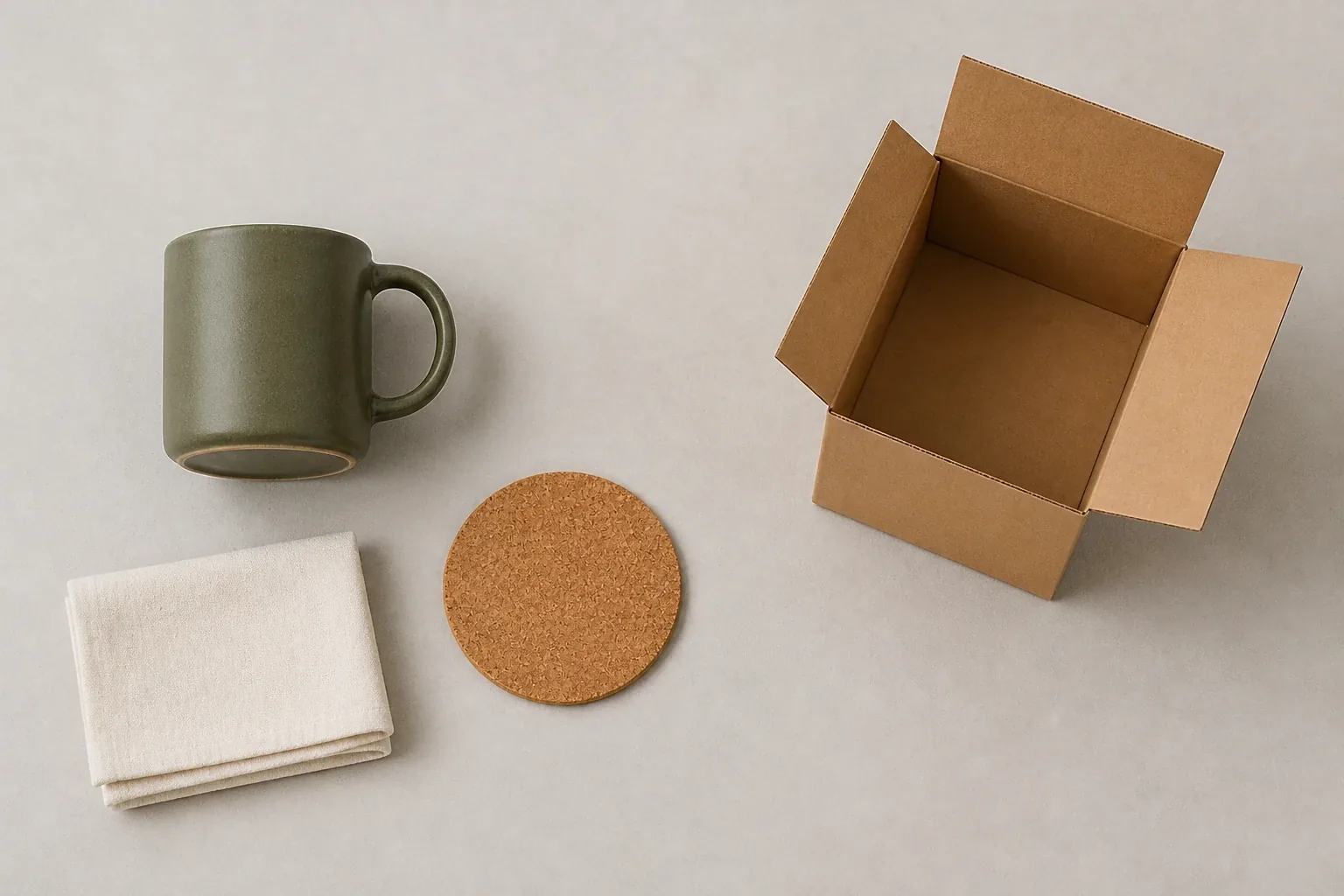
Assign every item a role
| Item role | Primary image | Confirm |
|---|---|---|
| Ships with this SKU | Inventory flat lay | Number and version |
| Packing material | Unboxing view | Whether it is a listed item |
| Styling prop | Lifestyle view | Risk of looking included |
| Optional accessory | Separate explanation | Which option includes it |
Give each frame its own job
Two folded cloths stacked in a box may look like one from above. Lay them apart in the inventory view, keep them stacked to explain the packaging and show the coaster beneath the mug in the lifestyle frame. Each answers a different buyer question.
Handle revisions and gifts
Record the applicable SKU, dates and approved packing list. Keep stable contents in the regular inventory photo and explain conditional gifts under their actual offer terms. Review lead, gallery, description and shelf ticket when an offer ends.