
AI event posters and social visuals for marketers
Turn an event brief into a shop poster and social assets. Plan the visual, adapt the layout for each channel, and proofread event details before publishing.
Guides and examples
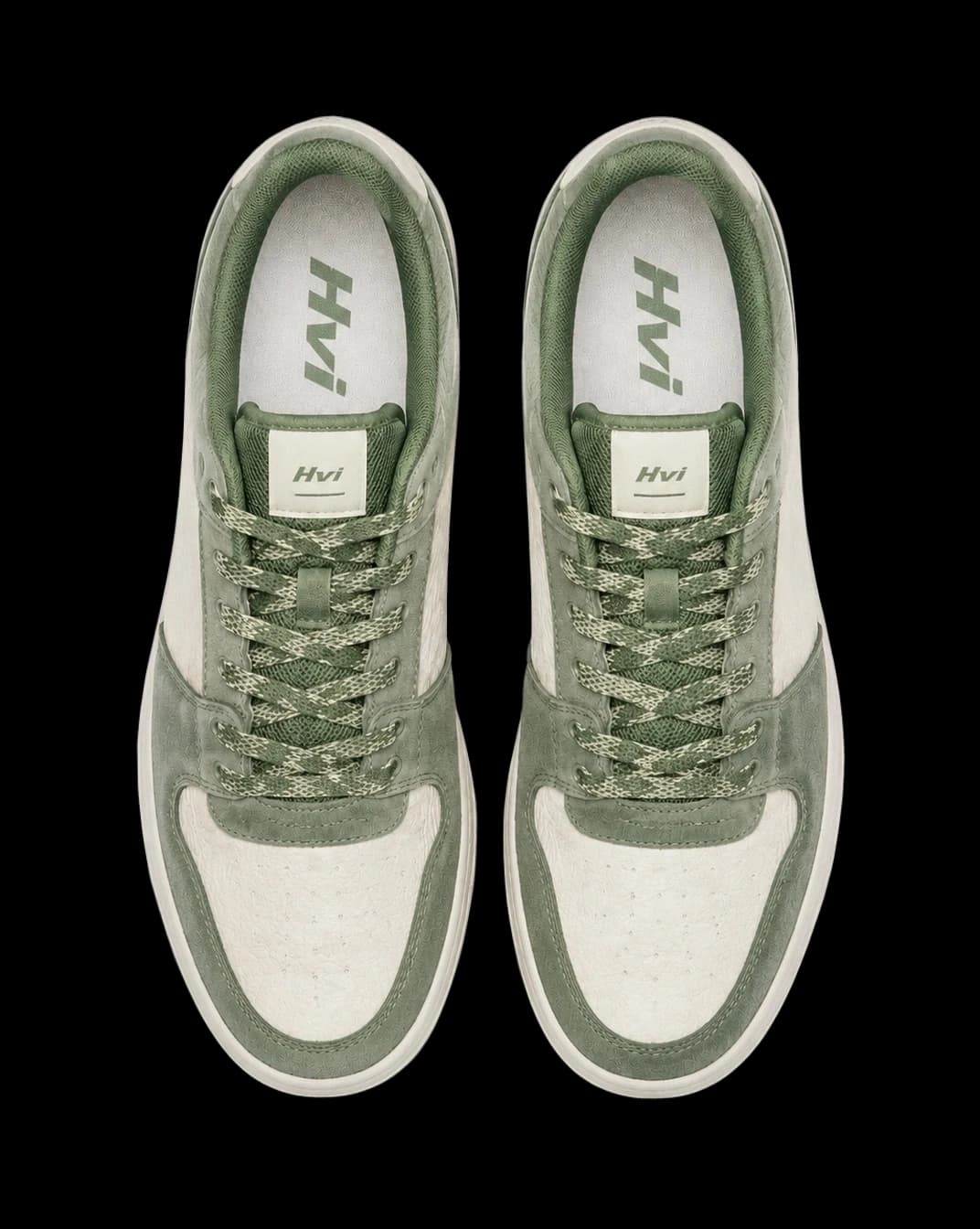
Plan a four-slide product launch carousel
Use one shoe to introduce the product, show evidence for a feature, put it in context and guide the next action. Give each slide a distinct job.
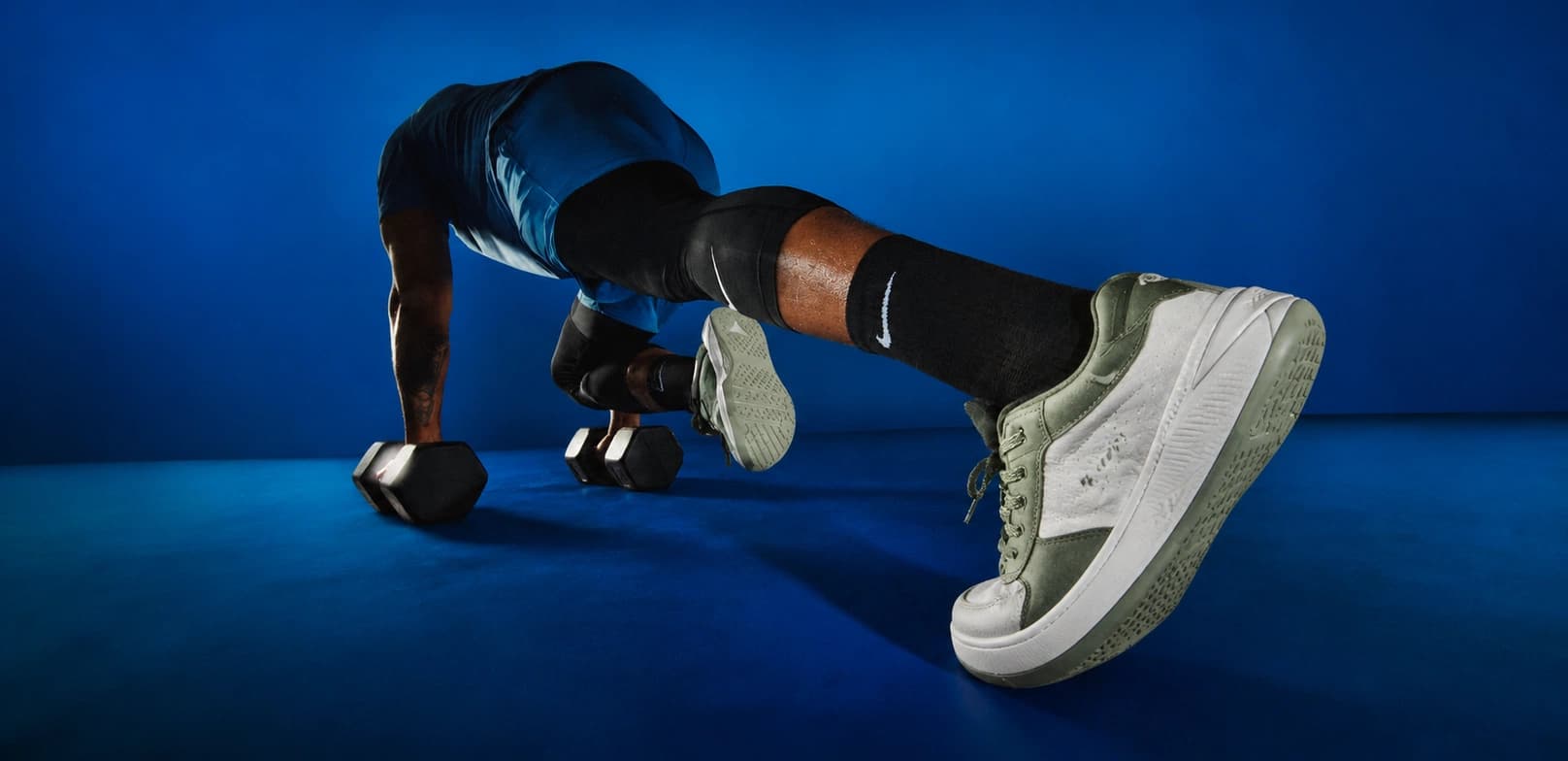
Design a website hero banner for desktop and mobile
Plan the subject, headline and button separately. Compose the wide banner first, then arrange a mobile visual around its own frame and keep the headline as live web text.
Lay out a bilingual event poster when translated headlines run long
Separate the event name, date, venue and booking details. Give the longer translation room to wrap and keep essential event information in a fixed area.
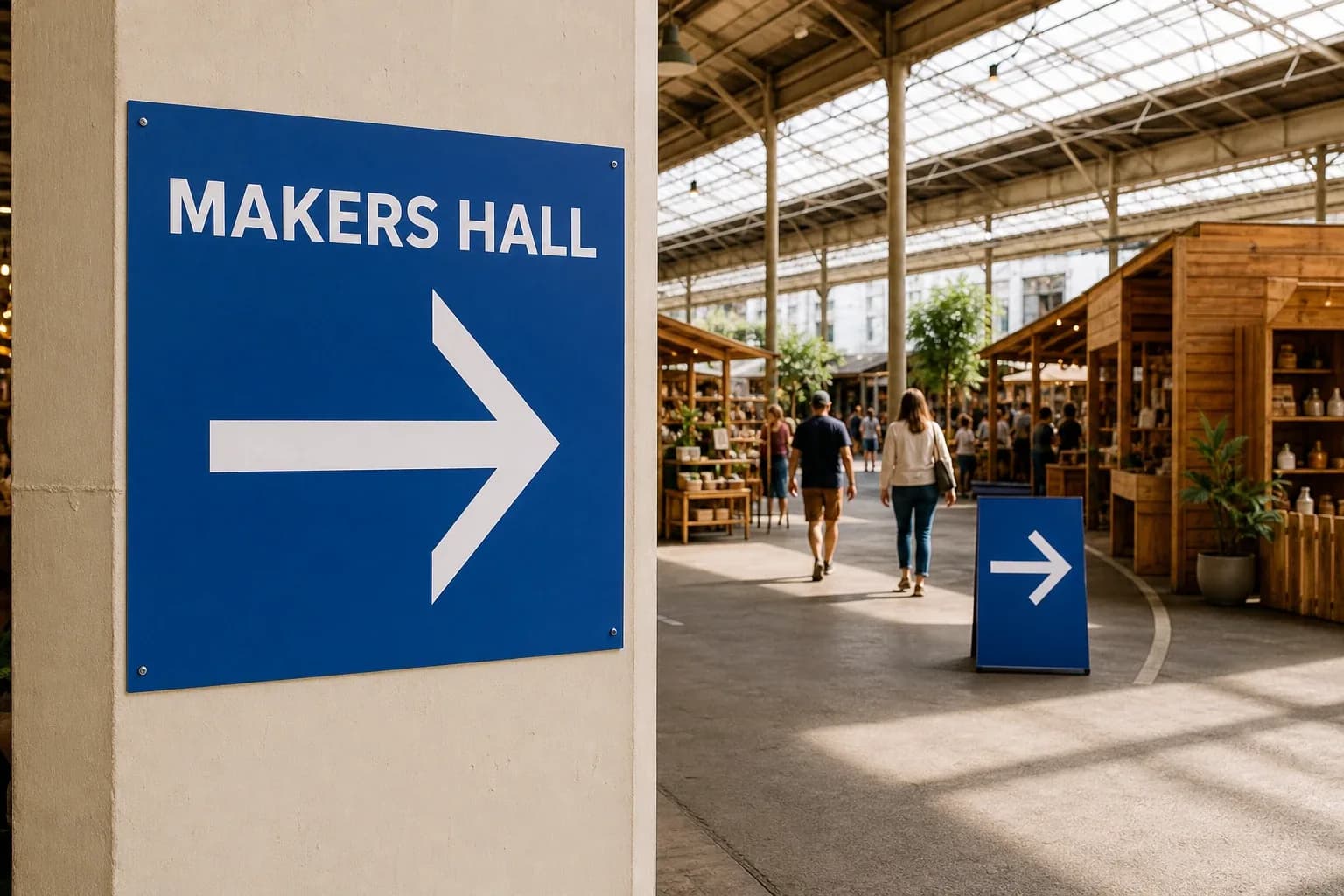
Design wayfinding signs for a market or exhibition
Connect entrance, turn and arrival signs to the decisions people make on site. Repeat destination names, arrows and colors, then walk the route to test the set.

Create ad headline A/B variants that differ in one variable
Keep the product image, crop, type size and call to action fixed. Make two headline messages and hand off a version log so the team can interpret the comparison.
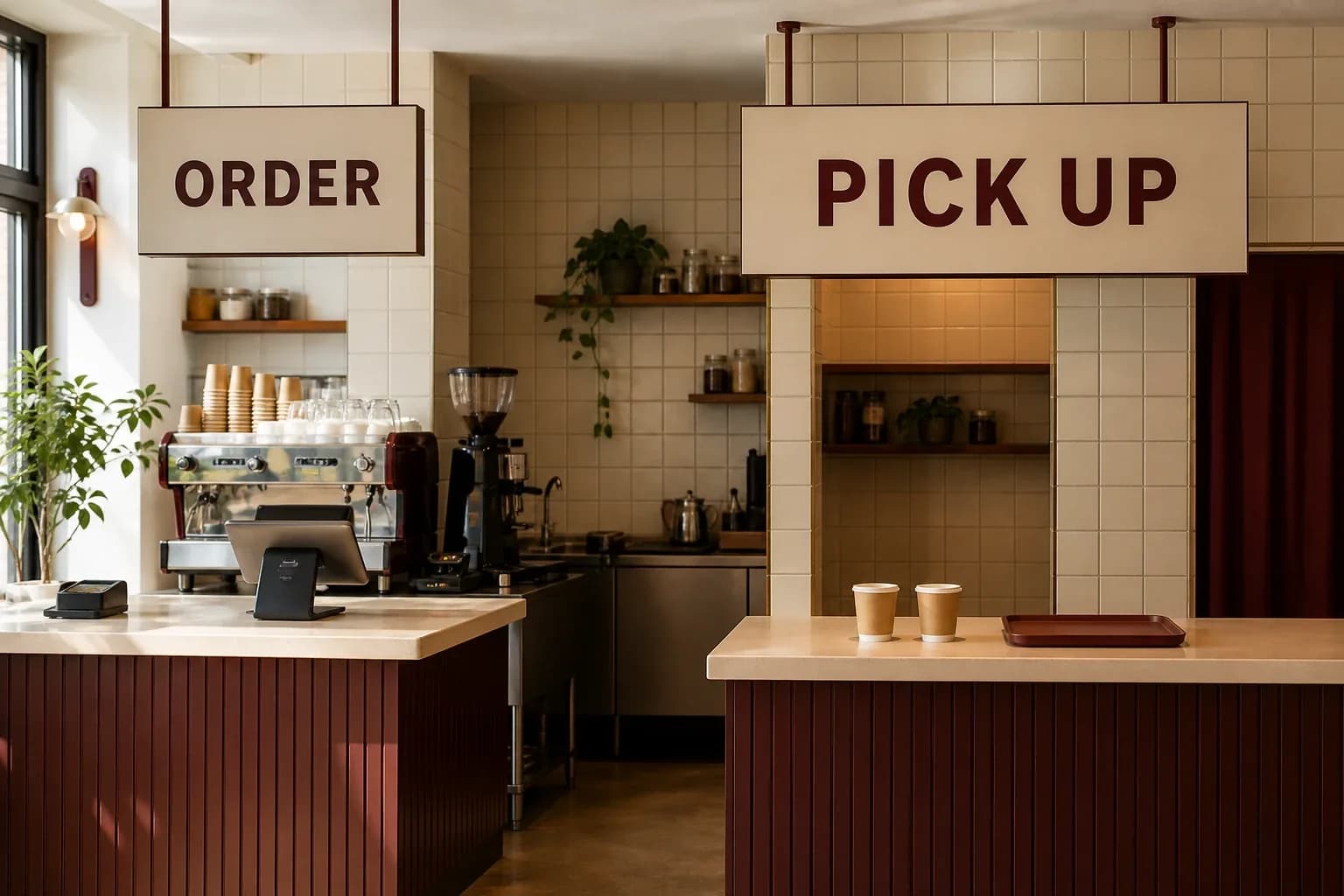
Design café counter signs for ordering and pickup
Name two service positions by their actions. New visitors should see the order point from the entrance and customers who have ordered should find pickup from the waiting area.
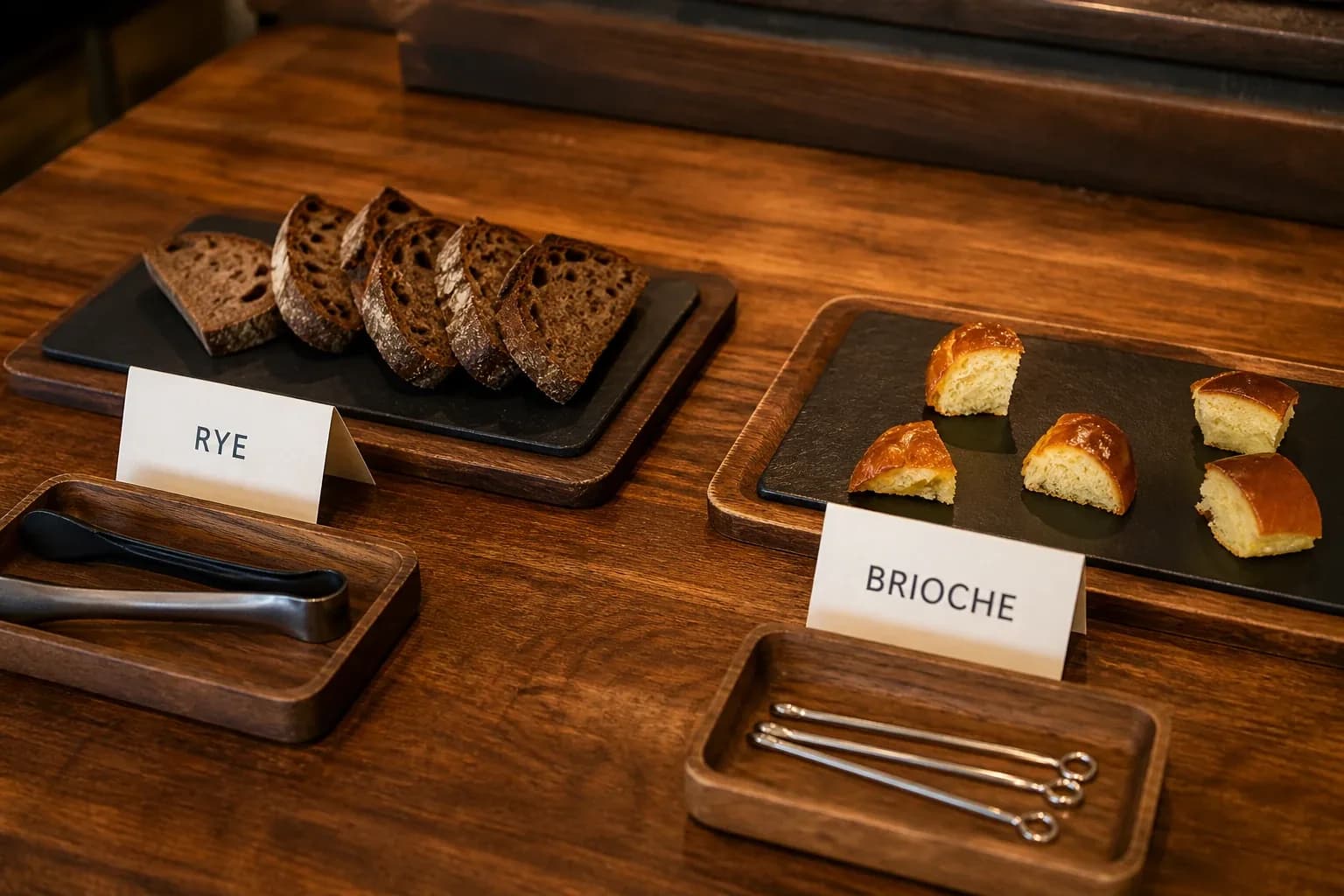
Set up tasting-tray cards so customers identify the right sample
Give each tray its own card and keep the product name physically aligned with the sample. Verify product information with the shop and move the card whenever the tray moves.
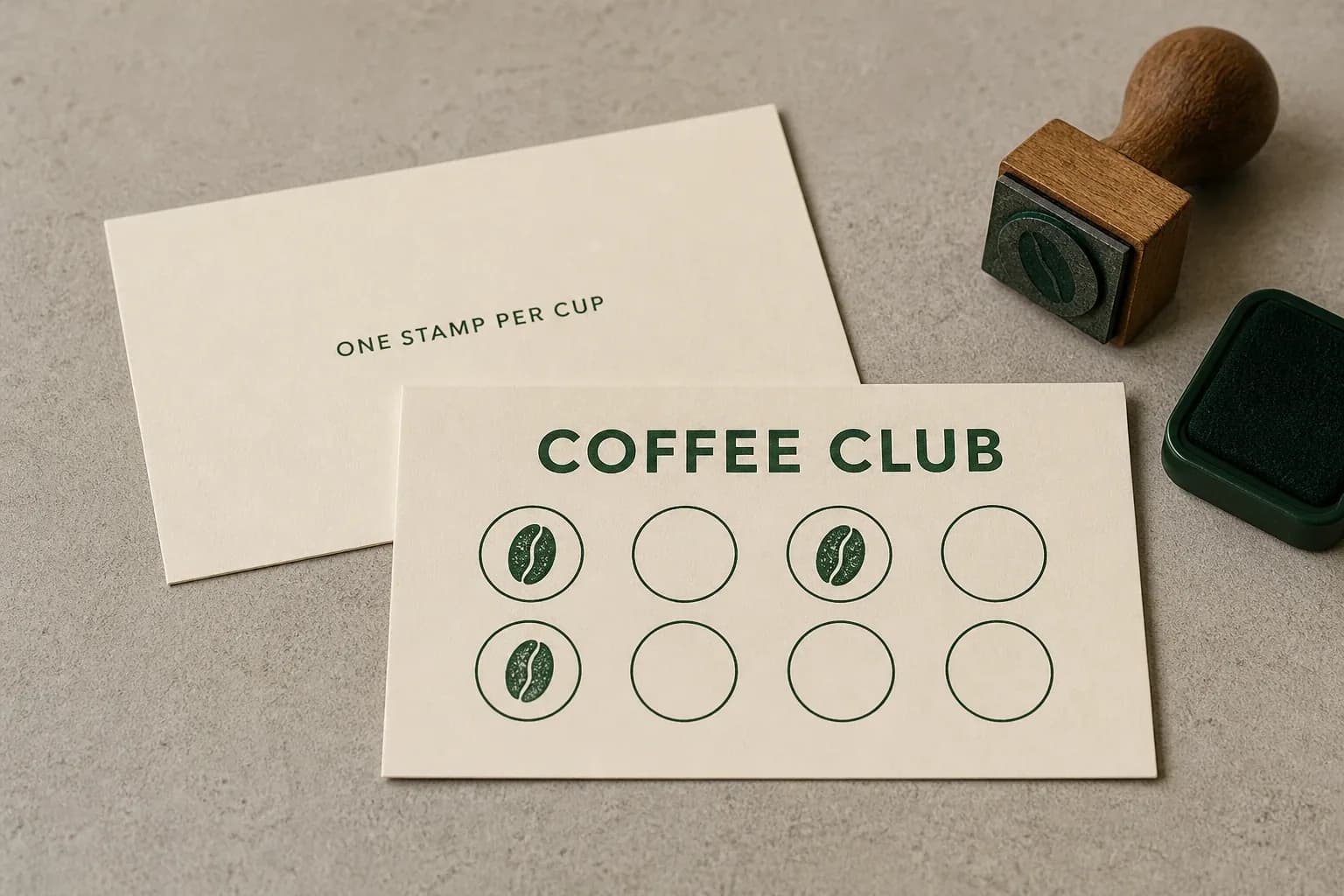
Lay out a café loyalty stamp card around the real ink impression
Measure the actual stamp mark before choosing the grid and trim margins. Use the front for stamps and progress and the reverse for the shop's approved earning and redemption rules.
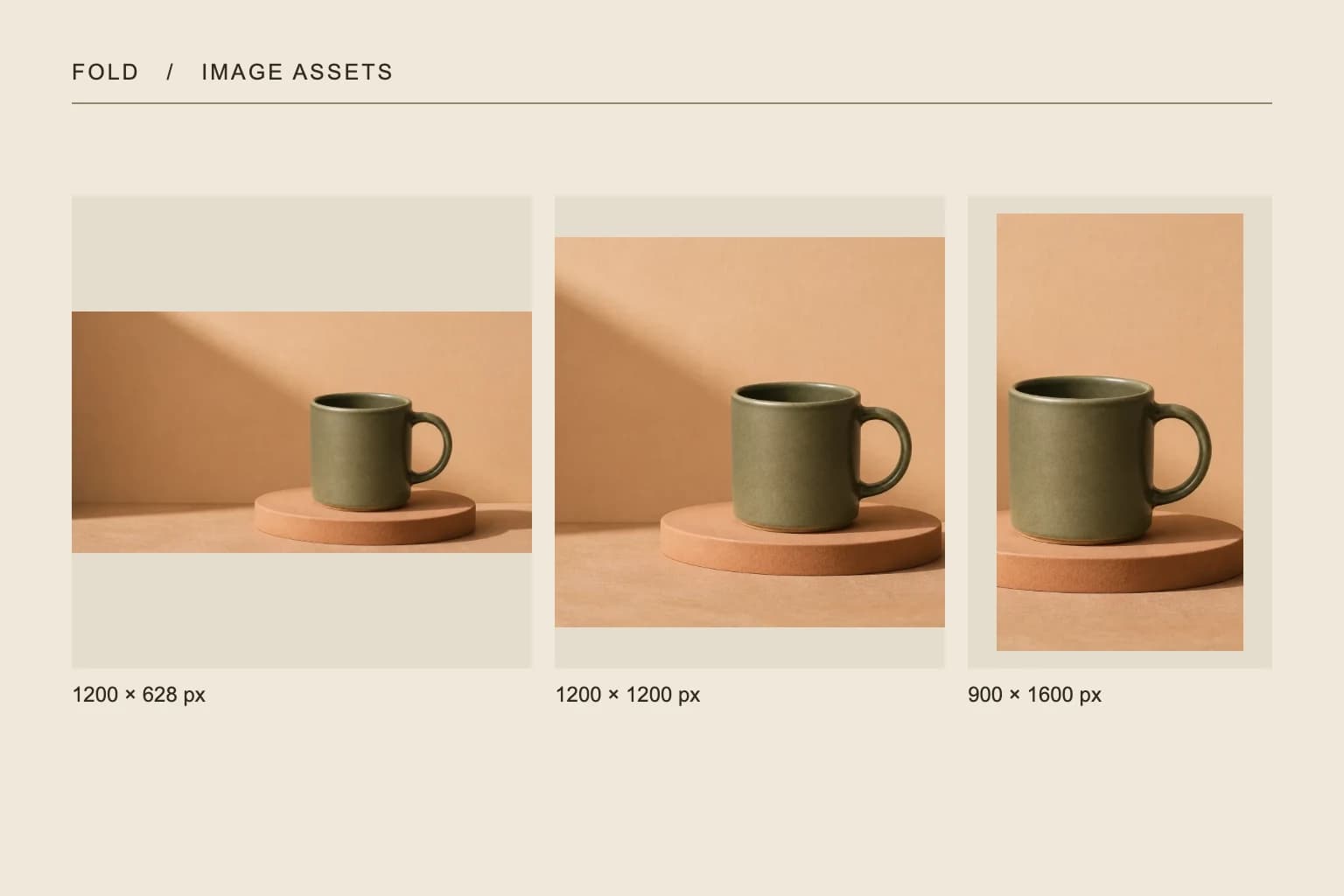
Prepare landscape, square and portrait images for responsive display ads
Start with a clean product visual, position it independently in three formats and verify each crop. Supply images, logos, headlines and descriptions in the asset fields for the actual campaign.
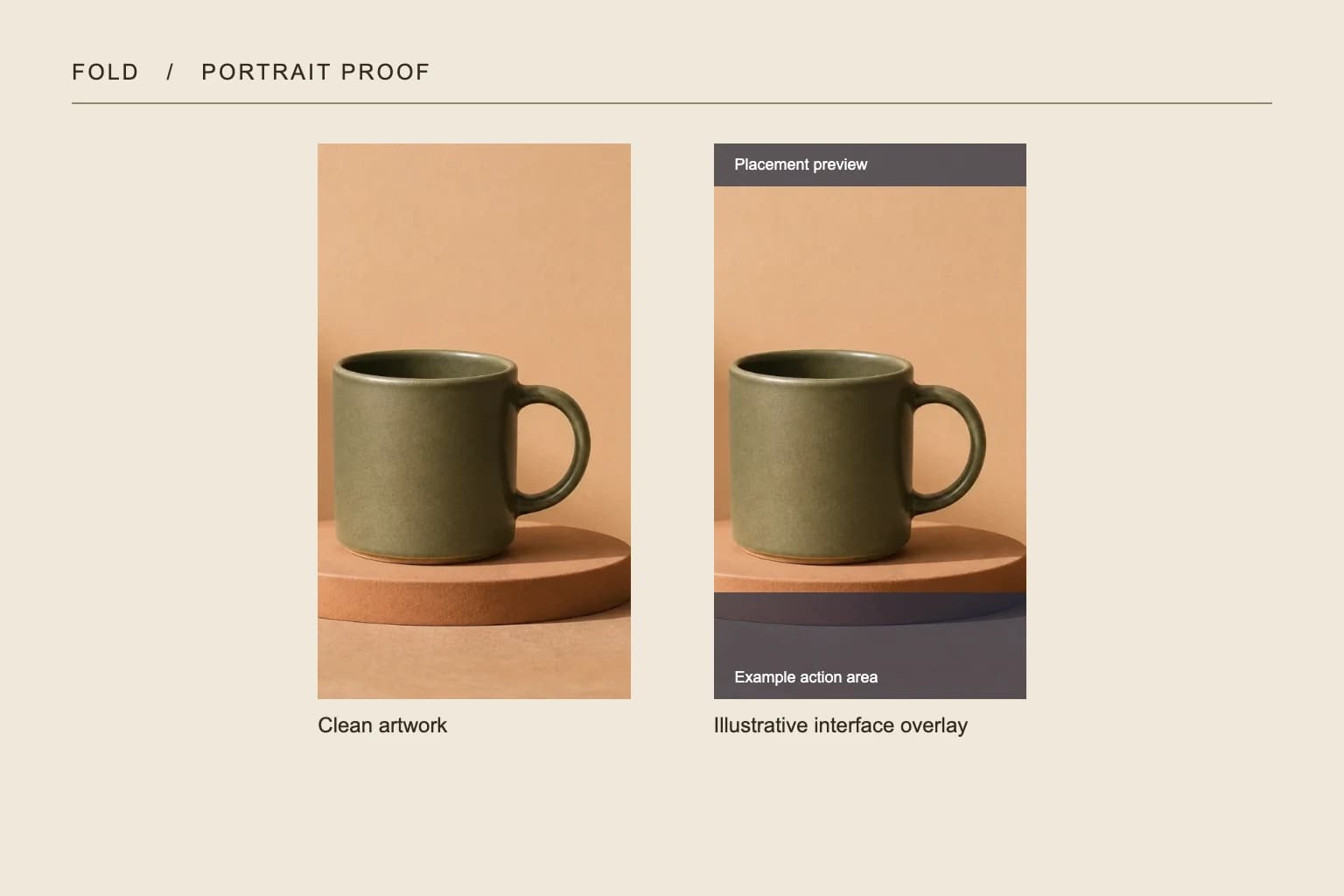
Proof a vertical ad against real interface overlays
Make a clean portrait image, then overlay a reference from the actual placement preview. Check product recognition, copy and controls separately and remove the proof layer from the delivery.
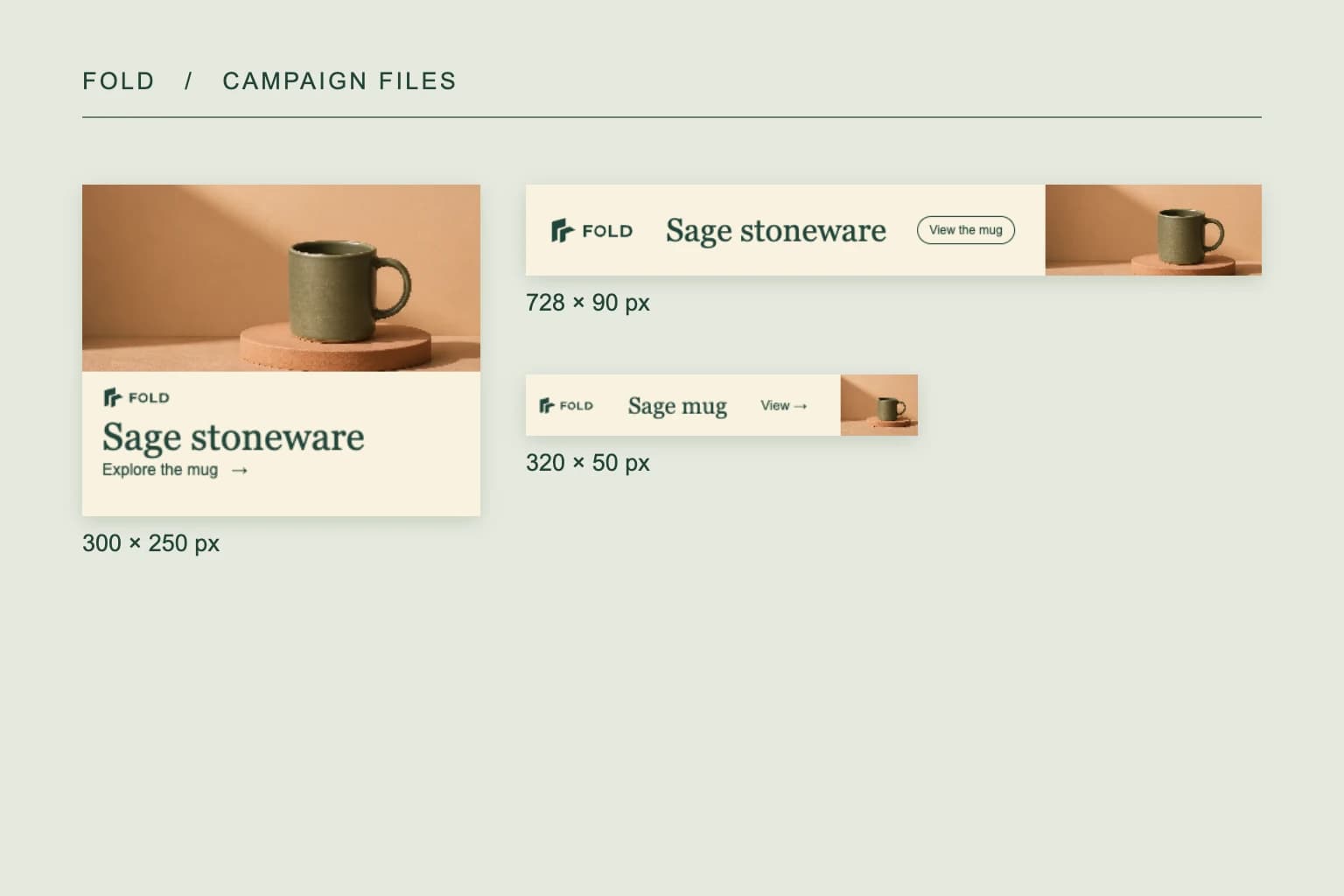
Lay out 300×250, 728×90 and 320×50 finished display banners
Design each file at its real pixel dimensions. The rectangle can hold a product and short headline, a leaderboard reads across, and a small mobile strip needs a single clear message.

Prepare an article hero image for readers and Google Images
Choose a visual that explains the article's central question and include it as an HTML image. Its filename, alternative text, caption and nearby prose should identify what this particular picture contributes.
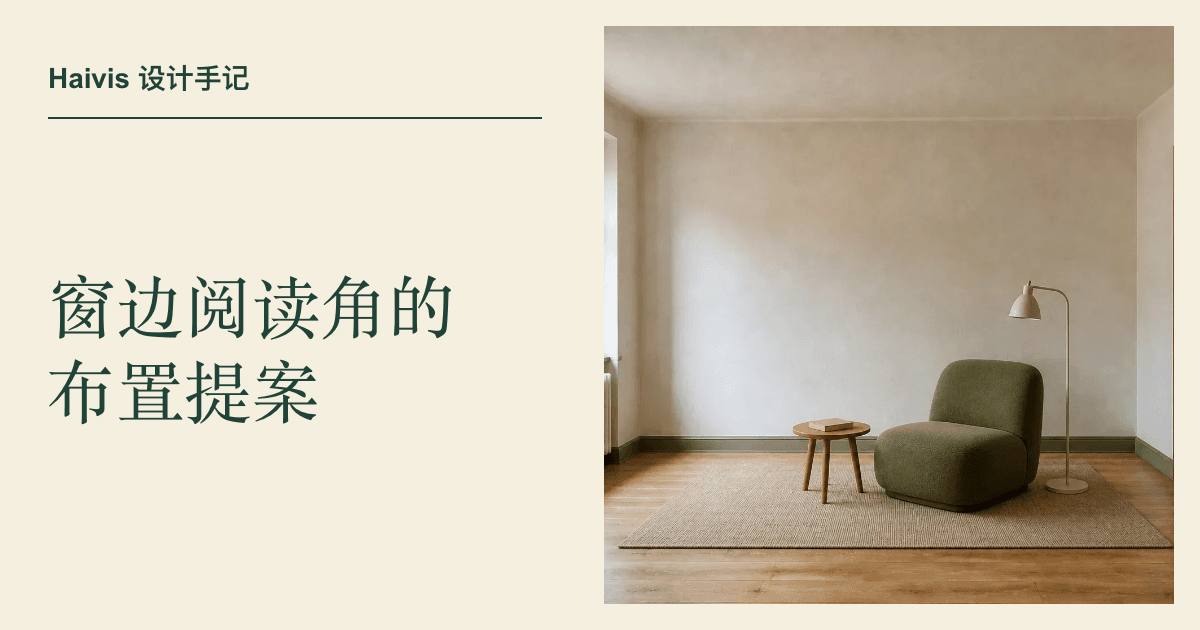
Set the cover image and headline for a shared article link
Make a readable share image, host the PNG at a stable public address and place the page title, canonical URL and image URL in the article head as Open Graph metadata.
From brief to finished visual
Starting materials
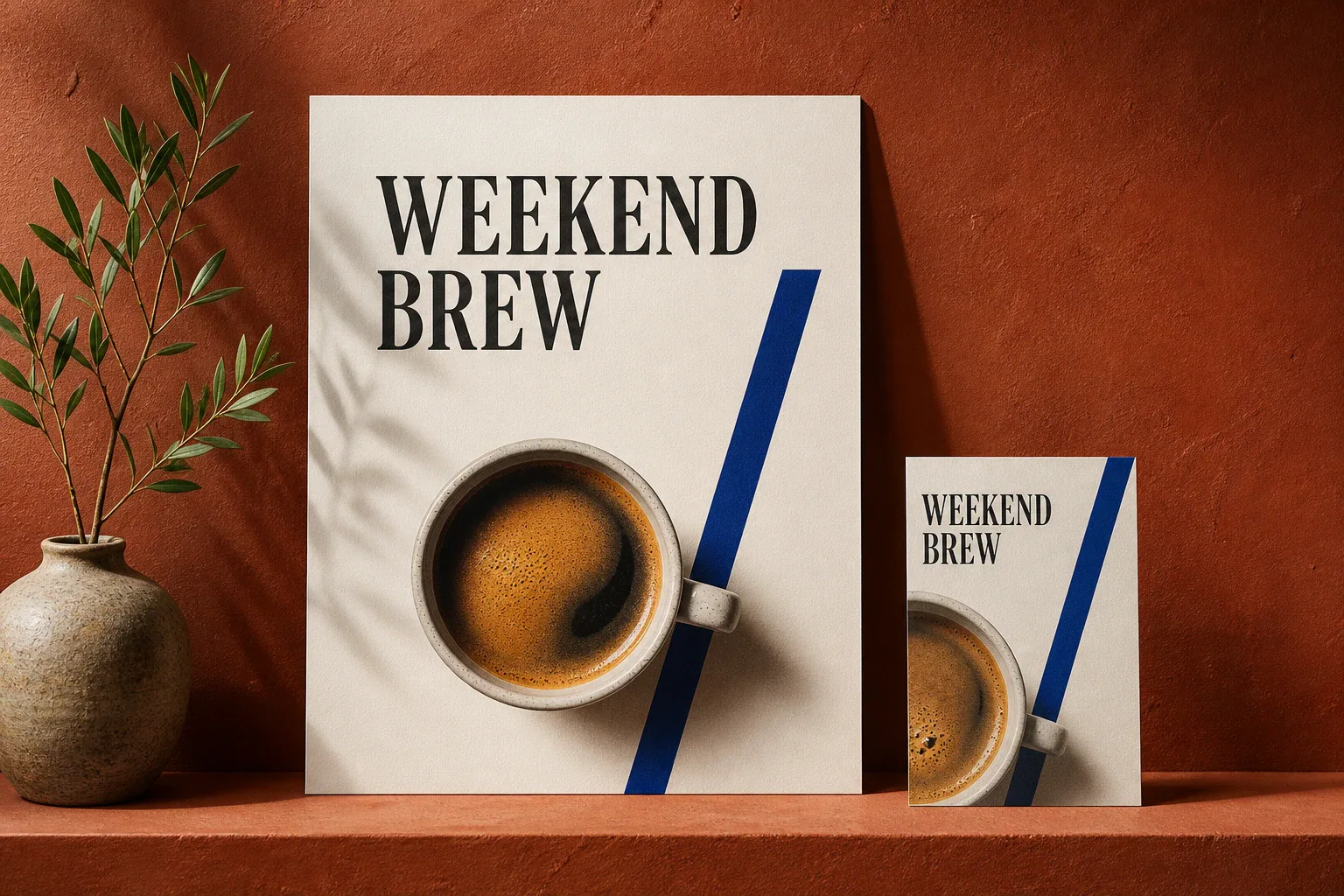
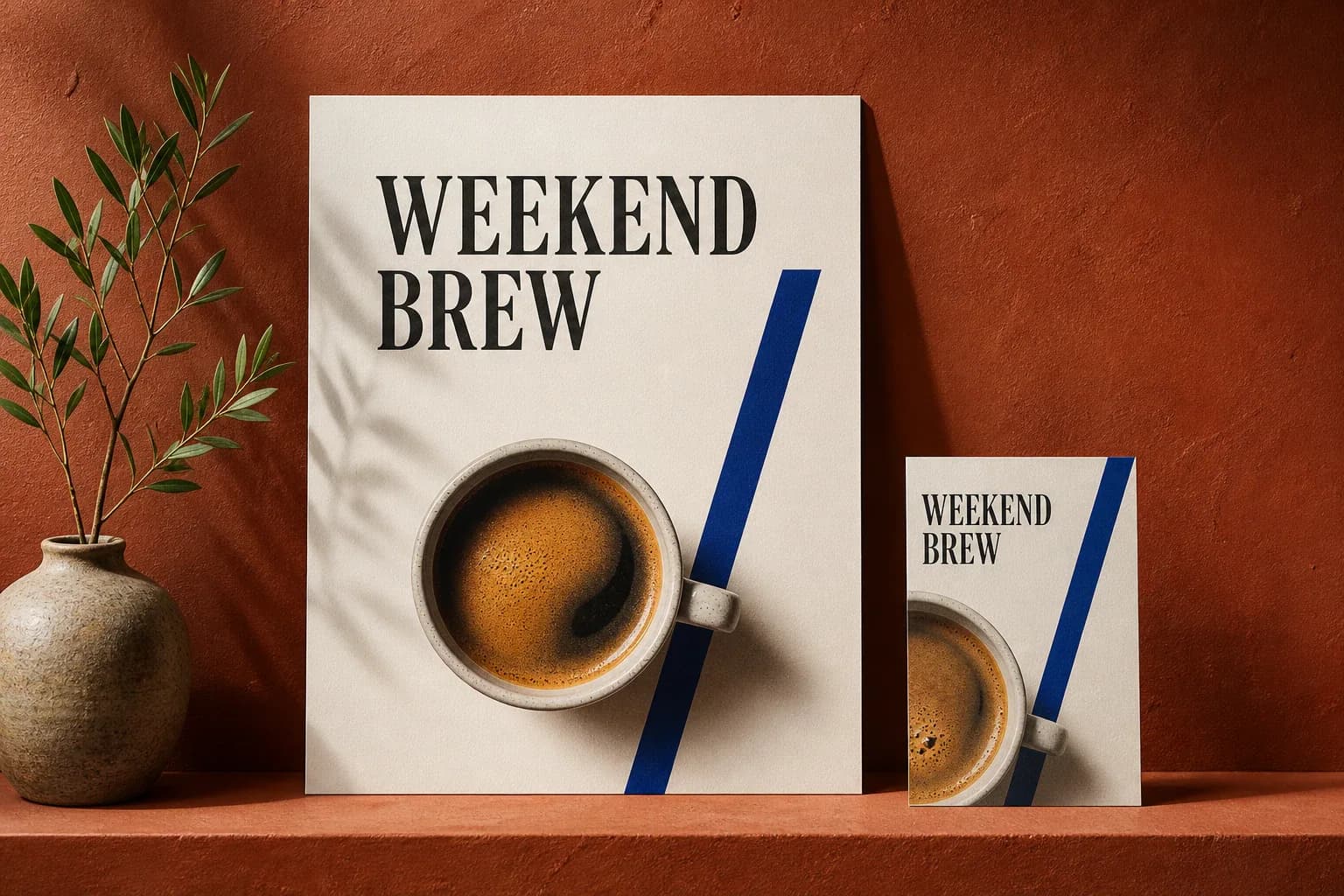
The brief is a weekend coffee tasting with a portrait poster and a counter card. Both formats use the event name, a cup graphic, and a blue accent stripe.
Example prompt
Design a portrait poster and matching counter card for a weekend coffee tasting. Use warm white paper, an overhead view of a coffee cup, and one cobalt stripe. Set WEEKEND BREW at the top and leave room for the date and shop address.
What to check
Preview the headline at the size of the counter card. Add the confirmed date and shop address before publishing, then proofread each version.
Ways to create campaign materials
Lay out an event poster
Use the brief to plan the main visual and headline space. Reserve a clear area for the date, venue, and booking details.
Update event copy in an image
Edit a date or event name in the existing visual, then check spacing, line breaks, and nearby graphics.
Create visuals for a social post
Specify the channel, subject, and composition in the prompt. Choose a visual that stays legible in a phone preview.
Frequently asked questions
How can a poster and a counter card share a visual identity?
Start with one main graphic, one accent color, and one headline style. Adjust type and whitespace for the viewing distance. Keep the essential event details on the card and longer information on the booking page.
How do I avoid sending the old version when an event moves?
Keep the editable canvas source and update the date in every channel layout. Proofread the time, address, and booking link in each export.
Related design articles
Design blog- Can an article hero, social share card and Discover image use the same source?
- What belongs in image alt text and what belongs in a caption?
- Responsive display assets or finished uploaded banners: what should you deliver?
- Shelf-edge label or promotional wobbler: what belongs on each?
- Why a menu QR code scans on screen but fails on a printed table card
- What belongs on an event poster and on a counter card?
- A footwear photography shot list built around buyer questions
- Crop, pad or recompose when turning a landscape image into a portrait?
- When a translated poster headline gets longer, resize the type or wrap it?
- How large can a 2400-pixel image print?