
Prepare a product image for Google Merchant Center
Keep separate assets for the product feed and a promotional ad. Confirm the listed variant, the final image metadata and the URL that the feed actually references.
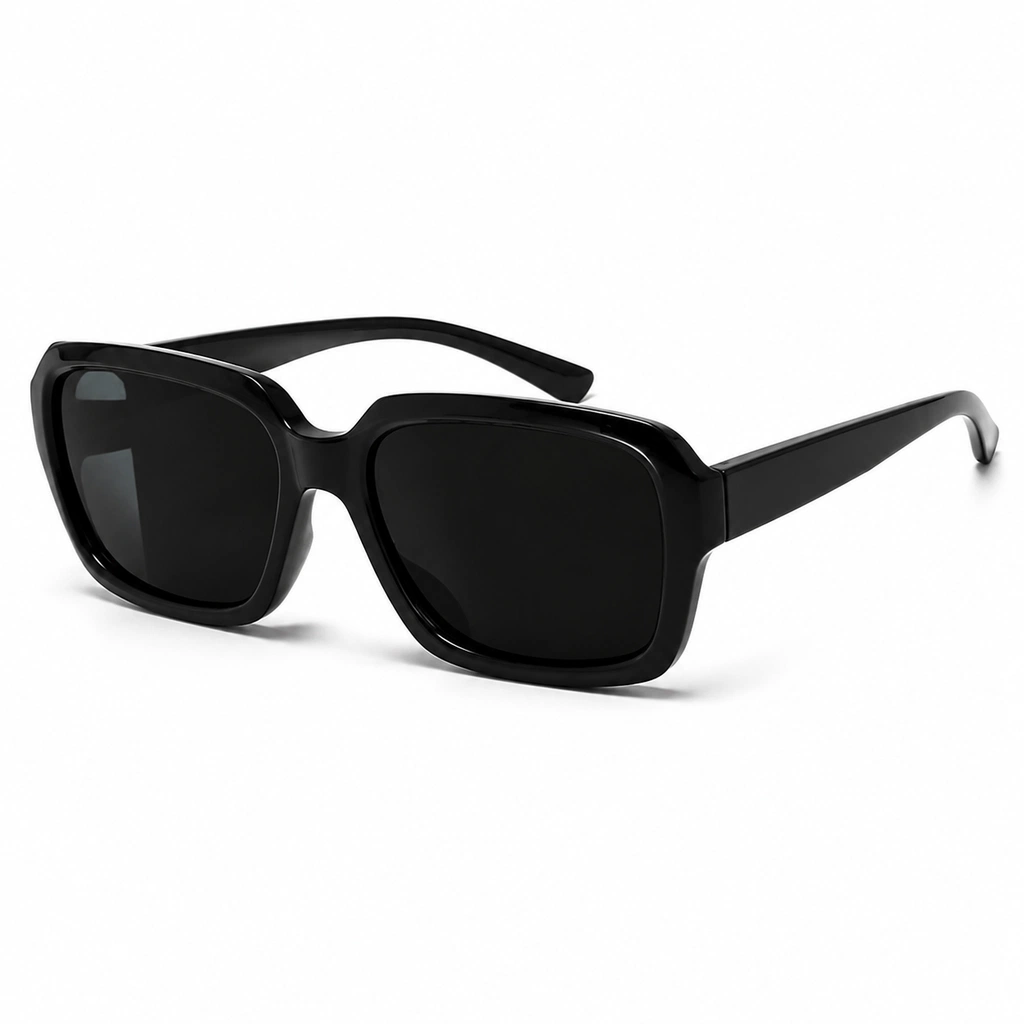
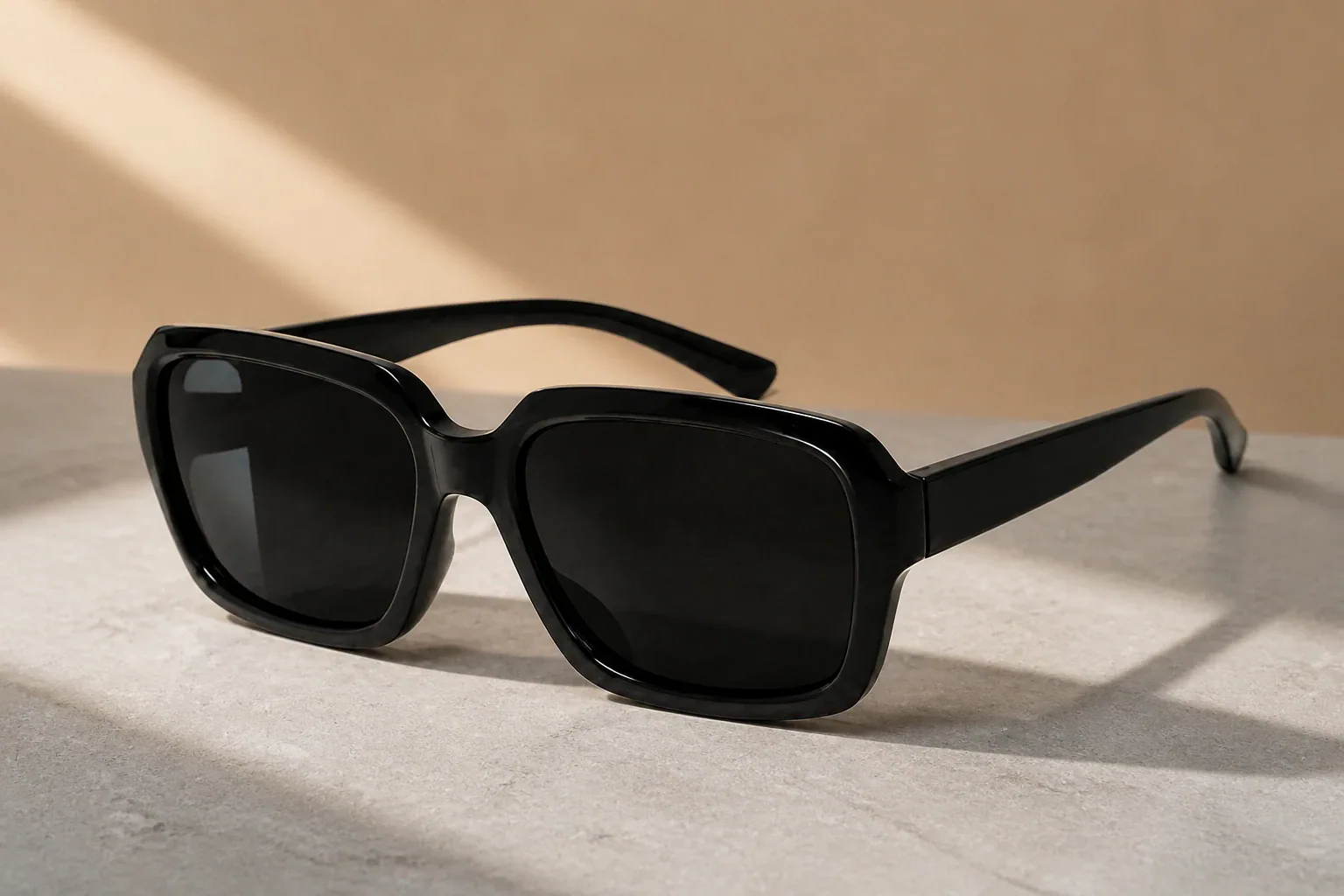
Separate the listing from the promotion
For discounted black frames, use the listing image to identify the actual frame and lens variant. Put the discount line in separate promotional creative. Google's image rules address added promotional lettering, prices and watermarks. Google product image requirements
Inspect the file's source metadata
Google requires metadata indicating the digital source of generative AI imagery. Inspect fields such as IPTC DigitalSourceType on the final hosted file. Cropping or re-encoding may change metadata. An on-image watermark preference in Haivis addresses visible pixels. Check the embedded data separately.
Follow the feed to the delivered image
Open the actual image_link for the item, verify that the right variant loads without sign-in and check for old promotional copy. Use additional_image_link for other views. Keep the source and final files and consult product diagnostics in Merchant Center.