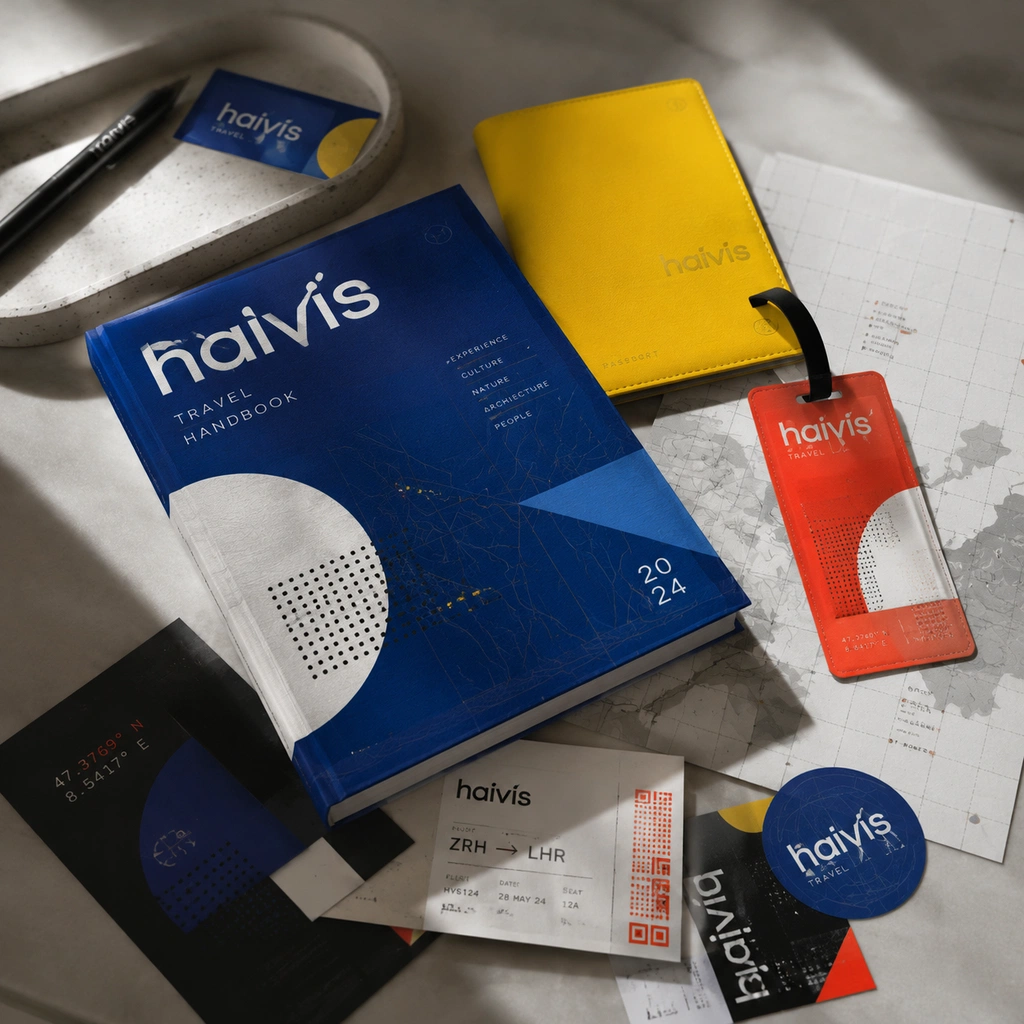
How to make a corporate gift-box mockup for supplier review
Create a closed-box view for the cover and an open view for the contents. Pair the Haivis proposal with a checklist of dimensions, colors and packing details for the supplier.
Give purchasing two views
The closed view shows the first impression. The open view explains how the items fit and where the recipient's fingers go. Use consistent lighting, similar camera angles and a recognizable scale cue so a small accessory stays small.
Turn the pictures into a review checklist
Place the original logo file and list hinge direction, insert cutouts and lettering near folds. If a picture suggests unusually thick walls, consult a side photograph and ask for a dimensioned drawing. Approve the supplier's dieline and color proof before print.
Starting materials
Gather a photo of the box structure, contents list, original logo file and insert dimensions.
Example prompt
Show the reference gift box open. Use deep blue on the lid and a small yellow accent on the card. Give each item its own recess with room for fingers.
What to check
Check the number, orientation and removal of each item. Mark every dimension, color or fit requiring a physical sample beside the proposal.