Explore AI visual design with Haivis
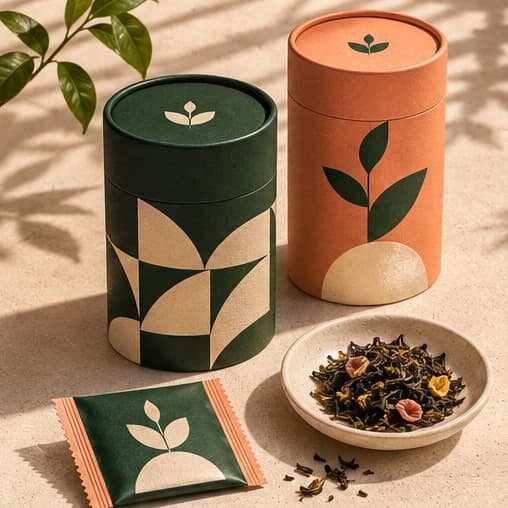
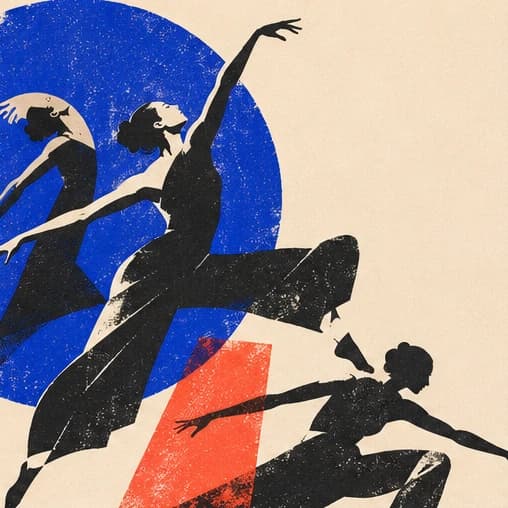
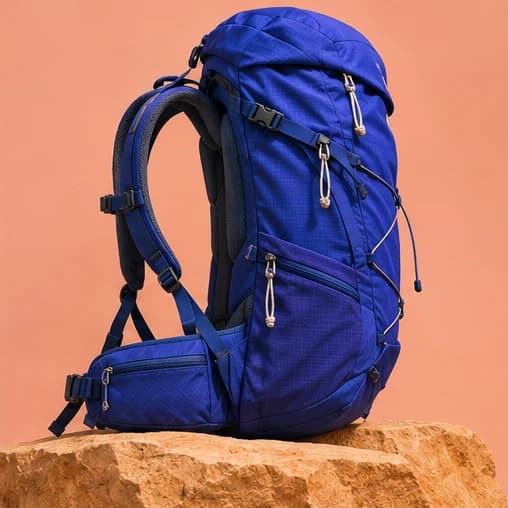
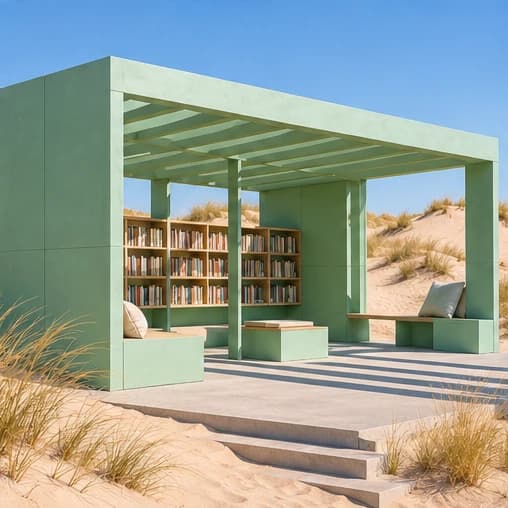
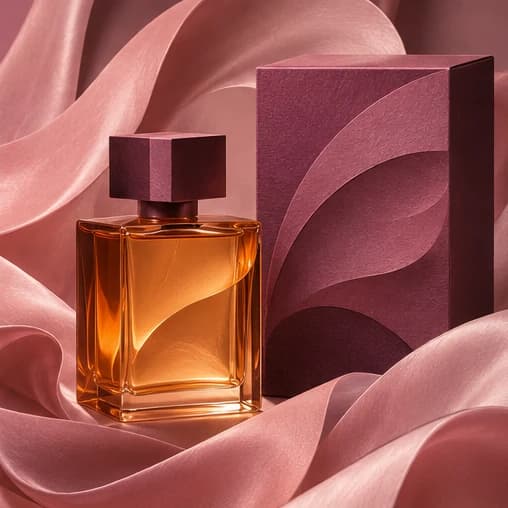
Explore product concepts, brand packaging and event posters. Compare drafts from multiple image models on the Haivis AI design canvas, then refine selected regions, lettering and backgrounds.
From brief to image

From the first draft to the final edit
Compare directions from the same brief
Use the same brief across image models. Compare silhouettes and lighting side by side on the Haivis canvas.
Explore text to imageKeep the composition and revise one detail
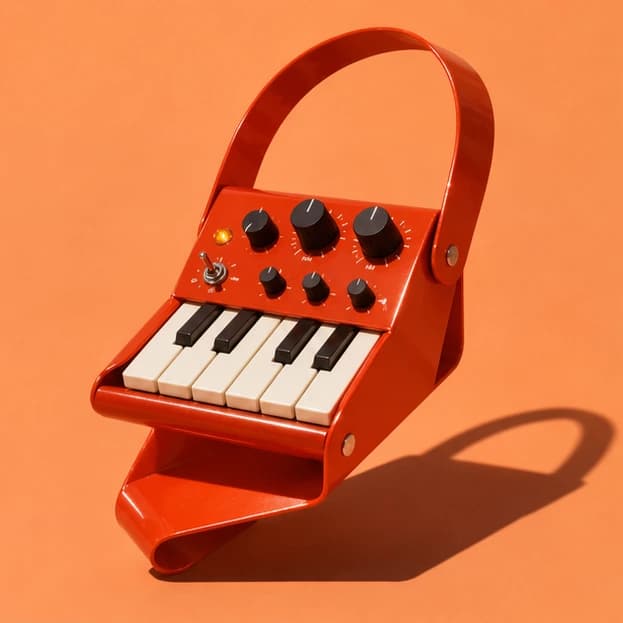
Select the synth panel to try a matte finish, leaving the keys and handle outside the edit.
Explore inpaintingChange poster lettering in place
Replace a performance date on the poster and check line breaks and alignment in place.
Explore image text editingClear space around the subject
Brush over a distracting prop to fill its background. Keep the bottle edge and contact shadow outside the selection.
Explore Magic Eraser