Prepare landscape, square and portrait images for responsive display ads
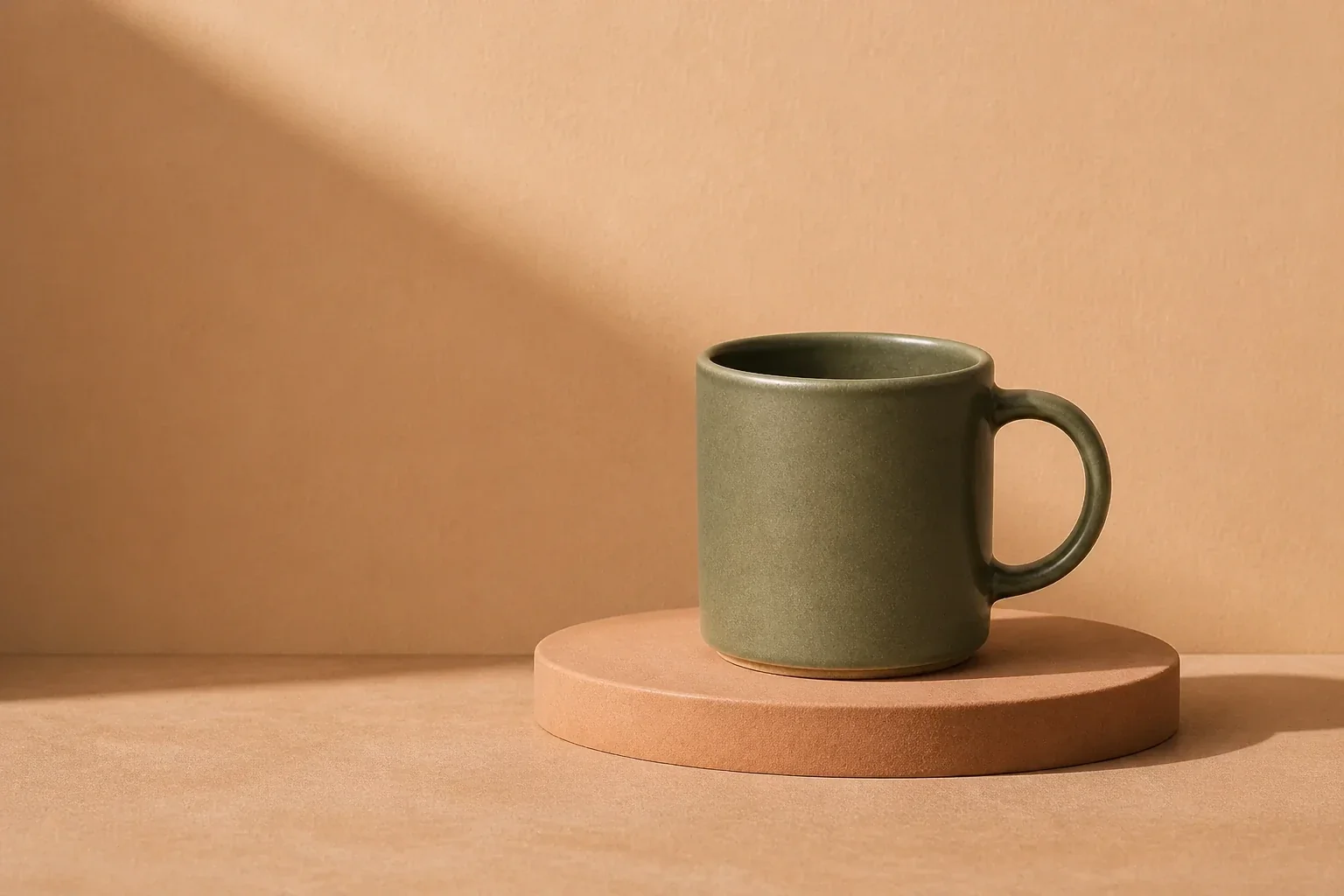
Start with a clean product visual, position it independently in three formats and verify each crop. Supply images, logos, headlines and descriptions in the asset fields for the actual campaign.
Identify the asset type
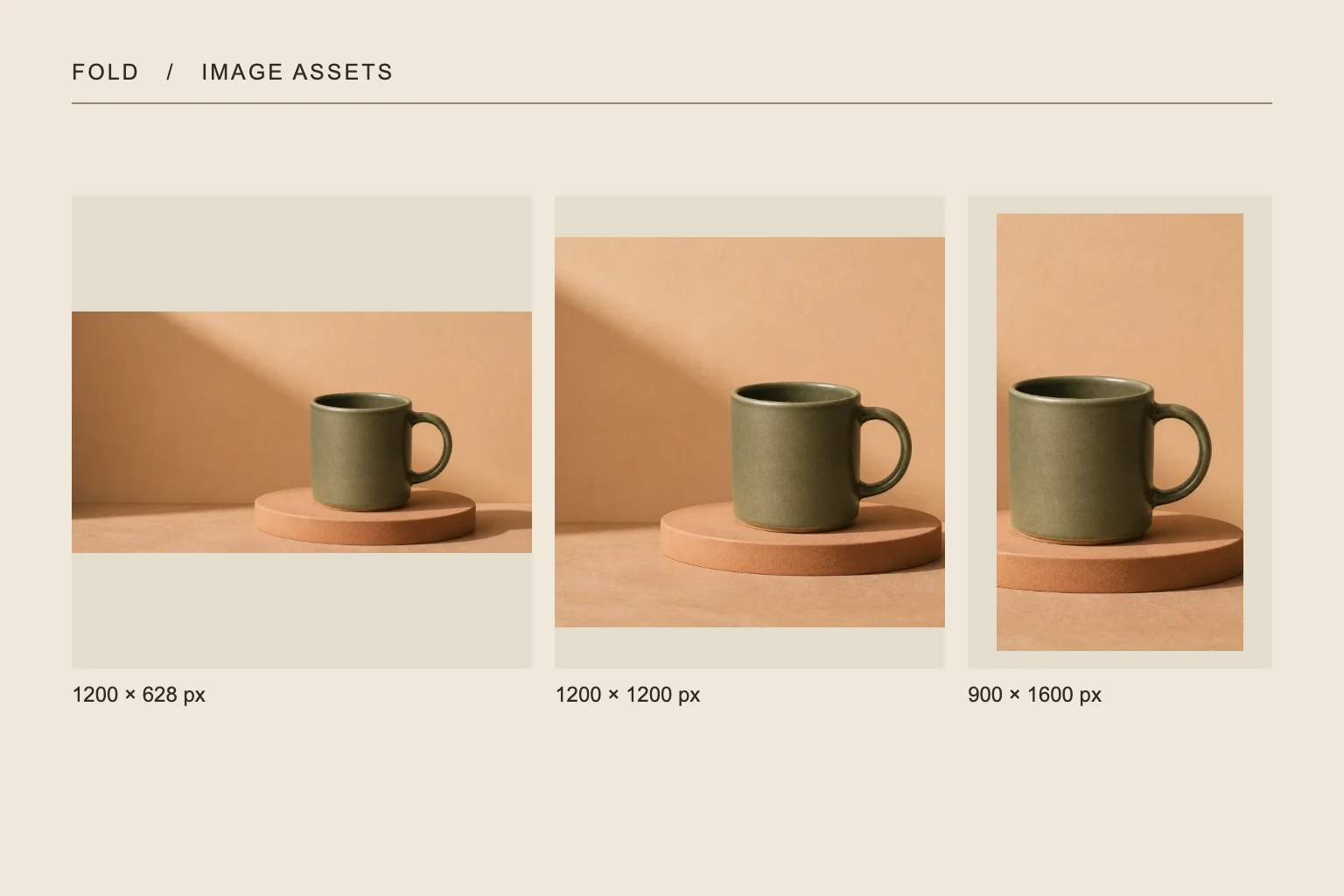
Responsive display ads combine separate marketing images, logos and copy. Google's guide gives example recommendations of 1200 × 628 landscape, 1200 × 1200 square and 900 × 1600 portrait. Confirm the requirements of the actual campaign before preparing the files. Google responsive display guide
Inspect the same mug three ways
Check space and the surface in landscape, the whole silhouette in square and the handle in portrait. Record what each crop retains. If too few pixels remain, return to a larger original or recompose the image. Review the resulting image-and-copy combination in its real placement.
Starting materials
Collect a product photo with breathing room, approved logos and copy, and the asset requirements shown in the account.
Example prompt
Keep the rim and handle intact against a warm wall. Leave side space in landscape, show the full item in square and move the portrait crop toward the handle. Keep promotional text and logos separate.
What to check
Review the rim, handle and contact shadow at every delivered size. Verify dimensions and byte size, then inspect the combinations in the ad account.