
Responsive display assets or finished uploaded banners: what should you deliver?
Confirm how the campaign will be created. For asset-based combinations, deliver images, logos and copy separately. A fixed-size uploaded banner carries the completed visual arrangement.
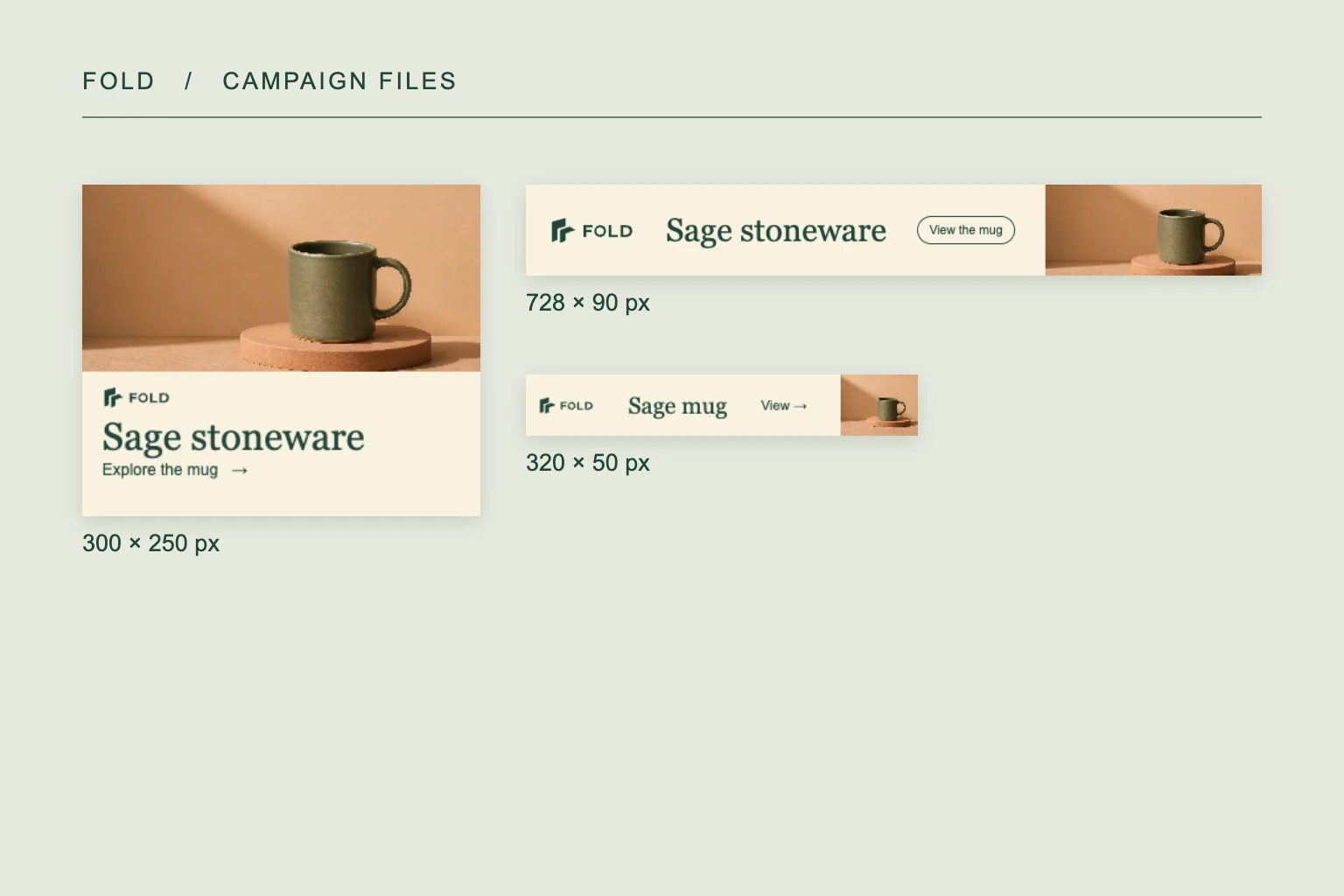
Ask which creation flow is being used
Responsive display creation accepts separate images, logos, headlines and descriptions and assembles combinations. An uploaded finished ad uses a different deliverable. Ask the media operator for the actual campaign type and current requirements before preparing a size list. Google responsive display creation
Map the assets to the handoff
| Asset | Contents | Final review |
|---|---|---|
| Marketing image | Clean visual in the required ratios | Account combination previews |
| Standalone logo | Approved brand mark | Ratio and intended background |
| Finished display banner | Final headline, image and CTA | Whole file at its actual pixels |
Keep traceable source photographs and approved copy versions for both workflows.
Assign approval before launch
The product owner checks the item, brand reviewers approve wording and marks, and the media operator confirms dimensions, file weight and account previews. Keep artwork and copy revisions together and use the ad account's records when reporting campaign performance. Uploaded display specifications