
Can an article hero, social share card and Discover image use the same source?
They can start from one photograph. The article hero explains the story, a share card introduces the link and a Discover candidate benefits from a representative landscape composition. Choose the primary surface.
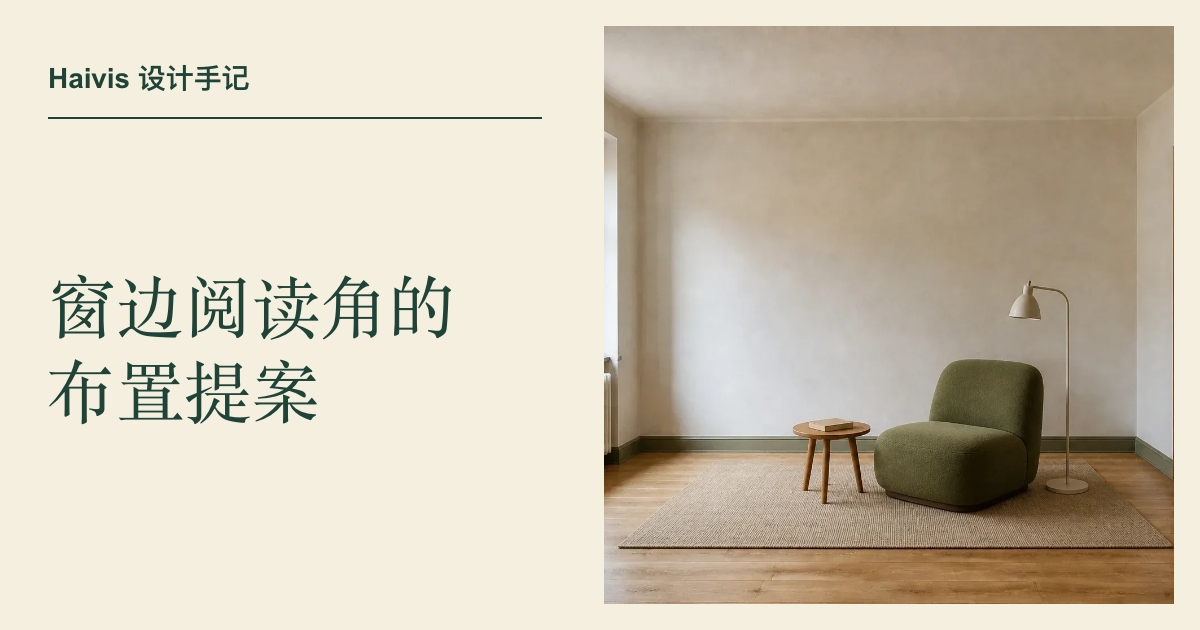
Who uses each image?
| Surface | Decision | Verification |
|---|---|---|
| Article body | Does the photo explain the nearby text? | Open the article on phone and desktop |
| Shared link | Do title, URL and image make a clear preview? | Inspect head and the platform preview |
| Discover image candidate | Is it representative and suitable for a wide crop? | Check image, preview eligibility and indexing |
Prepare a large-image candidate
Google recommends high-quality images at least 1200 pixels wide with more than 300,000 total pixels and attention to a 16:9 landscape crop. A setting such as max-image-preview:large can permit large previews. A 1280 × 720 image has 921,600 pixels; check that the subject still represents the article after cropping. Appearance remains Google's decision. Google Discover guidance
Choose a preferred og:image
If one image must serve both discovery and sharing, try a representative photo with little text and leave the title to og:title. If the main channel uses publication-branded cards, test the headline version there. Check the real crop and cached result.