Prepare an article hero image for readers and Google Images
Choose a visual that explains the article's central question and include it as an HTML image. Its filename, alternative text, caption and nearby prose should identify what this particular picture contributes.
Select for the reader's question
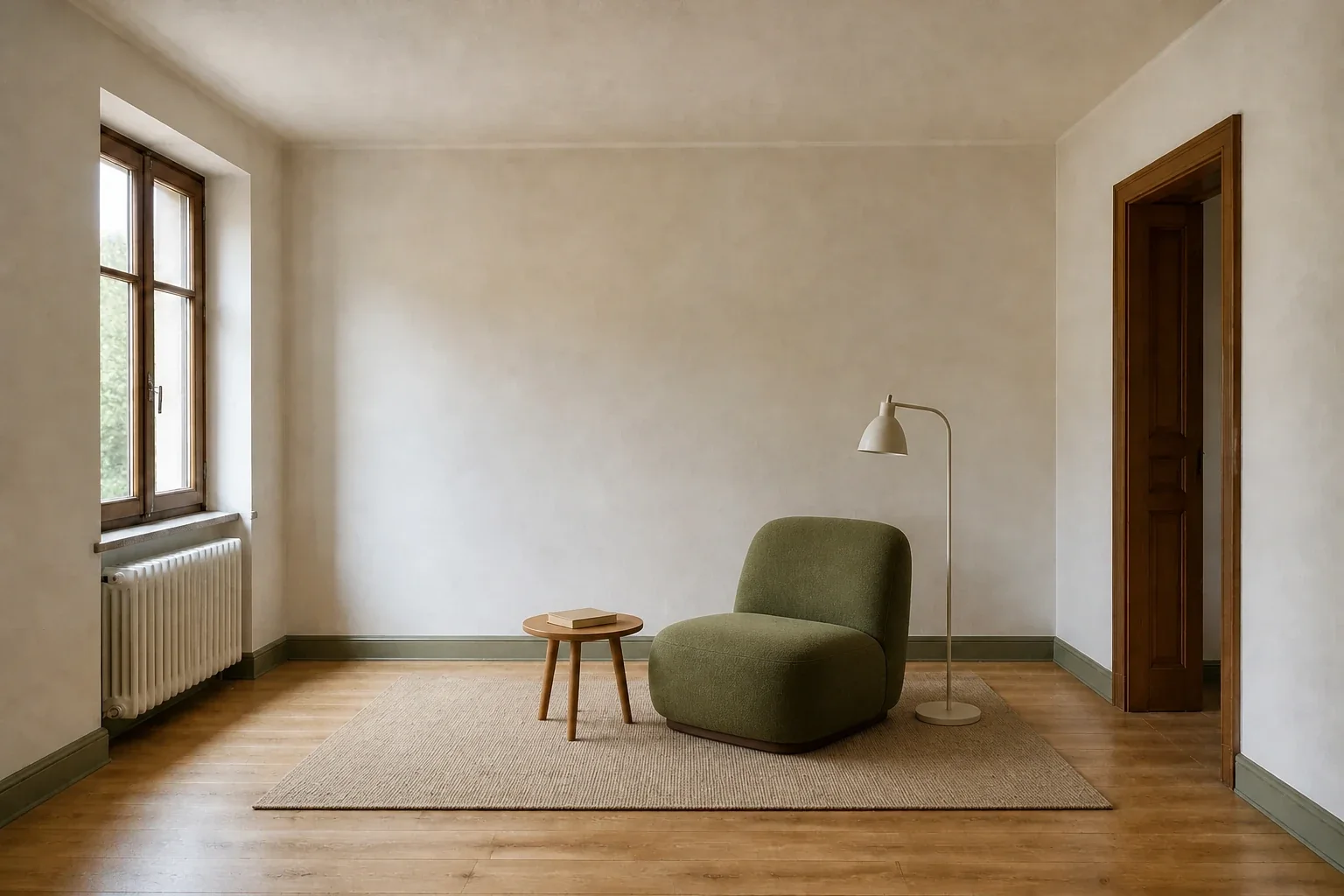
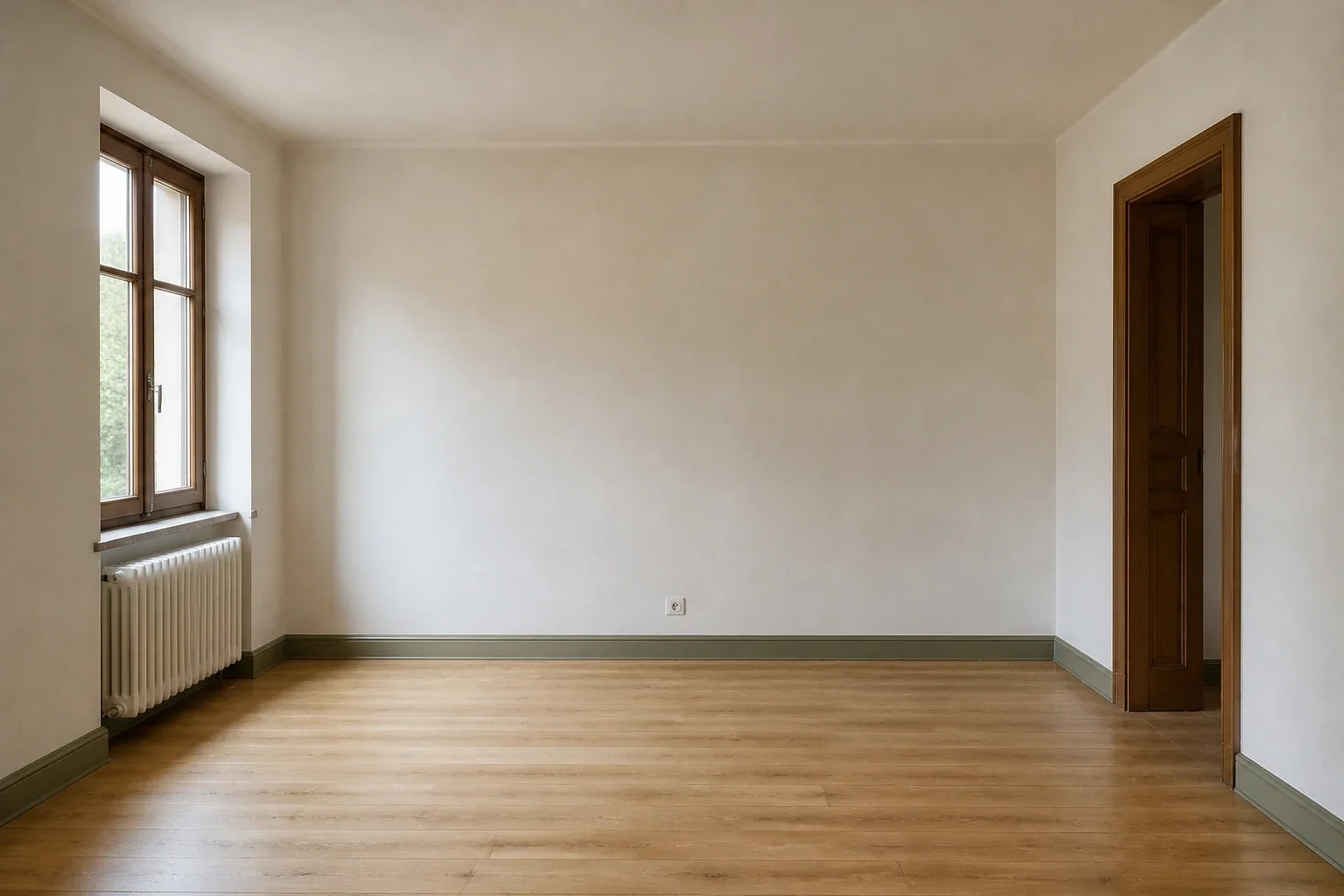
An article about keeping a route clear beside a window needs the chair, window and doorway in one frame. A fabric close-up belongs later. Label the first image with its actual status, such as furnishing proposal or completed-project photograph.
Connect it to the article
Use an img with a fallback src and supply srcset and sizes for the actual layout. Place it beside the text discussing the furniture arrangement and describe the meaningful relationship in the alternative text. Google Images best practices
Starting materials
Gather the article question, cleared source artwork and capture or generation status. Confirm which revision can be published.
Example prompt
Choose a hero for a reading-corner case. Show the window, chair and route through the room, retain the doorway and keep the article headline out of the middle of the photo.
What to check
Open the article with scripting disabled and locate the image and caption. Open the image URL itself to verify the exact version.