
Ecommerce product galleries from SKU shot lists to listing-ready images
Plan each view around a buyer question. Identify variants first, then show construction, printed information, box contents, dimensions or operating states as appropriate.
Give each SKU a shot list
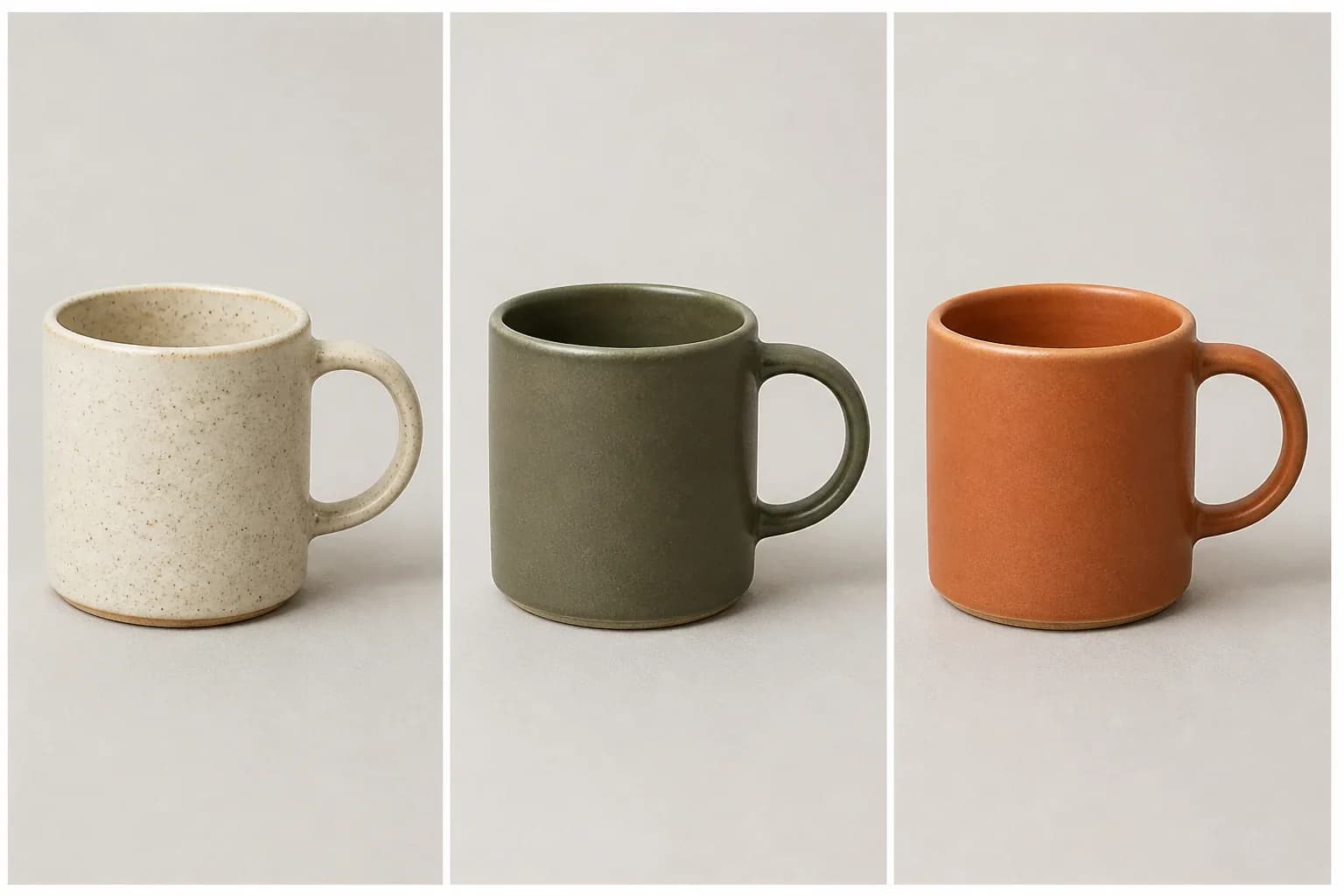
List the actual SKUs, then give each variant the views a buyer needs to see. Three mug glazes with a front, detail and in-use photograph each make nine deliverables. Name the files by SKU and view and check off each shot at handoff.
Photograph the detail someone could misread
Compare mug glazes, show a bag opening, rotate a bottle to read both labels and separate items in a bundle. A clasp needs a macro, a light fixture needs off and on frames and apparel needs explicit measurement endpoints. Follow the relevant guide for each product.
Check the finished gallery
Start from an actual variant selector and match its lead, additional views and model information. Review labels and units at phone width. Keep source approvals, the shot-list row and the final filename together for future reshoots.
Continue exploring
- How to match ceramic mug color photos to the correct SKU
- Match product variant images to id, item_group_id and additional images
- Photograph a bag's interior pockets, zipper and usable space
- How to photograph the front and back labels of a curved cosmetic bottle
- Make a clear 'what's in the box' photo for a product bundle
- Photograph a jewelry clasp so buyers can understand the fastening
- Show a pendant lamp switched off and on in a product gallery
- Mark shoulder width, chest width and length on a flat garment photo
- Box contents, packaging mockup or lifestyle photo: which does a buyer need?
- Show product scale with a prop, a dimension line or a size table?