
Multi-format ad creative from clean assets to fixed-pixel banners
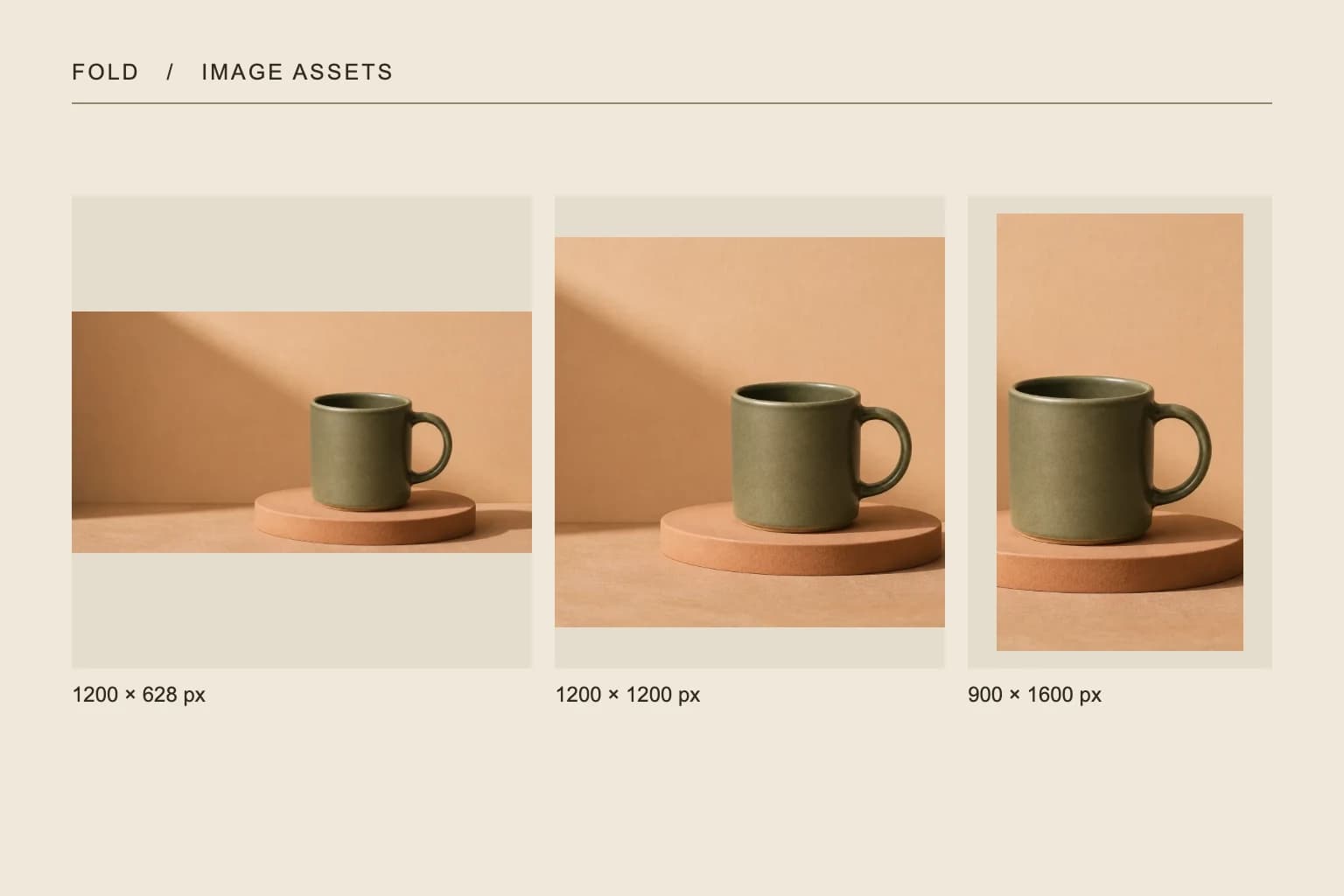
Determine whether the channel combines assets or takes finished artwork. Inspect landscape, square and portrait crops from one product source, then lay out narrow banners separately and proof their placements.
Make two handoff lists
Record ratios, logos, headlines and descriptions for responsive assets. For finished banners, record exact pixels, byte size and approved copy per file. Check product identity against one source record for both.
Export and inspect
Compare landscape, square and portrait proofs and inspect the recognizable product edges, especially in portrait. Review finished banners at their actual pixels and the vertical artwork in the current placement preview. Record the image revision and approved copy so later changes point to the right asset.
Continue exploring
- Responsive display assets or finished uploaded banners: what should you deliver?
- Prepare landscape, square and portrait images for responsive display ads
- Proof a vertical ad against real interface overlays
- Lay out 300×250, 728×90 and 320×50 finished display banners
- Create ad headline A/B variants that differ in one variable