
Brand asset handoff from logo lockups to print approval
Select files by the recipient’s next operation. Web teams need marks suited to placement and background, designers need workable masters, and printers need documented output conditions. Use a versioned manifest for all three.
Place the identity before approving the file
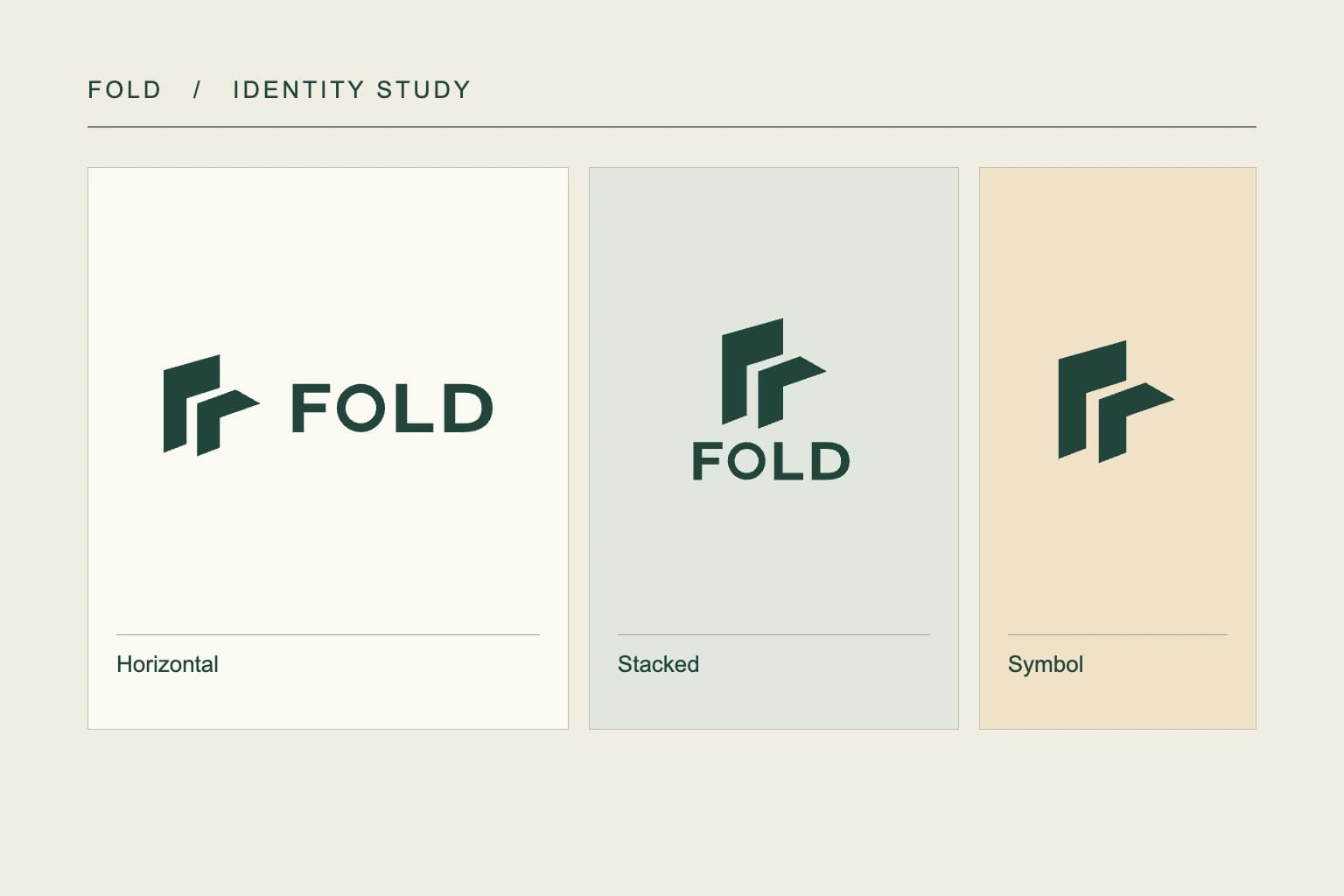
Try horizontal, stacked and symbol-only versions in a real header, square label and avatar. Inspect edges on dark and light fields. Record the approved use, revision and any elements the recipient needs to edit.
Ask three questions
Can the subject sit on another background? Can each prop move independently? Can the recipient edit the mark's paths? These checks point to transparent PNG, separated objects and the original vectorization SVG respectively.
Open it as the recipient will
Place the cutout over a color, extract and match originals to the preview, and open the SVG in a compatible editor. If a PSD is supplied, identify its layer structure on the handoff sheet. Record final size and revision.
Continue exploring
- Deliver horizontal, stacked and symbol-only logo lockups
- Hand off positive and reversed logos for light and dark backgrounds
- Why does a designer call my SVG logo a bitmap?
- Prepare a brand-color print proof that can be approved
- Build a versioned brand asset handoff that recipients can actually use
- PNG, SVG or PSD: what should you hand off to a designer?
- Download the original SVG from a vectorization task
- Download multiple original canvas assets in a ZIP
- Verify that an exported PNG has a transparent background