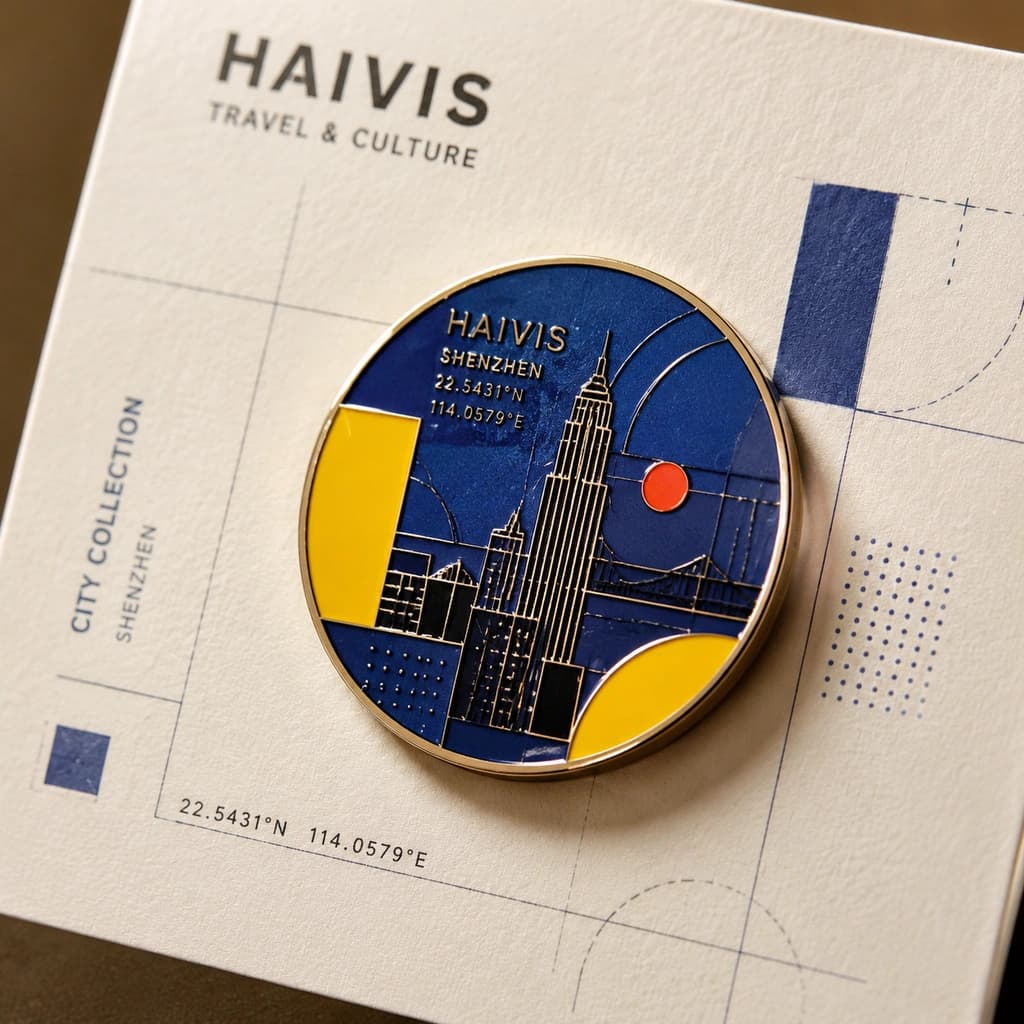
Download the original SVG from a vectorization task
HaivisUpdated
Select an image asset, run vectorization and download the original SVG result. Use this file when the recipient needs to inspect or edit contours.
When to use the original download
Use the original vector result for paths. An ordinary bitmap selection exported as SVG can wrap the rendered image. Run vectorization first when path data is the intended output.
Inspect the handoff
Open the original in a compatible vector editor. Inspect outside edges, internal gaps and small lettering. The Haivis canvas places the asset as a whole object. Make point-level adjustments in a vector editor and compare with the original mark.