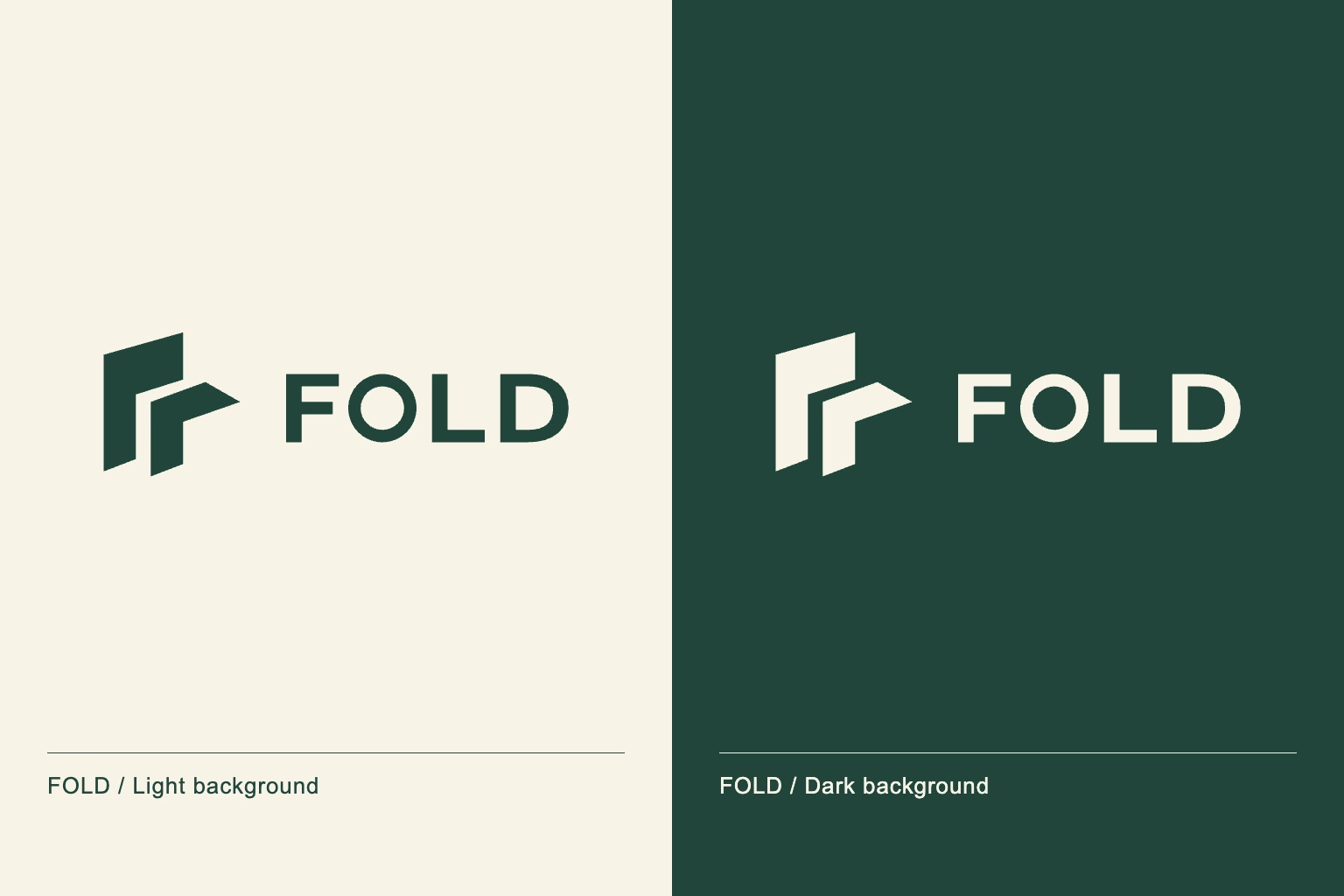
Hand off positive and reversed logos for light and dark backgrounds
Proof approved foreground variants on the intended backgrounds while keeping their artboards, clear space and positions identical. Deliver the transparent artwork and its intended use.
Inspect each background
Dark fields reveal pale fringes or a white rectangle. Light fields reveal dark residue. On a photograph, inspect the busiest part and the area where contrast with the strokes is weakest. If a backing panel is needed, approve the panel and mark together.
Avoid a version mix-up
Label the dark foreground for light fields and the light foreground for dark fields. Retain the same artboard and mark position. Have the recipient place each file on the actual background and check fine lines, clear space and edges against the approved artwork.
Starting materials
Collect the approved positive and reverse masters and actual background samples. Flag photographic and gradient placements separately.
Example prompt
Proof the same horizontal lockup on a light and a dark field. Keep the symbol and wordmark aligned. Use approved foreground colors and separate the preview background from the exported master.
What to check
Place both files over alternate colors and inspect thin lines, counters and boxed edges. Check the version actually loaded in the final placement.