
In-store marketing signs from the window and shelf to ordering and pickup
Follow the customer's route before entry, at the shelf, at order and at departure. Give each sign one current question, then proof it under real lighting and from the visitor's position.
At the entrance: is the shop open?
Maintain weekly hours separately from exceptions. For double-sided window art, proof each message and direction from its proper side. Walk from the street and look again beside the handle and from inside.
Shelf, tasting station and counter need different actions
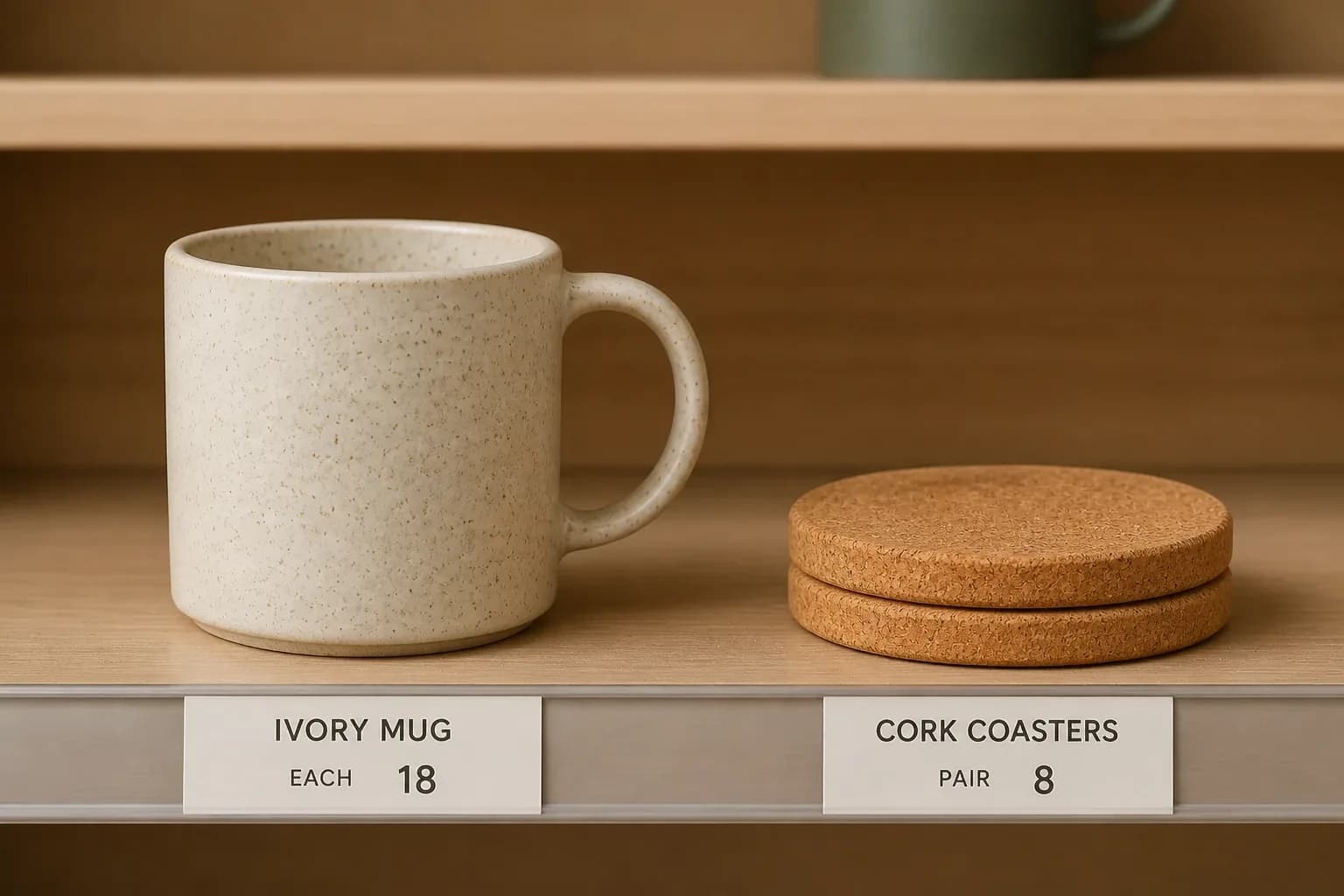
Tickets identify item and unit, promotional cards explain time-bound conditions and tasting cards belong to one tray. At the table, link a real scan card to the menu. At a busy counter, distinguish order from pickup.
Approve the installed materials
Use real holders and printed stock. From the customer's position, scan, identify the right price, find pickup and stamp a card. Save approved copy, proofs, file versions and the removal dates of temporary signs for staff.
Continue exploring
- Design a storefront hours sign with replaceable date exceptions
- Keep a holiday hours notice and Google Business Profile in sync
- Design a two-sided window poster readable from inside and outside
- Design shelf-edge price labels that distinguish each from a pair
- Shelf-edge label or promotional wobbler: what belongs on each?
- Set up tasting-tray cards so customers identify the right sample
- Make a restaurant QR menu table card that scans after printing
- Why a menu QR code scans on screen but fails on a printed table card
- Design café counter signs for ordering and pickup
- Lay out a café loyalty stamp card around the real ink impression