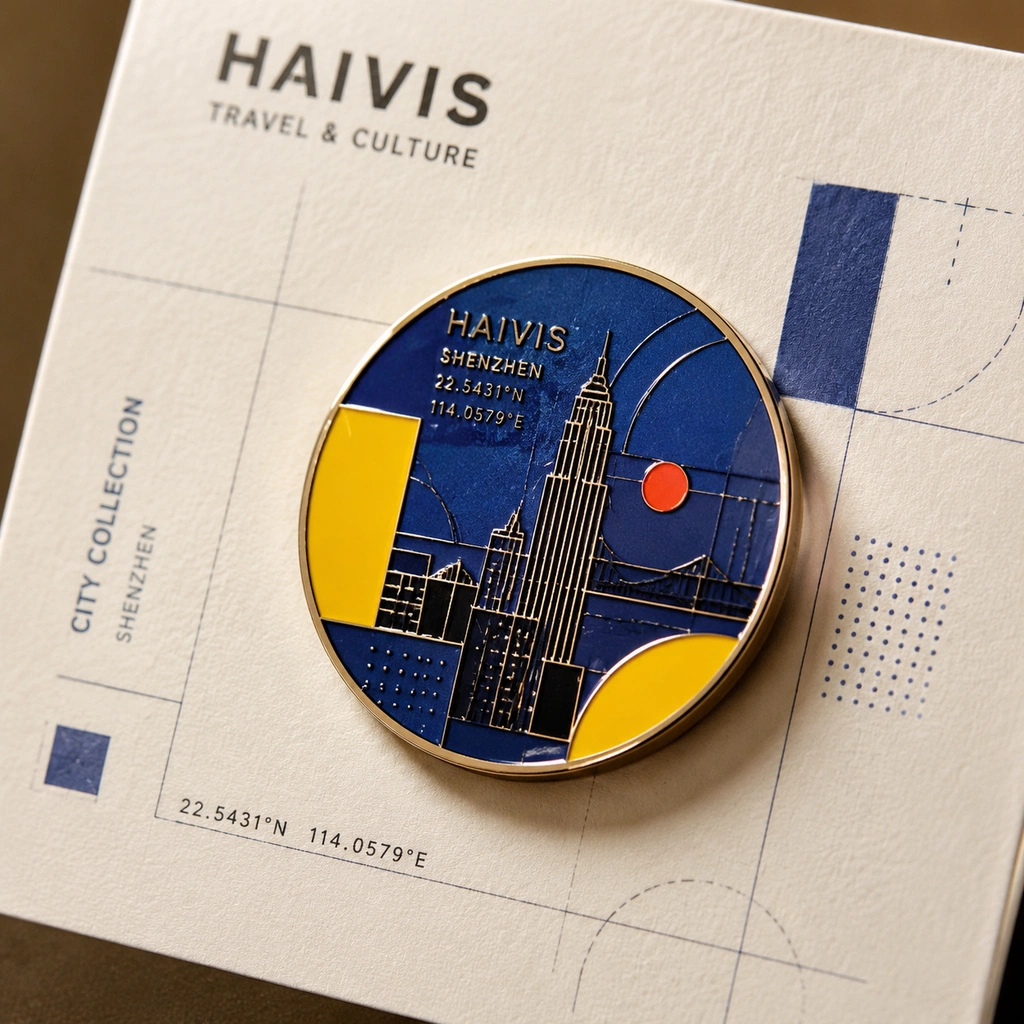
Convert a bitmap brand mark to SVG and check it at icon size
Use a flat approved master to produce an SVG. Inspect counters, fine lines and contours at the smallest intended size and again at a larger scale. Keep the original vector output.
Begin with the approved artwork
Perspective and reflections from a photographed pin may turn into unwanted shapes. Use the approved flat bitmap when available. Select it, run vectorization and download the original SVG result. A raster image wrapped in an SVG export has different editing properties.
Make two proofs
Inspect the mark at actual icon width and again enlarged for broken paths and missing fills. Check lettering against the brand master. For node-level editing, hand the original result to a vector editor.
Starting materials
Find a front-facing mark without shadows or perspective, the approved colors and its smallest intended display size.
Example prompt
Suggest a simplified round badge that keeps the silhouette, two main colors and interior gaps. Distinguish details visible at icon size from ornamental strokes.
What to check
Download the vectorization task's original SVG, open it in a second viewer and inspect the smallest and largest intended sizes.