
Make a transparent product PNG
Extract a product once and place it on different backgrounds.
Open the Haivis canvas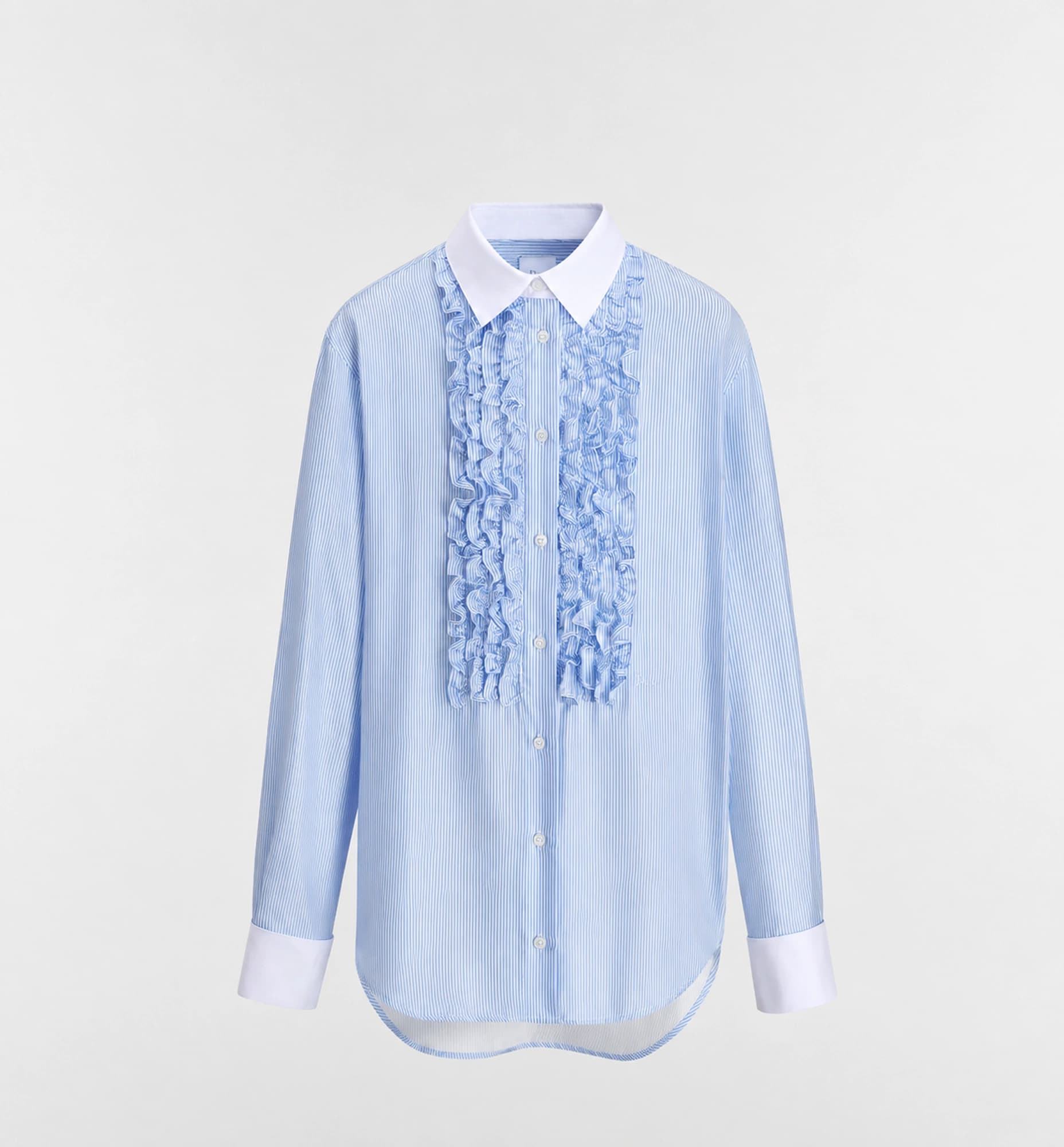
What to bring
A clear product photo and the background colour used on the listing.
Steps
- Select the photo and use background removal.
- Preview the result on dark and light surfaces, inspecting collars, straps and fringes.
- Export the subject alone as PNG and reopen it to verify transparency.
Example instruction
Prepare a blue shirt for a white catalogue page and a navy promotion. Check its cuffs and inner collar.
Background removal