
Enlarge a product detail photo
Prepare a closer view of stitching, hardware or woven material.
Open the Haivis canvas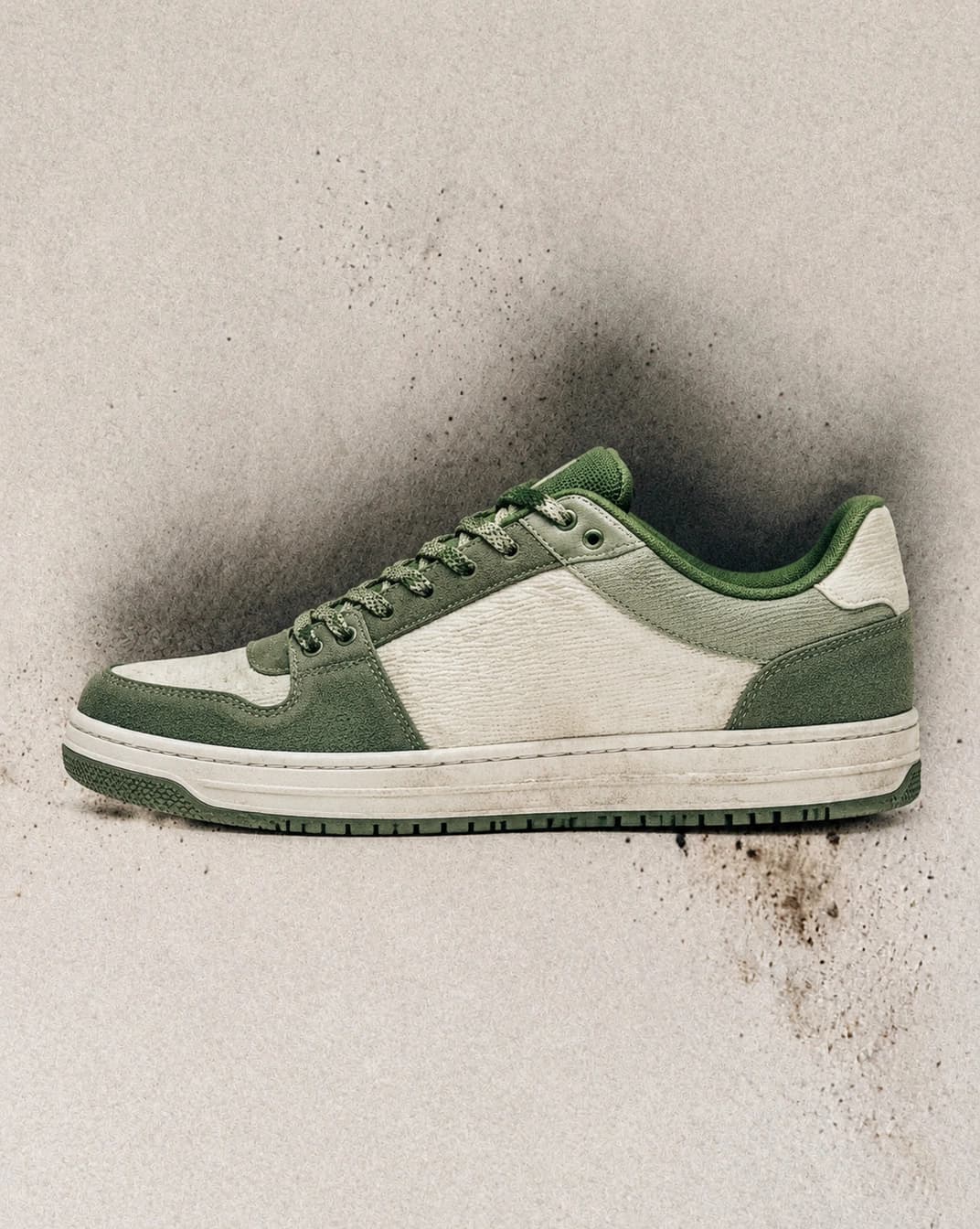
What to bring
The original detail shot, its intended width and a reference showing the real texture.
Steps
- Select the image and inspect the available upscale sizes.
- Choose 2K or 4K for the layout, then compare stitching and logos against the source.
- Preview at listing width and verify unreadable specifications against product records.
Example instruction
Prepare a wide detail shot of the shoe upper and check eyelet positions and stitch direction.
Image upscaling