
Change a product photo background
Replace a white backdrop or tabletop while preserving the product outline.
Open the Haivis canvas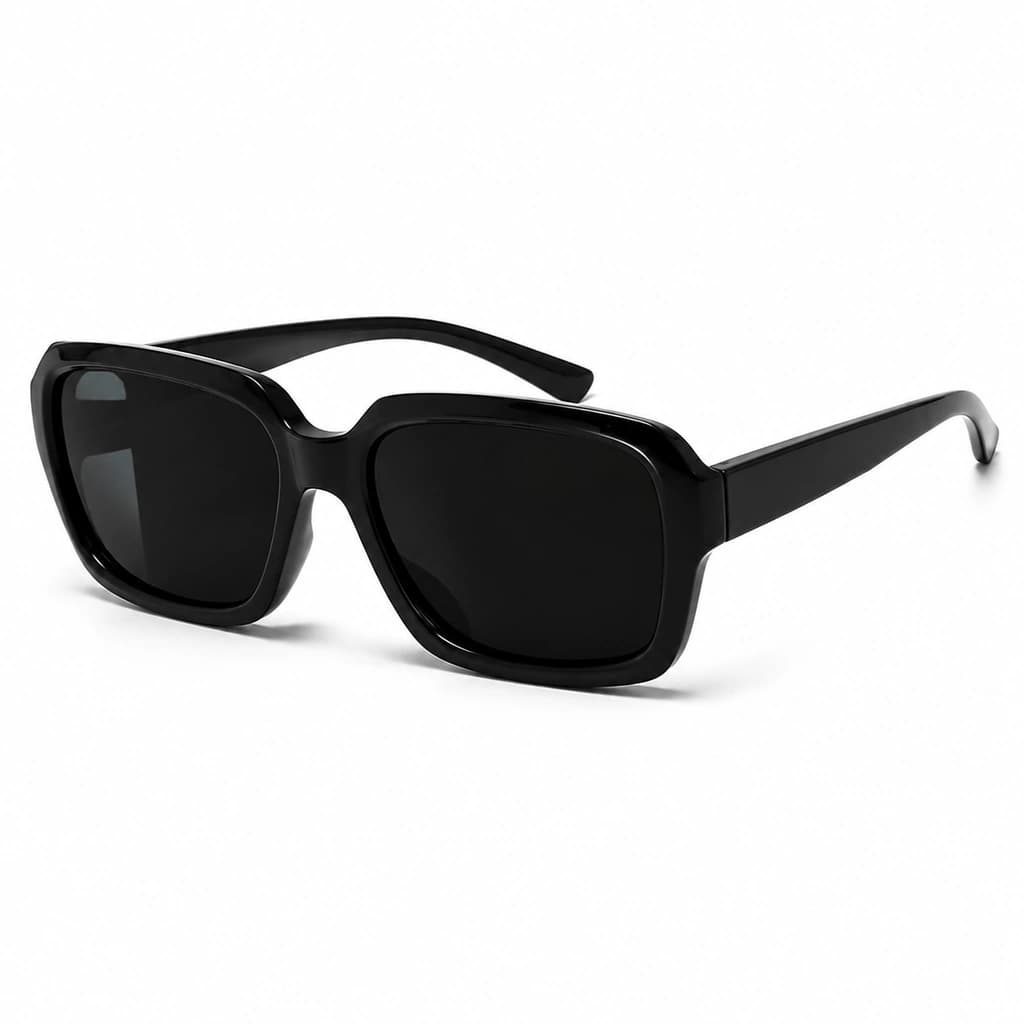
What to bring
A product photograph with clear edges. Gaps around handles or frames should show the original background.
Steps
- Open the photo on the canvas. Select the background for inpainting, leaving logos and product edges outside.
- Describe the surface material, light direction and cast shadow.
- Compare thin edges, cutouts and contact shadows with the original.
Example instruction
Replace the white surface beneath the sunglasses with matte grey stone. Light from the left. Keep the frames and temples intact.
Inpaint