
Create an on-model shirt photo
Show a shirt on a model and check its cut and visible construction.
Open the Haivis canvas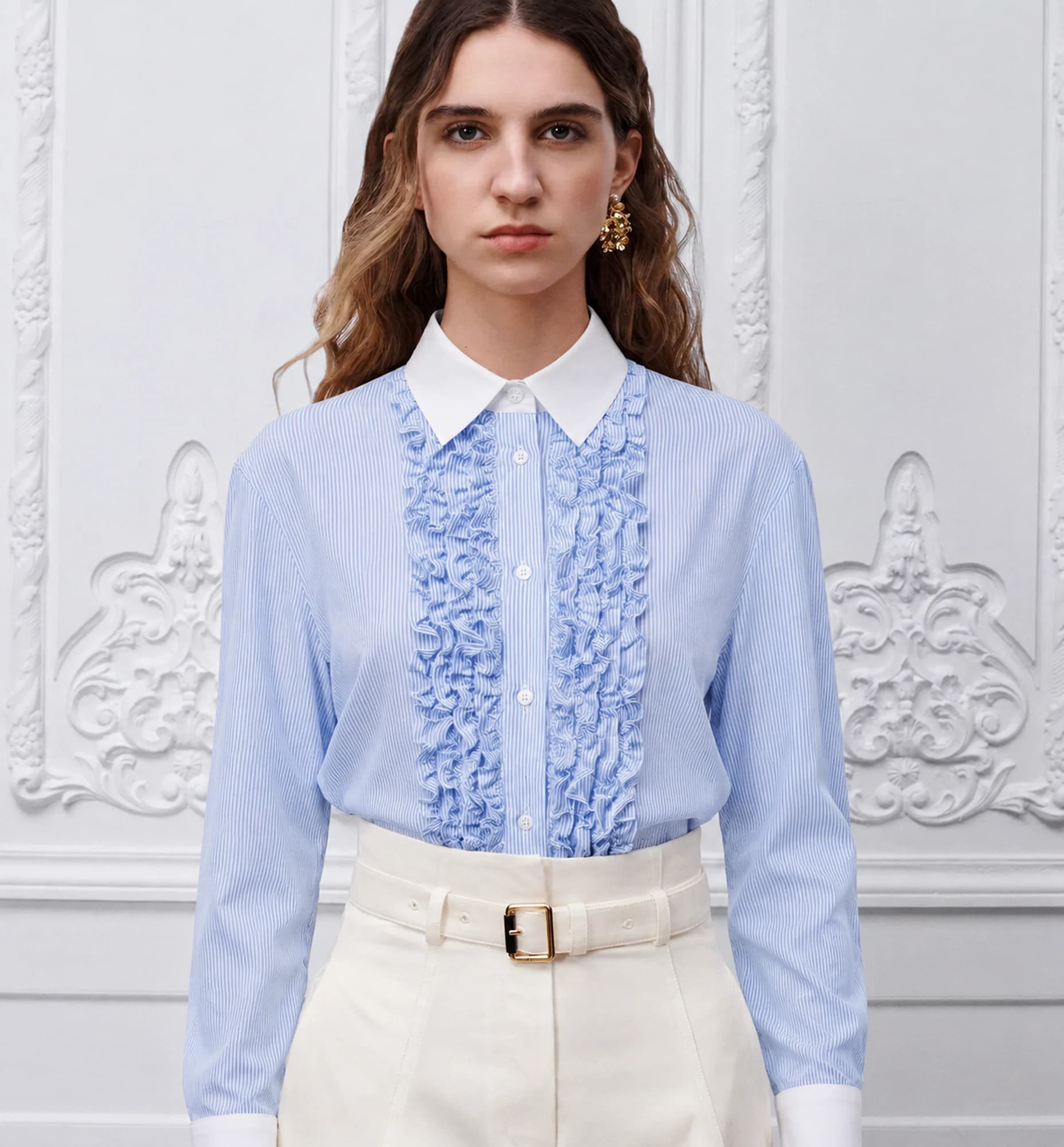
What to bring
A clear front view of the garment and a model photo with the collar and placket area visible.
Steps
- Place both images on the canvas and identify the garment and the wearer.
- Generate the on-model view and compare collar tips, button positions and cuffs.
- Pair obscured details with real close-ups before choosing a listing image.
Example instruction
Dress the model in the blue shirt, keeping its white buttons, straight placket and cuff width.
Virtual Try-On