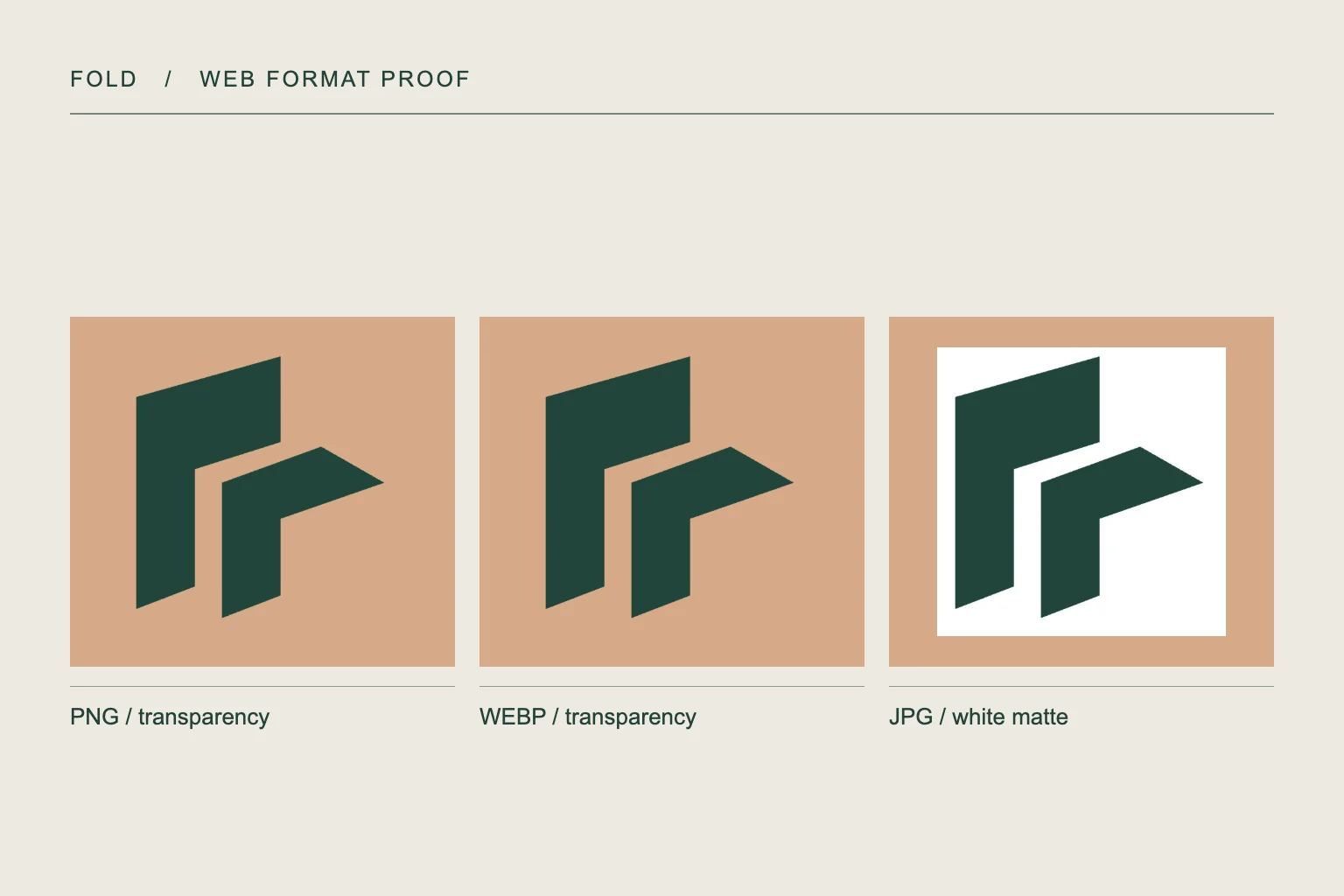
Deliver a transparent logo as WebP or PNG and a matted JPEG for the web
Decide whether the page background should show through or the mark needs a fixed panel. Supply an alpha-preserving file for the former and choose a deliberate matte when JPEG is required.
Test over two real colors
Place the master on light and dark fields. Inspect the corners and internal gaps, then check the delivered file at the same position. This distinguishes a flattened backdrop, an edge fringe and an intentional outline.
Deliver by use
For a mark that needs to show the web page through it, prepare a transparent PNG or WebP. For a JPEG placement, agree on the matte and composite it before export. Name each version by its use and open it to check actual format, dimensions and corners on the receiving layout.
Starting materials
Collect the approved transparent symbol, light and dark page backgrounds, target width and the requirement for transparency.
Example prompt
Check two exports of the same mark. Place the transparent version over the page color and composite the JPEG on an explicit solid field. Preserve proportions and clear space.
What to check
Reopen the exported files over two different backgrounds. If the corners stay the same color, inspect the format, source backdrop and chosen matte.