
WebP, JPEG or PNG for a web image? Compare the actual exports
First decide whether transparency is needed, then compare quality and bytes at the same dimensions. File size depends on content, resolution and encoder settings.
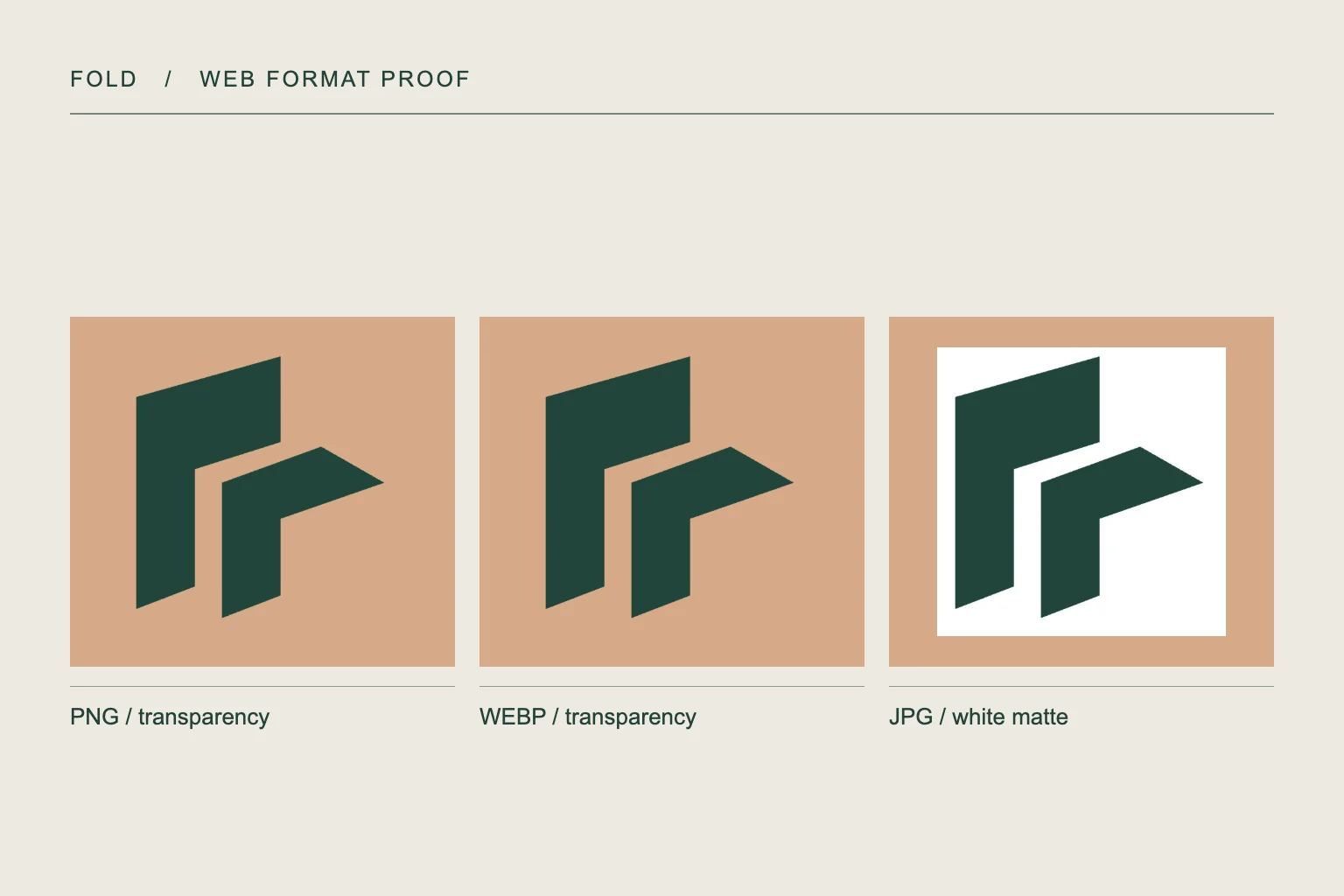
Start with the source's job
| Asset | Inspect first |
|---|---|
| Interior photo | Gradients, wood grain and shadow artifacts |
| Transparent symbol | Holes, fine edges and the page color showing through |
| Diagram with fine lettering | Small type, rules and high-contrast edges |
Google Images supports WebP, JPEG and PNG among other formats. Match the extension to the actual encoding. Google image format guidance
Compare at the same dimensions
Use one source and identical pixel dimensions for two files. Compare a photograph in WebP and JPEG, or a transparent mark in PNG and a matted JPEG. Inspect wood grain, type edges or transparent corners and review the image again at actual page width. Record the format and bytes of the file you approve.
Record the handoff
Record source name, chosen format, width and placement. For multiple resolutions of the same visual, give each file a stable address and match the srcset descriptors to the actual widths.