Remove an old product from an ad and keep the background
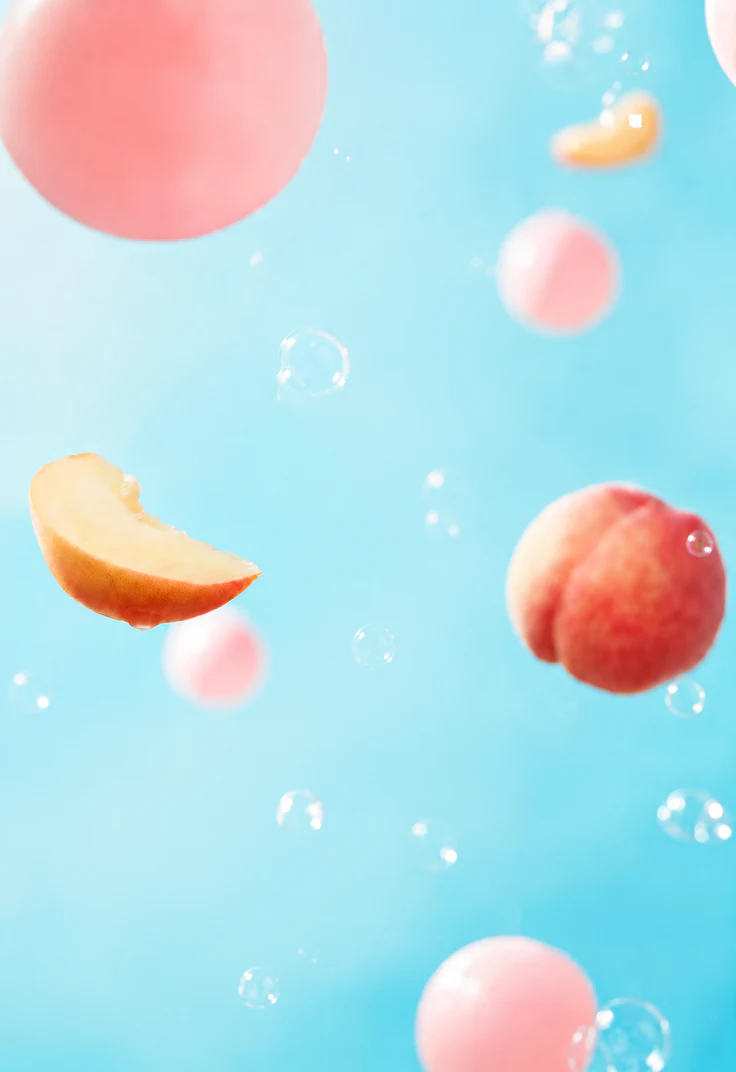
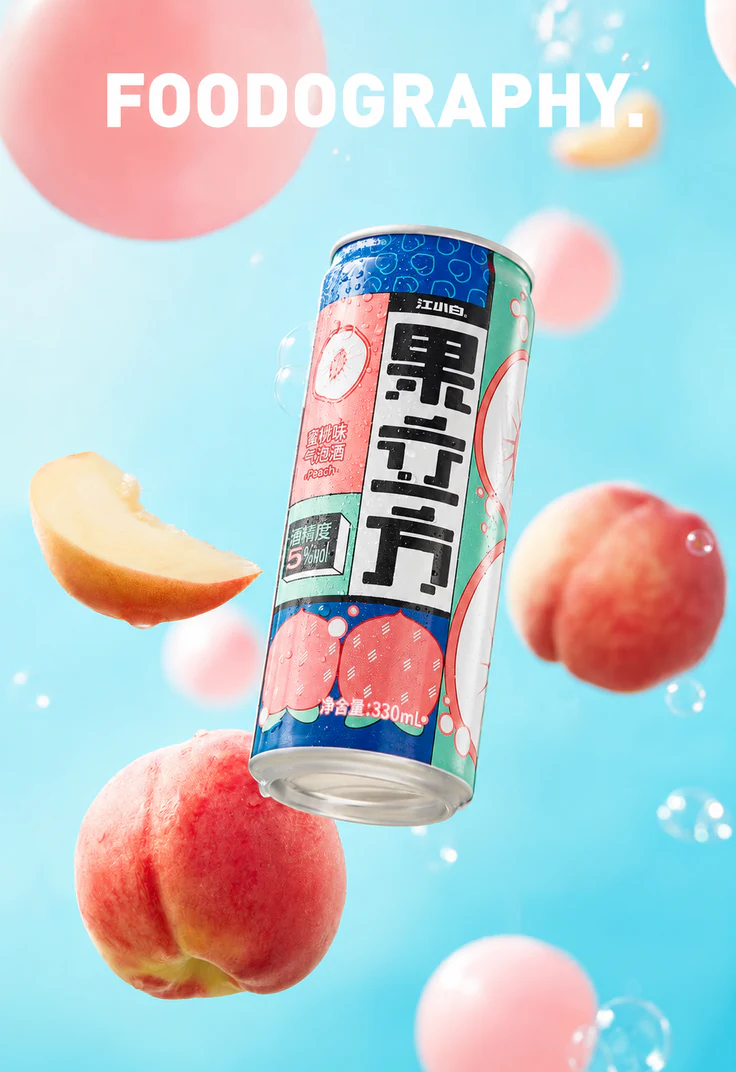
Before replacing a drink in a campaign, clean the old can and shadow from the scene. Use the Haivis eraser in stages and check the reconstructed area against the fruit around it.
Decide which part of the image you need
Background removal isolates the product. For a reusable scene, keep the environment and select the original product with the magic eraser. Work on the can, lettering and shadow in separate inspectable areas so that nearby fruit stays intact.
Integrate the replacement
Export a clean background before adding the next product. Match the new can's highlight and shadow with the light on the props. If a reconstructed region develops an obvious repeating texture, edit a smaller area and inspect again.
Starting materials
Keep the original artwork and the replacement product. Mark the reflection, shadow and props that must stay.
Example prompt
Clear the old can, headline and residual shadow. Continue the blue gradient through the central area while preserving the edges of the surrounding fruit.
What to check
Inspect the central gradient for seams and the nearest fruit for missing edges. Place the replacement product and check its own contact shadow.