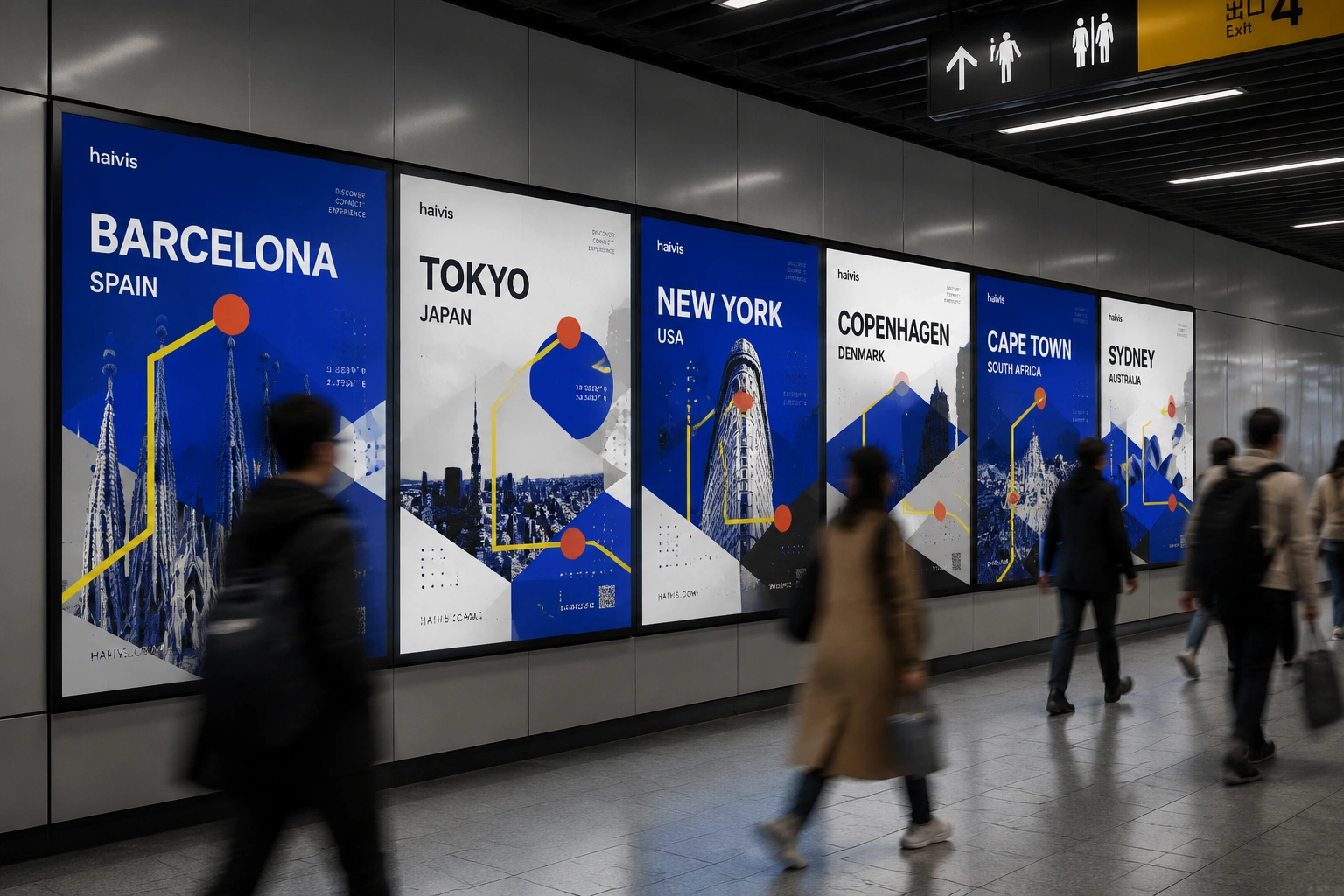
Check image resolution before enlarging artwork for a printed display
Calculate required pixels from the final print width and the printer's PPI. Decide whether to upscale on the Haivis canvas, then inspect lettering, edges and texture on a strip printed at full size.
Calculate first
At 150 PPI, a 40 cm-wide graphic needs about 2362 pixels: 40 ÷ 2.54 × 150. Compare this with the usable width after cropping. If the source already meets the specification, start with a proof.
Inspect a full-size strip
Select an available upscale option on the canvas and check the dimensions of the exported result. Include a small brand mark, one edge and a gradient on the strip. Supply approved marks, text and bleed separately when the printer requests them.
Starting materials
Obtain final dimensions, supplier PPI, cropped source pixels and the nearest intended viewing distance.
Example prompt
Prepare the background and main motif for a display panel. Keep space for type and retain approved logo and text files to replace separately after enlargement.
What to check
Print a strip with fine lines and type at its final scale and inspect it from the closest planned viewing distance.