
Create a social profile banner
Arrange a wide brand visual around avatar overlays and mobile crops.
Open the Haivis canvas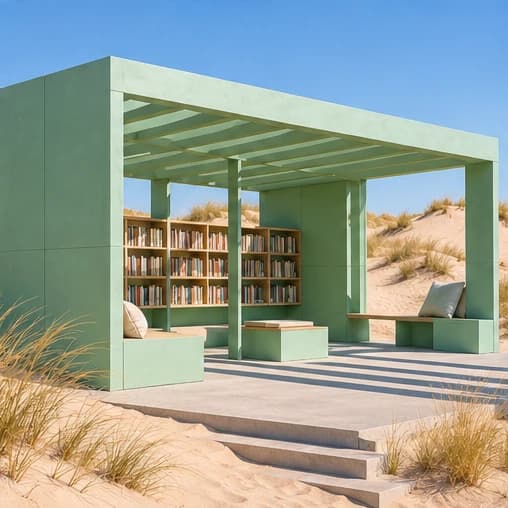
What to bring
The platform’s banner dimensions, avatar position and your brand material.
Steps
- Generate a draft at the intended aspect ratio.
- Keep the focal point inside the area shared by desktop and mobile crops.
- Preview in the actual profile and inspect edge crops and headline legibility.
Example instruction
Reading pavilion banner with mint architecture just right of centre and clear dunes on the left for the avatar.
Text to Image