
Rearrange objects in a poster
Move a still life aside to leave space for a new headline.
Open the Haivis canvas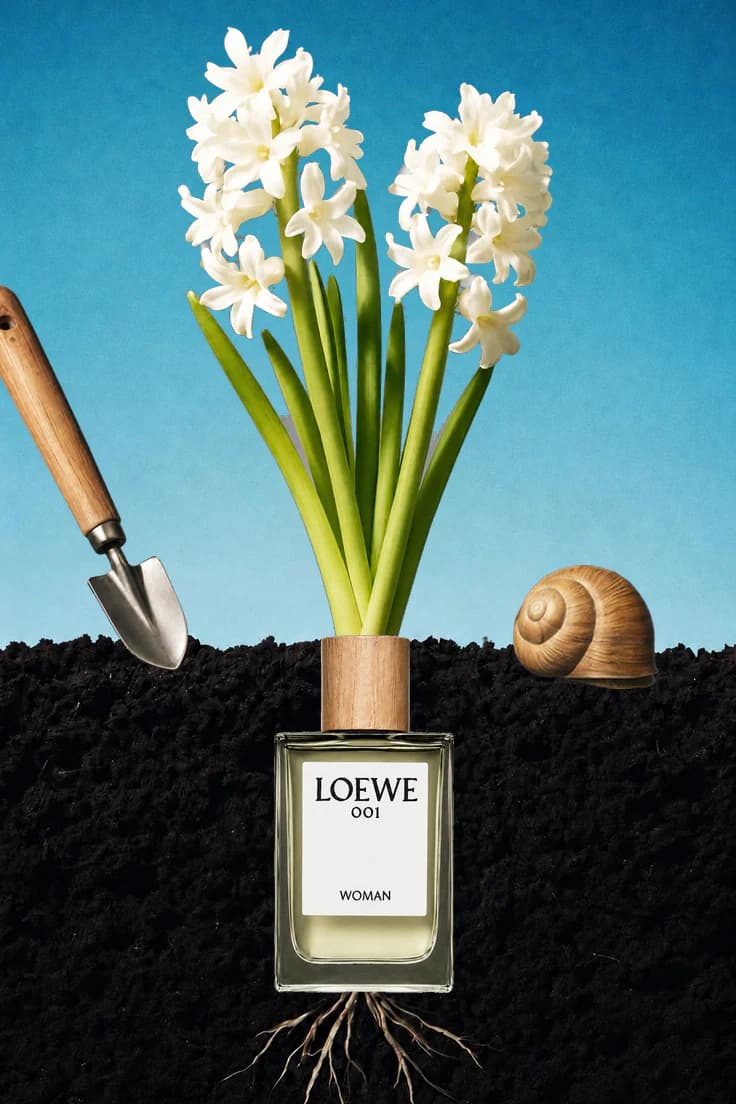
What to bring
A flattened poster and an estimate of the space required by the headline.
Steps
- Select the poster and mark the objects to separate.
- Move the resulting elements one by one and check edges and overlaps.
- Set the headline in the new space and inspect the composition as a thumbnail.
Example instruction
Move the still life to the lower right and leave two lines at the upper left. Keep the bottle upright.
Element separation